
- There is no single best DAW; the right one depends on your genre and workflow.
- Ableton Live is the best overall for electronic music and live performance, thanks to Session View.
- FL Studio is the best for beatmakers, with the best piano roll of any DAW and lifetime free updates.
- Logic Pro is the best value for Mac users, a one-time purchase with a huge bundled library.
- All modern DAWs sound identical; the "one sounds better" idea is a myth, so choose on workflow.
- GarageBand (Mac) and Cakewalk (Windows) are fully capable free DAWs for beginners.
The DAW, digital audio workstation, is the single most important piece of software in any producer’s setup. It is where you record, program MIDI, arrange, mix, and master, and the one you choose shapes how you work every single day.
Here is the truth most guides dance around: there is no “best” DAW in absolute terms. The days of one sounding better than another are long gone, they all produce professional results. What differs is personality and workflow. Some are built for live performance, others for beat-making, others for cinematic scoring or traditional recording. This guide compares the seven most relevant DAWs in 2026 so you can pick the one that fits you, not the one everyone is talking about.
Written by Jordan Ellis. Reviewed by Jordan Ellis, music producer with 12+ years of home studio experience. Last updated 18 July 2026.
How We Tested
Comparing DAWs is not a benchmarking exercise, because they all sound identical and all produce professional results. So instead of measuring performance, we built the same short track in each one from a blank session in our Austin studio: programming drums, recording a vocal, arranging, and mixing to a bounce, then noted where each workflow felt fast and where it fought us.
We paid particular attention to the things that only show up in real use, how quickly ideas get captured, how much menu-diving each task needs, and what the bundled instruments actually give you out of the box. Editions and pricing were verified against each developer’s official site in July 2026.
Best DAW Software in 2026: Quick Comparison
| DAW | Best for | Platform | Approx. price |
|---|---|---|---|
| Ableton Live 12 | Best overall / electronic | Mac, Windows | ~$99 to $749 |
| FL Studio | Best for beatmakers | Mac, Windows | ~$99 to $499 |
| Logic Pro | Best value (Mac) | Mac only | ~$199 one-time |
| Pro Tools | Best for recording | Mac, Windows | ~$99/yr and up |
| Cubase | Best all-rounder | Mac, Windows | ~$99 to $579 |
| Reaper | Best budget | Mac, Windows, Linux | ~$60 |
| GarageBand / Cakewalk | Best free | Mac / Windows | Free |
1. Ableton Live 12: Best Overall
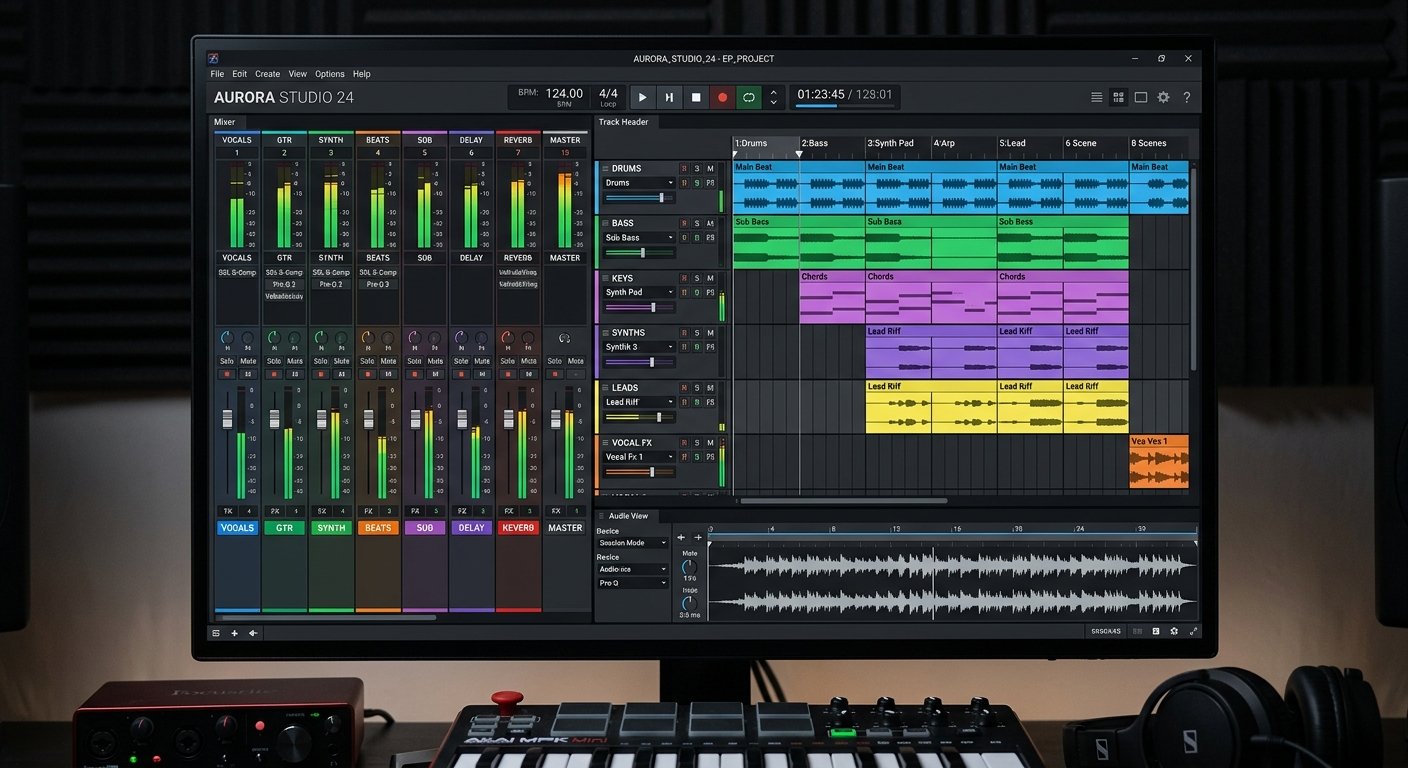
Ableton Live 12 is the DAW most producers land on, and it is the most versatile pick for the widest range of people. Its defining feature is the Session View, a non-linear grid of clips you can trigger and layer in any order, which is unmatched for sketching ideas fast and for live performance. No other DAW does this as fluidly.
It is the default in electronic music for a reason: an outstanding library of instruments and effects, a workflow built for looping and experimentation, and rock-solid stability on stage. But it is equally at home producing pop, hip-hop, or anything else in the traditional Arrangement View (see editions and pricing on Ableton’s official site).
The catch is price: the full Suite is expensive. But Live Intro (~$99) and Standard (~$449) cover most needs, and it often comes bundled with hardware.
Who should buy it: electronic producers, live performers, and anyone who wants the most versatile modern workflow.
Watch out for: the full Suite is pricey; the clip workflow takes adjustment if you come from a linear DAW.
Ableton Live 12
The unmatched Session View for live and idea sketching, plus a superb instrument and effects library: the most versatile DAW.
View Editions2. FL Studio: Best for Beatmakers
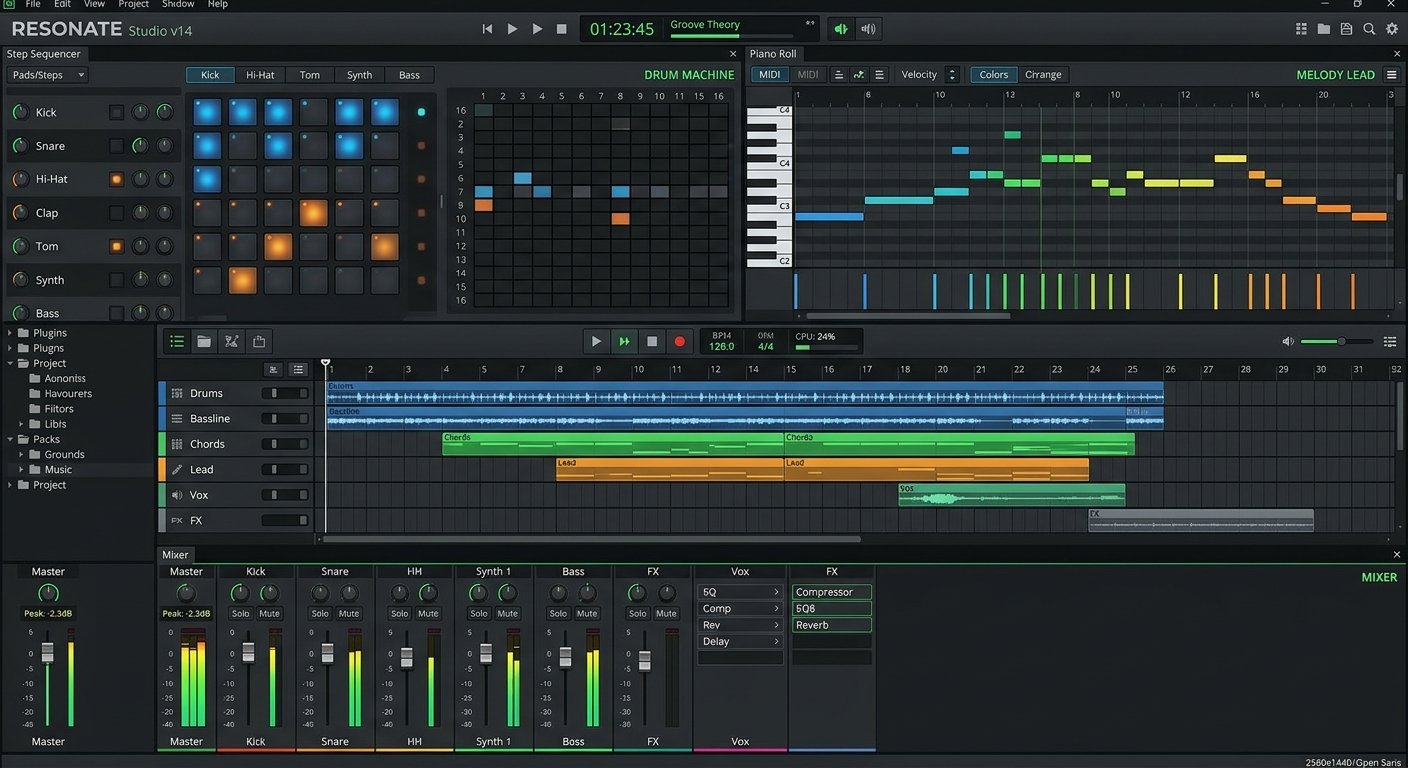
FL Studio (formerly Fruity Loops) is the beatmaker’s DAW, dominant in hip-hop and electronic production, and in 2026 it is a full all-in-one powerhouse, not just the idea-sketching tool it once was. Its pattern-based, non-linear workflow with separate windows for the step sequencer, piano roll, and playlist is uniquely fast for building beats.
The piano roll is widely considered the best in any DAW, which is why so many producers who work melodically swear by it. And FL Studio’s headline perk is unmatched: lifetime free updates. Buy it once and every future version is free, forever.
It runs on Mac and Windows and comes in tiered editions, so you can start cheap and upgrade the license later without repurchasing.
Who should buy it: beatmakers, hip-hop and electronic producers, and anyone who wants free updates for life.
Watch out for: audio recording workflow is less traditional than Pro Tools or Cubase.
FL Studio
The best piano roll in any DAW, a fast pattern-based workflow, and lifetime free updates: the beatmaker’s standard.
View Editions3. Logic Pro: Best Value (Mac)
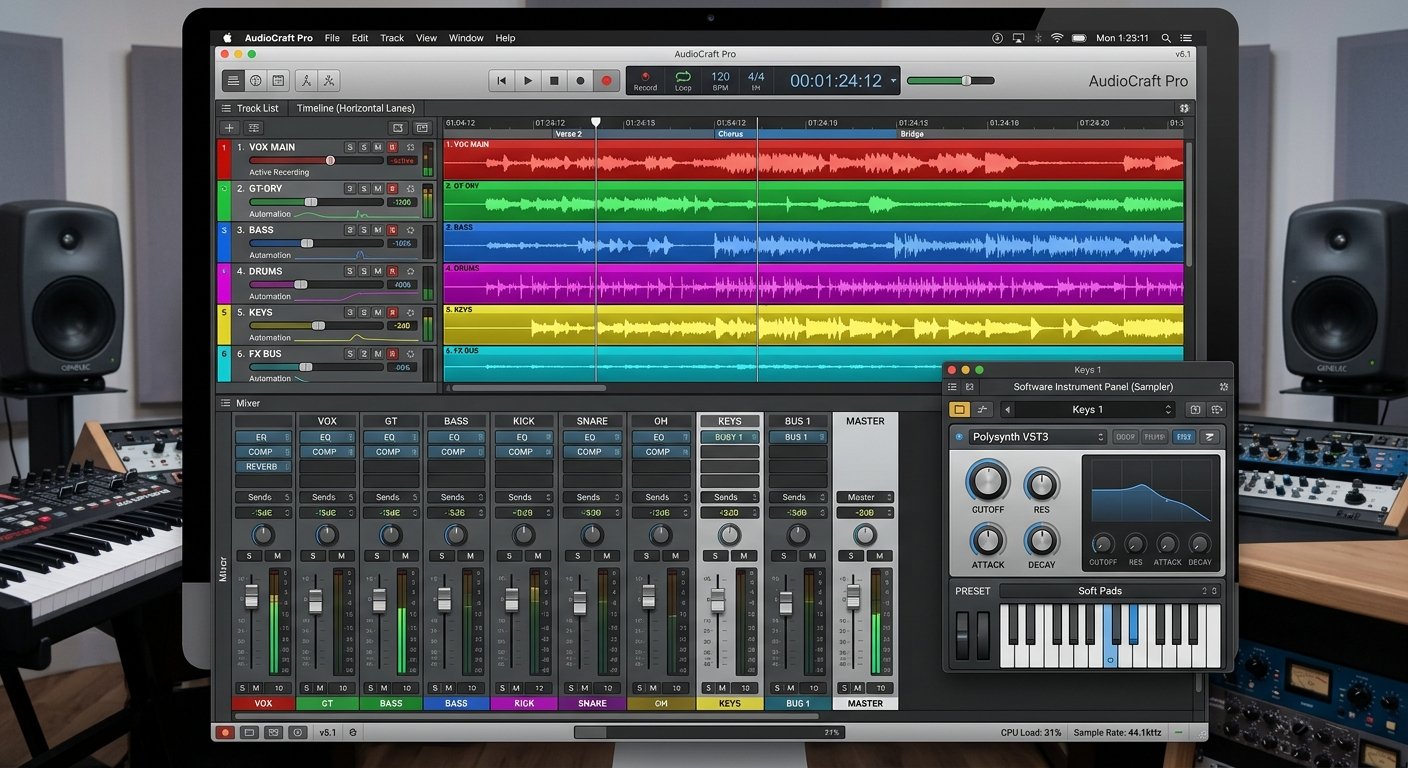
If you are on a Mac, Logic Pro (~$199) is almost impossible to beat on value. It is a one-time purchase, no subscription, for a fully professional DAW with an enormous bundled library of instruments, effects, loops, and sample content that would cost far more bought separately.
It is polished, deep, and famous for features like Flex Time and Flex Pitch that make audio and pitch manipulation effortless. Its beat-making tools have grown to rival Ableton’s, and it integrates seamlessly with GarageBand, so projects started on the free app carry straight over.
The only real limitation is that it is Mac only. If you are in the Apple ecosystem, it is the best value in professional software, full stop.
Who should buy it: Mac users who want a complete professional DAW without a subscription.
Watch out for: Mac only, no Windows version exists.
Logic Pro
A complete professional DAW with a huge bundled library for a one-time price, and it upgrades from GarageBand seamlessly.
View on Apple4. Pro Tools: Best for Recording
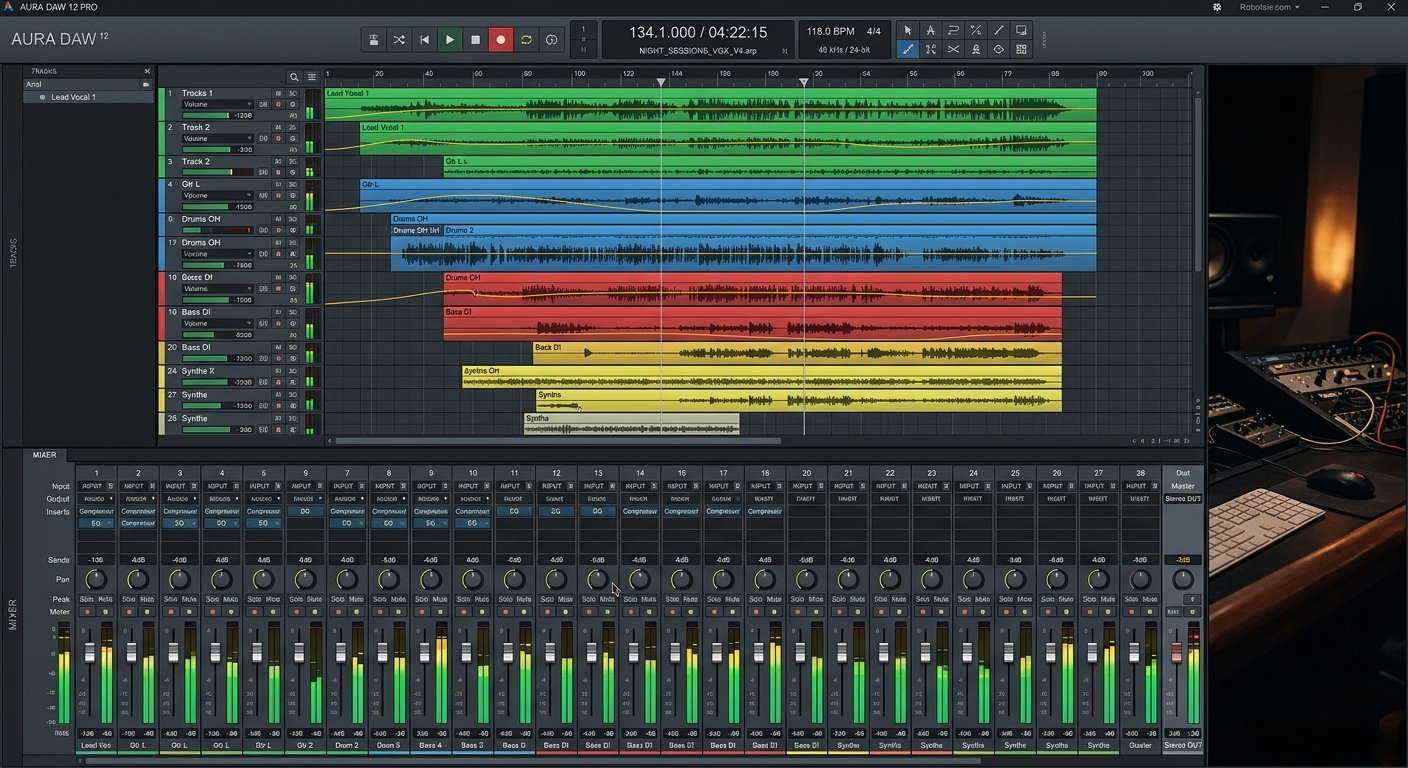
Pro Tools has been the industry standard for recording studios for decades, and if your focus is tracking bands, engineering, or post-production for film and TV, it is still the one to learn. Its workflow mirrors a traditional recording studio, and its audio editing and post-production tools are best in class.
If you plan to work in professional studios, knowing Pro Tools is close to a job requirement, session files are universally exchanged in it. It comes with a comprehensive, regularly updated set of plugins and sound libraries.
The downside is the pricing model: it has moved largely to subscription (with an Artist tier and perpetual options), which frustrates some. But for serious recording and engineering, it remains the professional benchmark.
Who should buy it: recording engineers, studio professionals, and post-production sound designers.
Watch out for: subscription pricing, and it is overkill for pure beat-making.
Pro Tools
The decades-long industry standard for studio recording, editing, and post-production: essential if you work in pro studios.
View Plans5. Cubase: Best All-Rounder
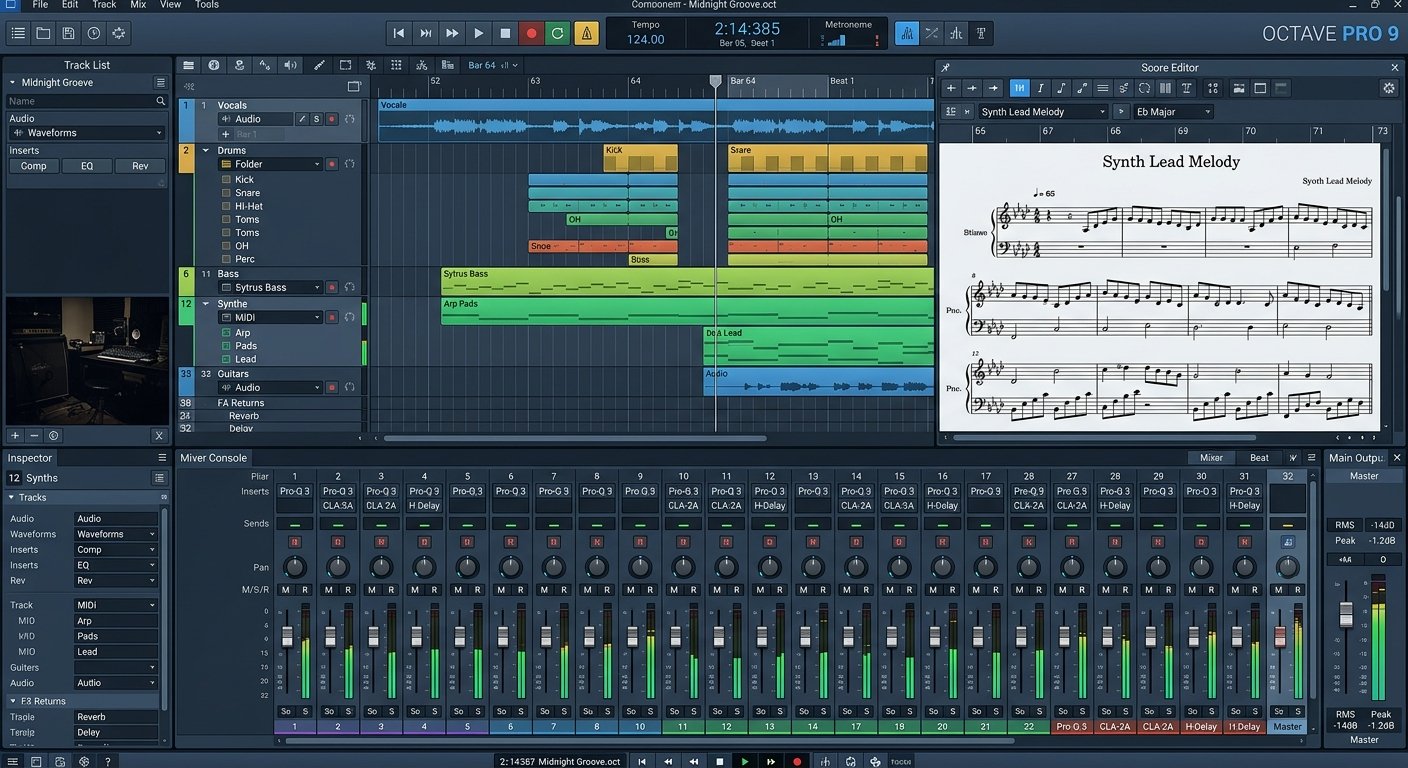
Steinberg’s Cubase is one of the original DAWs and remains one of the most complete. It does everything to a professional standard, sequencing, recording, audio manipulation, mixing, mastering, and a genuinely excellent score editor, making it a favourite for composers and songwriters who work with notation.
Steinberg invented VST plugin technology, so plugin support is deep and universal. The built-in instruments and effects are excellent, and the tiered editions (Elements ~$99, Artist, and Pro ~$579) let you buy in at your level and upgrade over time.
It is the do-it-all choice if you want one balanced DAW that handles any genre or task without leaning heavily toward electronic or recording.
Who should buy it: composers, songwriters, and producers who want a balanced all-rounder with great notation.
Watch out for: the interface has a learning curve; uses a licensing system.
Steinberg Cubase
A complete professional all-rounder with a superb score editor and deep VST support, in editions for every budget.
View Editions6. Reaper: Best Budget
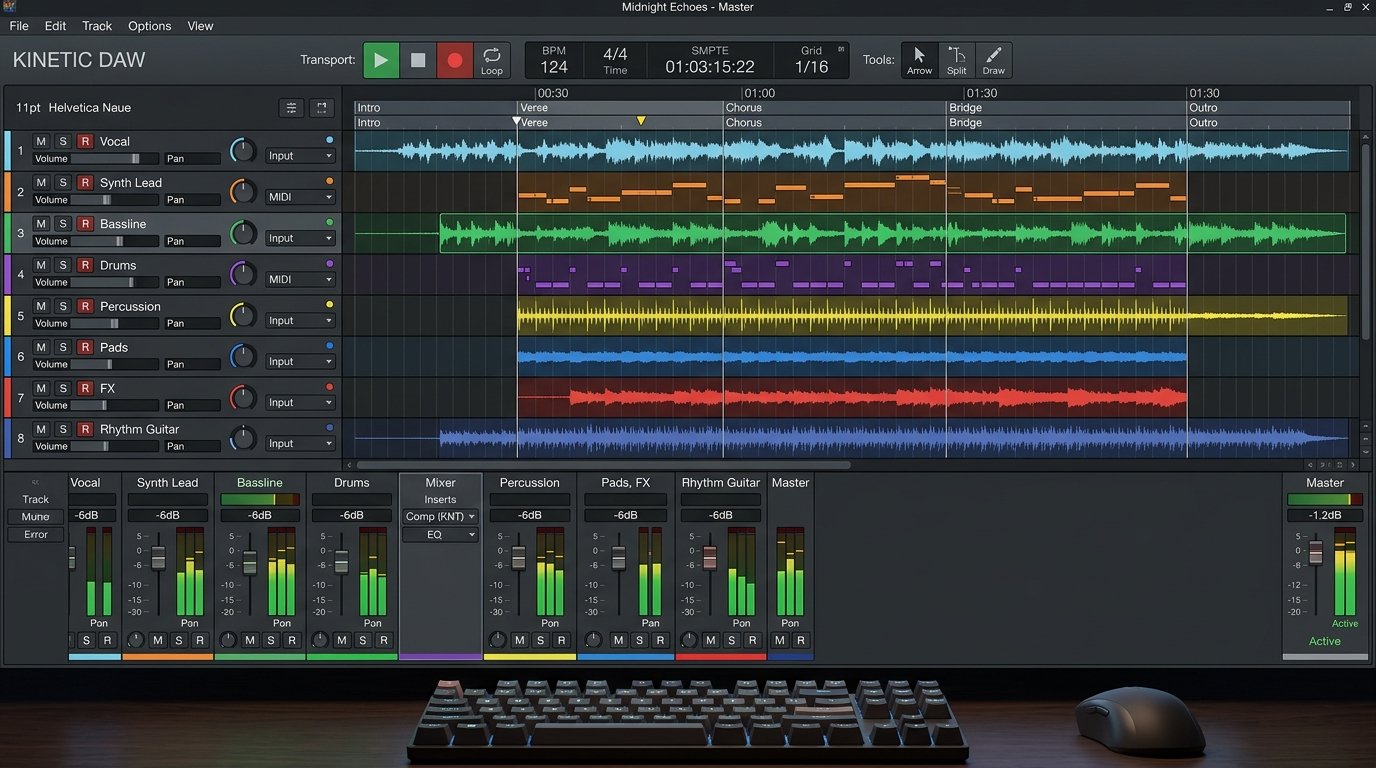
Reaper is the best-value professional DAW by a wide margin. A full license is around $60 (a discounted personal license), and there is a genuinely unlimited free trial, for a DAW that is fully capable of professional work with no artificial limits on the core workflow.
It is famously lightweight and efficient, running smoothly on modest hardware and older machines where heavier DAWs struggle. It is also endlessly customisable, you can reshape almost every aspect of the interface and behaviour to fit your workflow, and it runs on Mac, Windows, and Linux.
The trade-off is that it does not come with the huge bundled instrument and loop libraries of Logic or Cubase, so you supply your own plugins. For producers who already have plugins, or want a lean, affordable, powerful DAW, nothing beats it.
Who should buy it: budget-conscious producers, minimalists, and anyone with older or low-spec hardware.
Watch out for: minimal bundled instruments and sounds; the stock look is plain.
Reaper
A fully professional, lightweight, endlessly customisable DAW for around $60: the best value in music software.
View Pricing7. GarageBand / Cakewalk: Best Free
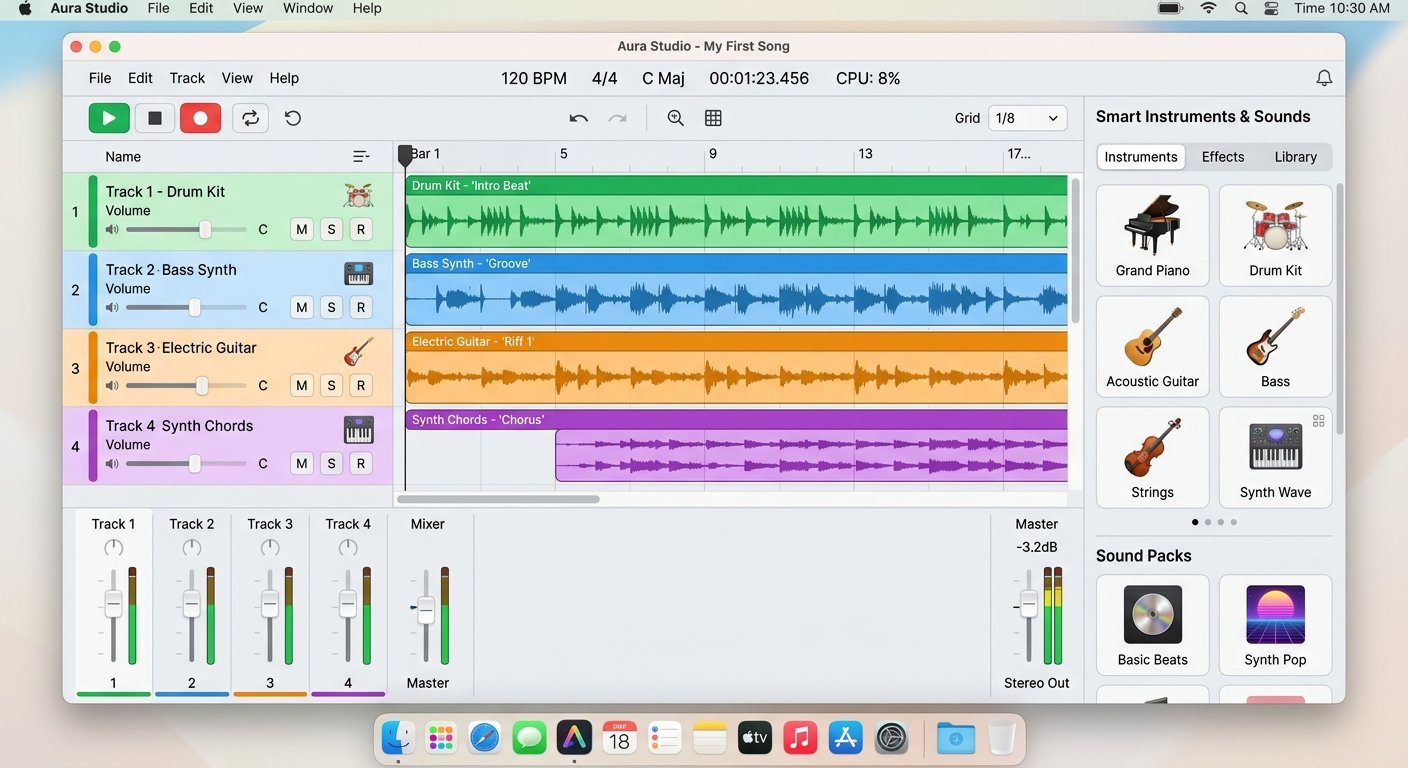
You do not need to spend a penny to start making music in 2026, and the best free DAWs are not watered-down toys.
On Mac, GarageBand is the answer. It is free, remarkably capable, has some of the strongest recording tools of any free DAW, and, crucially, projects open directly in Logic Pro when you upgrade, so nothing is wasted. It is the ideal on-ramp for any Apple user.
On Windows, Cakewalk by BandLab (now Sonar’s free tier) is the most powerful free option, a genuinely professional tool with no artificial limits on the core workflow. The interface feels a little dated and the learning curve is steeper than GarageBand, but the capability is real.
Either one takes you from your first beat to a finished track without a credit card.
Who should buy it: complete beginners, anyone testing the waters, or producers on zero budget.
Watch out for: GarageBand is Mac only; Cakewalk is Windows only.
GarageBand (Mac) / Cakewalk (Windows)
Fully capable free DAWs: GarageBand on Mac (upgrades to Logic) and Cakewalk on Windows, no credit card needed.
Free DownloadHow to Choose the Right DAW
Match the DAW to your music
This is the most important factor. Electronic and live? Ableton. Beats and hip-hop? FL Studio. Recording bands or post-production? Pro Tools. Scoring and notation? Cubase or Logic. Every modern DAW can do everything, but each has a workflow that makes its home genre effortless and others slightly more work.
Consider your platform
Your operating system narrows the field. Logic Pro and GarageBand are Mac only. Everything else runs on both Mac and Windows, and Reaper adds Linux. If you are on Windows, Logic is off the table; if you are on Mac, it is the value champion.
Pricing models matter
Look beyond the sticker price at how you pay. FL Studio gives lifetime free updates, buy once, upgrade forever. Logic Pro is a one-time purchase. Pro Tools leans on subscription. Reaper is a cheap one-time licence. Over years, these differences add up to more than the initial price.
Try before you commit
Almost every DAW offers a free trial, and Reaper’s is effectively unlimited. The workflow that clicks for one producer feels awkward to another, so test two or three before buying. The right DAW is the one that gets out of your way, not the one with the best spec sheet.
Do not chase “the best”
No DAW sounds better than another in 2026, the audio engines are all transparent. Switching DAWs later is disruptive, so pick one that fits and learn it deeply rather than hopping between them. Fluency in one DAW beats surface knowledge of five.
Think about what you already own
If you bought an audio interface or a MIDI controller, check what came bundled, many include Ableton Live Lite, Pro Tools Intro, or Cubase LE free. Starting with a bundled DAW is a smart, zero-cost way to begin.
Frequently Asked Questions
What is the best DAW software in 2026?
Which DAW is best for beginners?
Does the DAW you use affect the sound quality?
What is the best DAW for making beats?
Is there a good free DAW?
Which DAW do professionals use?
The Bottom Line
There is no single best DAW in 2026, only the best DAW for you. Ableton Live is the most versatile and the top pick for electronic and live work, FL Studio is the beatmaker’s choice with unbeatable lifetime updates, Logic Pro is the best value for Mac, and Reaper is the budget powerhouse. If you are starting out, GarageBand or Cakewalk cost nothing.
Match the DAW to your genre, check your platform, try two or three trials, then pick one and learn it deeply. Fluency beats feature-count every time.
Next, pair your DAW with the right audio interface, a MIDI controller, and studio monitors. If you produce electronic music, see our best MIDI controller for Ableton and best MIDI controllers for FL Studio guides.
Written by Jordan Ellis, founder of Shlohmo and a home-studio builder with 12+ years of hands-on production experience. Recommendations reflect hands-on use and current professional consensus, with editions and pricing verified for 2026.