
- Suno is the better pick for most people in 2026 — natural vocals, fast generation, and working downloads.
- Udio has cleaner 48kHz audio and better instrument separation, but disabled downloads after its Universal Music settlement.
- Music you can't export isn't music you can use — this is the deciding factor in 2026.
- Both start around $10/month, but Suno gives more credits per dollar.
- You must be a paid subscriber at generation time to hold commercial rights on either platform.
“Suno vs Udio” is the most-argued question in AI music, and in 2026 the answer actually changed. For two years the standard advice was “Suno for speed, Udio for quality, use both.” That advice is now out of date, because Udio quietly turned off the one feature that made the combo work: downloads.
I’ve spent months generating hundreds of tracks on both platforms. This comparison breaks down audio quality, vocals, pricing, commercial rights, and the licensing situation, then tells you exactly which one to pick for your use case.
Written by Alex Kim. Reviewed by Alex Kim, electronic producer who tests AI music generators and production software. Last updated 18 July 2026.
How We Tested
We ran the same prompts through both platforms across several months, generating hundreds of tracks rather than a handful, because both models are inconsistent enough that a small sample tells you very little. Identical prompts went into each tool so the outputs could be compared directly, covering vocal-led pop and rock, acoustic material, and instrumental electronic tracks.
We listened on studio monitors and headphones for vocal realism, instrument separation, and the artefacts that give AI generation away, timed generation speed across dozens of runs, and worked through the full export path on each platform, which is where Udio’s current restriction becomes impossible to ignore. Pricing and credit allowances were verified in July 2026.
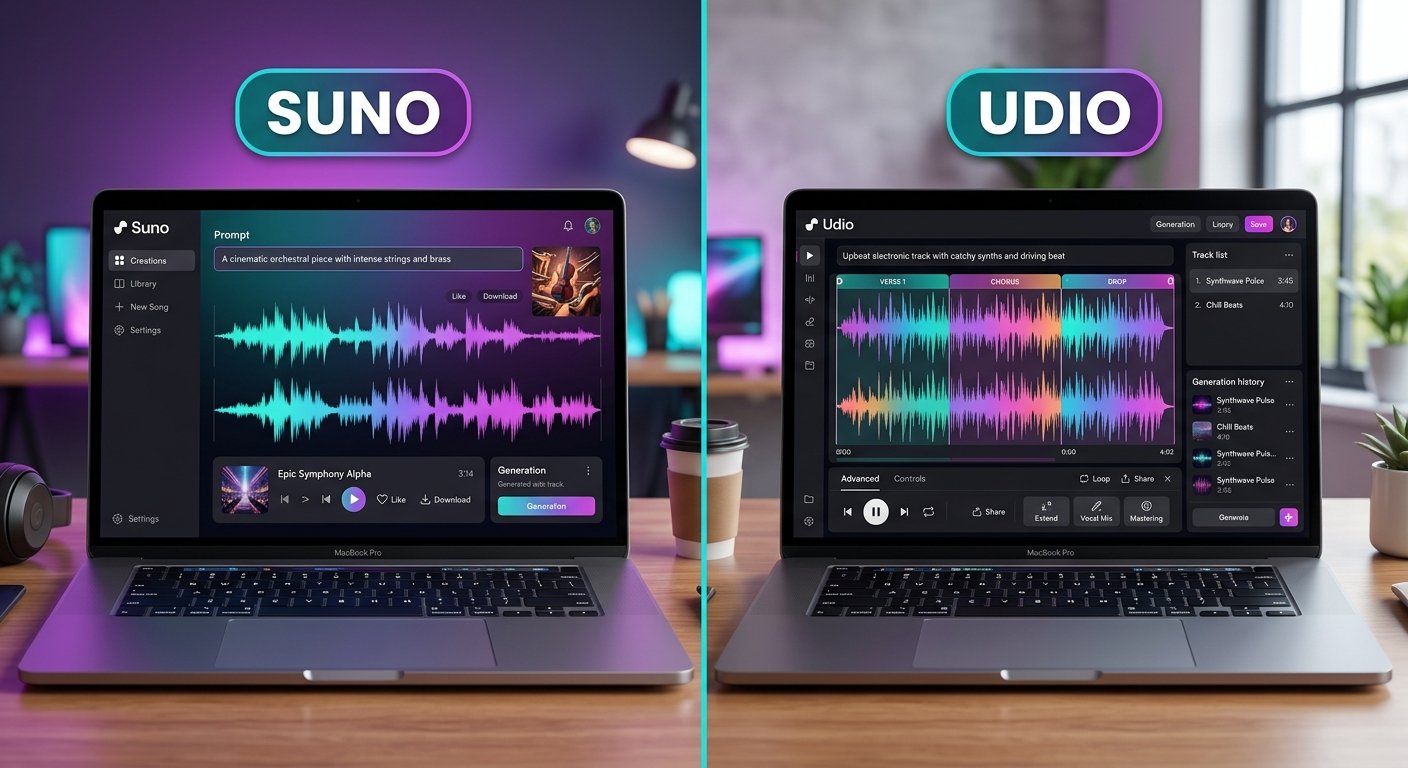
Suno vs Udio 2026: Quick Comparison
| Suno (v5) | Udio | |
|---|---|---|
| Best for | Finished, downloadable vocal songs | Studio-grade instrumentals, prototyping |
| Audio quality | 44.1kHz, warm, expressive vocals | 48kHz, cleaner instrument separation |
| Vocals | Most natural in the category | Strong, slightly behind Suno |
| Speed | 30 to 90 seconds | 90 seconds to 3 minutes |
| Downloads | Yes, on all paid plans | Disabled during UMG licensing transition |
| Commercial rights | Paid plans from $10/mo | Pro plan ($30/mo) |
| Entry price | ~$10/mo (Pro) | ~$10/mo |
| Licensing | Warner deal; Sony + UMG litigation active | UMG + Warner settled (cleanest) |
| Built-in DAW | Yes (Suno Studio) | No (Sessions + inpainting) |
The One Difference That Decides It: Downloads
Start here, because in 2026 this single factor overrides almost everything else. After Udio settled its copyright lawsuit with Universal Music Group in October 2025, it amended its terms and disabled audio, video, and stem downloads for most users across all plans, including Pro, a change widely documented across the music-industry press. Udio became a “walled garden”: you can generate, play, share, and keep iterating inside the platform, but you cannot pull the WAV, MP3, or stems out for your YouTube video, podcast, client ad, or DAW.
Suno has no equivalent restriction. On any paid plan you generate a track, download the file, and do whatever you want with it under your commercial license. In our testing this was the difference between a tool we could actually finish work in and one we could only play inside. A fully licensed version of Udio with downloads re-enabled is expected later in 2026, but as of mid-2026 it has not shipped.
The practical takeaway is blunt: music you can’t export isn’t music you can use. If your goal is to release a song, run it in an ad, or drop it into a video, Udio’s download freeze rules it out for now, no matter how good it sounds.
Audio Quality: Does Udio or Suno Sound Better?
On raw specs, Udio has the edge.
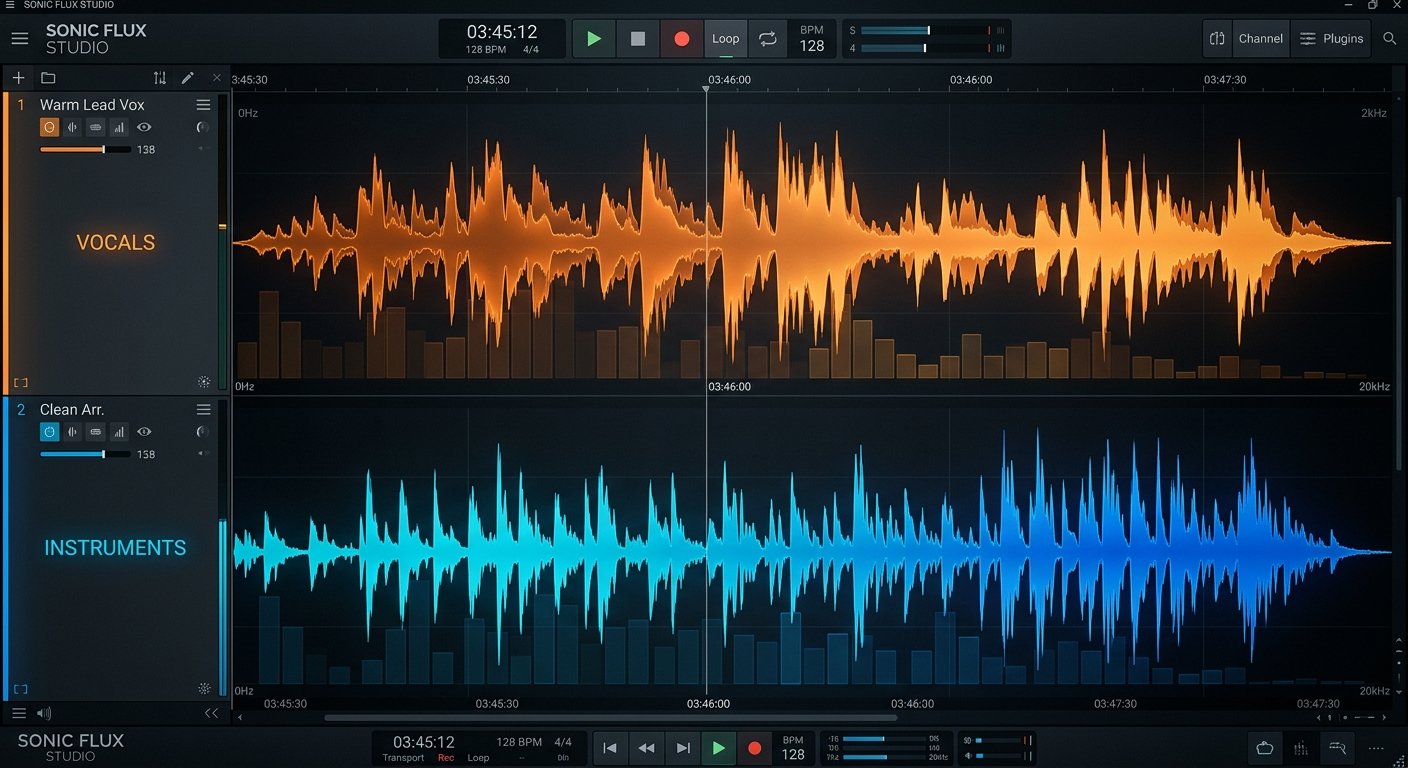
It outputs at 48kHz (the professional video and film standard) versus Suno’s 44.1kHz (CD quality). In practice, the difference between the two sample rates is inaudible to human ears; both capture frequencies beyond what you can hear. Where Udio genuinely pulls ahead is instrument separation: individual instruments occupy their own space in the mix more clearly, which producers who want clean stems consistently notice on acoustic guitars, pianos, and drums.
Suno’s advantage is vocals. Its v5 model produces the most natural, emotionally expressive vocals of any AI generator, especially for pop, rock, R&B, and cinematic styles. Suno also handles a wider range of genres reliably. Udio can sound slightly synthetic on acoustic material, while Suno’s vocal realism passes casual listening tests more often.
Verdict: Udio for instrumental fidelity and separation, Suno for lead vocals and all-round versatility.
Which Is Faster, Suno or Udio?
Suno is noticeably faster, generating a full track in 30 to 90 seconds versus Udio’s 90 seconds to 3 minutes. For rapid ideation, where you generate, listen, tweak the prompt, and regenerate, that speed compounds into a real workflow advantage.
Suno also ships Suno Studio, a built-in DAW-style workspace with stem extraction, MIDI export, and multi-track editing on its Premier plan. Udio counters with Sessions and its standout inpainting feature, which lets you regenerate a single section (one bar, one line) without redoing the whole track. In our sessions this was genuinely the best editing tool either platform offers. Producers who need surgical edits love Udio’s inpainting; creators who want an end-to-end pipeline prefer Suno Studio.
Suno vs Udio Pricing and Credits
Both platforms start around $10/month, but the value differs. At every tier, Suno delivers more credits per dollar: roughly 2,500 credits at $10/month versus Udio’s ~1,200, and 10,000 versus ~4,800 at the $30 tier. Udio also returns two songs per action, which burns credits faster.
Udio’s one pricing advantage is that it offers commercial rights at its entry paid tier. On Suno, commercial rights come with any paid plan, but the fullest feature set (stem export, Suno Studio, highest credit count) lives on the $30 Premier plan.
One trap catches people on both platforms: you must be a paid subscriber at the moment you generate a track to hold commercial rights to it. If you make something on the free tier and it goes viral, upgrading afterward does not retroactively license it.
Licensing and the Legal Landscape
This is where the two platforms diverge most, and it is the reason Udio disabled downloads in the first place.

Udio has the cleaner story. It became the first AI music platform to sign a licensing deal with Universal Music Group (October 2025), followed by Warner Music. Those settlements are exactly why its output is currently locked inside the platform, to avoid cannibalizing label catalogs while the licensed model rolls out.
Suno settled with Warner Music Group in late 2025 (and acquired Warner’s Songkick ticketing platform in the process) but kept downloads and commercial rights intact for paid users. The trade-off is legal exposure: Universal and Sony remain in active litigation with Suno as of 2026. For hobby use this uncertainty does not matter; for large-scale commercial distribution it is worth understanding. The U.S. Copyright Office’s guidance on AI-generated works and human authorship is worth reading before you build a business on either tool.
Suno vs Udio: Which Should You Choose?
Choose Suno if…
You need a finished, vocal-led song you can download and release. You want the most natural vocals, the fastest generation, a built-in DAW, and commercial rights at the lowest price. You work in vocal-forward genres (pop, rock, R&B, folk, cinematic). You are a beginner who wants the most accessible platform. For the large majority of creators in 2026, this is the answer.
Choose Udio if…
You are experimenting, prototyping, or generating reference instrumentals you don’t need to export. You prioritize instrument separation and 48kHz fidelity, you value inpainting for surgical edits, and you prefer the cleanest major-label licensing posture over the ability to distribute right now. Reassess Udio the moment its licensed platform re-enables downloads, because the combination of top-tier audio and legitimate licensing could make it the top pick.
The honest middle ground
The old “use both” advice assumed you could ideate in Udio and finish in Suno. With Udio’s downloads paused, that pipeline is broken for most people. For now, treat both as scratchpads for demos and topline ideas, then re-record or finish in a tool you can actually export from. Both platforms have free tiers, so the smartest move is to run the same prompt on each and judge with your own ears.
Want the wider field? See our full guide to the best AI music generators in 2026, which ranks seven tools including Riffusion, AIVA, and Stable Audio. And when your track is done, our free music tools like the BPM tapper and song key and BPM finder help you key- and tempo-match it with the rest of your project.
Frequently Asked Questions
Is Suno or Udio better in 2026?
Why can't I download my songs from Udio?
Does Suno or Udio have better audio quality?
Which is cheaper, Suno or Udio?
Can I use Suno or Udio music commercially?
Should I use both Suno and Udio together?
The Bottom Line
In 2026, Suno is the AI music generator most people should use. Not because Udio makes worse music, it arguably makes cleaner instrumentals, but because a song you can’t export is a song you can’t use. Suno gives you natural vocals, fast generation, a built-in DAW, and downloadable files with commercial rights from $10/month.
Pick Udio if you live inside the platform, care most about instrument separation and licensing cleanliness, and don’t need to export yet. And keep an eye on Udio’s licensed relaunch: if downloads come back alongside its 48kHz quality and label deals, this comparison could flip. Have a favorite we missed? Let us know.