- The Focusrite Scarlett 2i2 4th Gen (~$199) is the best all-round audio interface for home studios in 2026.
- Recording solo? The Scarlett Solo 4th Gen gives the same preamps for about $60 less.
- The MOTU M2 has the best raw sound quality under $200 thanks to ESS Sabre32 converters.
- On the tightest budget, the Behringer UMC22 (~$49) still uses a real MIDAS preamp.
- Match inputs to your workflow — most home recordists only need one or two.
Picking the best audio interface for home studio use is the single most important gear decision a new producer makes. I’ve spent over 12 years recording vocals, guitars, and synths through budget and mid-range interfaces in a small home setup, and one thing has stayed true: the audio interface is the heart of your signal chain. Choose the right USB audio interface for music production and everything downstream, your mic, your monitors, your mixes, gets better. Choose wrong, and you’ll fight noise, latency, and driver crashes for years.
This guide covers the 9 best audio interfaces for home studio use in 2026, from sub-$50 starter units to premium desktop interfaces, based on hands-on testing in a real home studio, current pricing, and who each one actually suits.
Written by Jordan Ellis. Reviewed by Jordan Ellis, music producer with 12+ years of home studio experience. Last updated 18 July 2026.
How We Tested
Every interface here was used for real recording in our Austin home studio rather than assessed from a spec sheet. We ran the same vocal and acoustic guitar sources through each at matched levels so the preamps could be compared honestly, then pushed each one with a gain-hungry Shure SM7B to find exactly where it ran out and started adding hiss, which is where most budget interfaces reveal themselves.
We also measured round-trip latency on the same laptop at identical buffer settings, ran multi-hour sessions on both Mac and Windows to check driver stability, and timed setup from unboxing to first recorded take. Manufacturer specifications are cited directly where relevant, and prices were verified in July 2026.
Best Audio Interfaces for Home Studio 2026: Quick Comparison
| Interface | Best For | Inputs | Price (approx.) |
|---|---|---|---|
| Focusrite Scarlett 2i2 4th Gen | Best overall | 2 XLR/combo | $199 |
| Focusrite Scarlett Solo 4th Gen | Best for beginners | 1 XLR + 1 inst | $139 |
| MOTU M2 | Best value sound quality | 2 combo | $169 |
| Audient iD4 MkII | Best preamp under $200 | 1 XLR + 1 inst | $199 |
| Universal Audio Volt 276 | Best analog character | 2 combo | $299 |
| SSL 2+ MkII | Best for collaboration | 2 combo | $229 |
| Behringer U-Phoria UMC22 | Best under $50 | 1 XLR + 1 inst | $49 |
| PreSonus AudioBox GO | Best portable budget | 1 XLR + 1 inst | $79 |
| UA Apollo Twin X | Best premium upgrade | 2 combo | $799 |
1. Focusrite Scarlett 2i2 4th Gen: Best Audio Interface for Most Home Studios
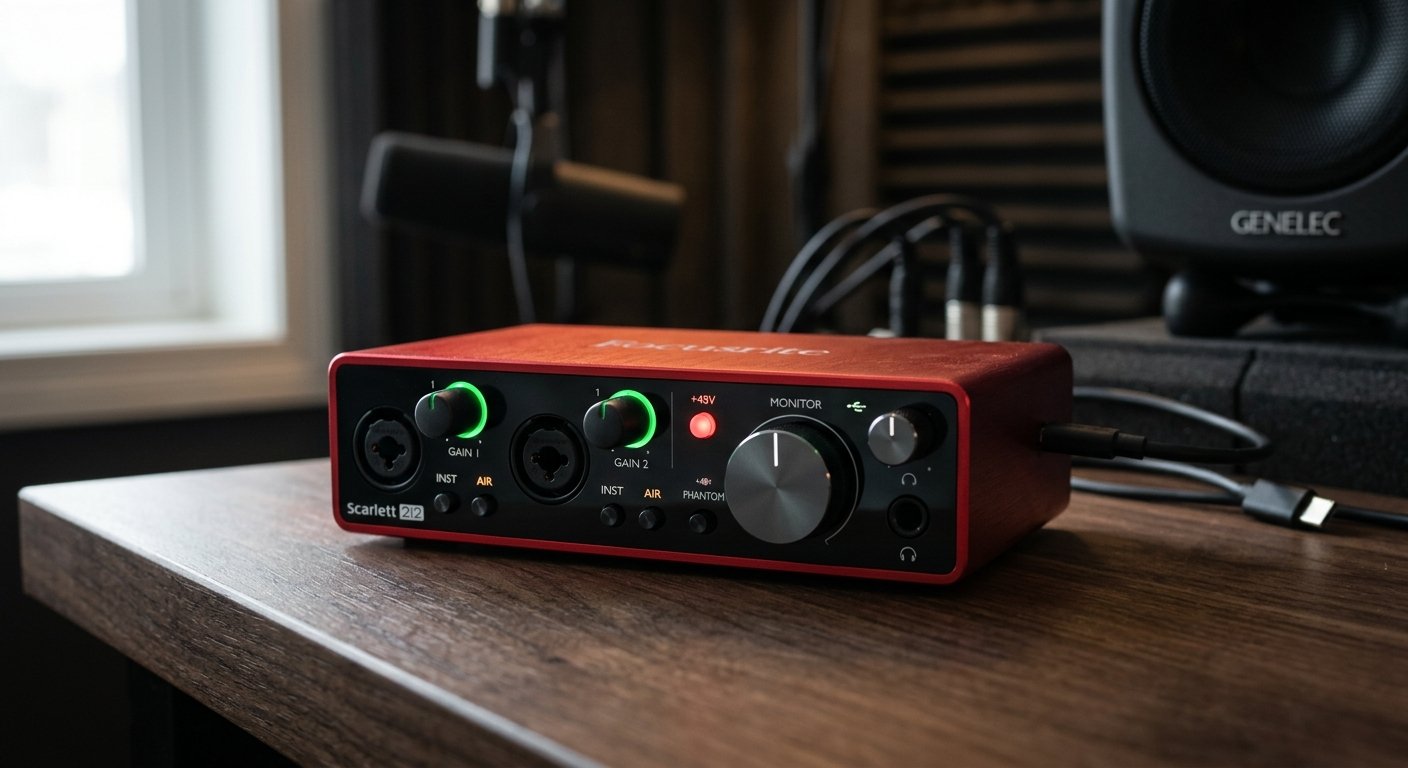
The Scarlett 2i2 is the world’s best-selling audio interface, and the 4th Gen earns that spot rather than coasting on it. The preamps now deliver up to 69dB of gain, enough to drive a Shure SM7B without an inline booster, with 120dB of dynamic range pulled from Focusrite’s high-end RedNet converter lineage (full specs on Focusrite’s official Scarlett page).
Three features make this the best USB audio interface for home recording in its class. Auto Gain listens to your source for a few seconds and sets the perfect input level automatically, a genuine time-saver when you’re recording yourself. Clip Safe monitors the signal in real time and pulls the gain back before a hot take distorts, which has saved more than one vocal session. And the reworked Air mode now has a DSP Harmonic Drive setting that adds console-style warmth, not just a treble lift.
The 4th Gen also moved the XLR inputs to the rear panel, which keeps a small desk tidy, and the new headphone amp drives high-impedance headphones (like 250-ohm Beyerdynamics) properly. The software bundle (Ableton Live Lite, Pro Tools Intro+, a 6-month FL Studio Producer trial, and the Hitmaker Expansion plugin suite) covers a beginner’s entire first year.
Who should buy it: anyone recording vocals and guitar at home who wants a reliable, near-universal recommendation. It’s the best audio interface for recording vocals at home under $200, full stop.
Watch out for: no onboard DSP effects (reverb/delay while tracking), and Windows users need the Focusrite Control 2 app installed.
Focusrite Scarlett 2i2 4th Gen
120dB dynamic range, 69dB preamps, Auto Gain plus Clip Safe, and the best beginner software bundle in the business.
Check Price on Amazon2. Focusrite Scarlett Solo 4th Gen: Best Audio Interface for Beginners
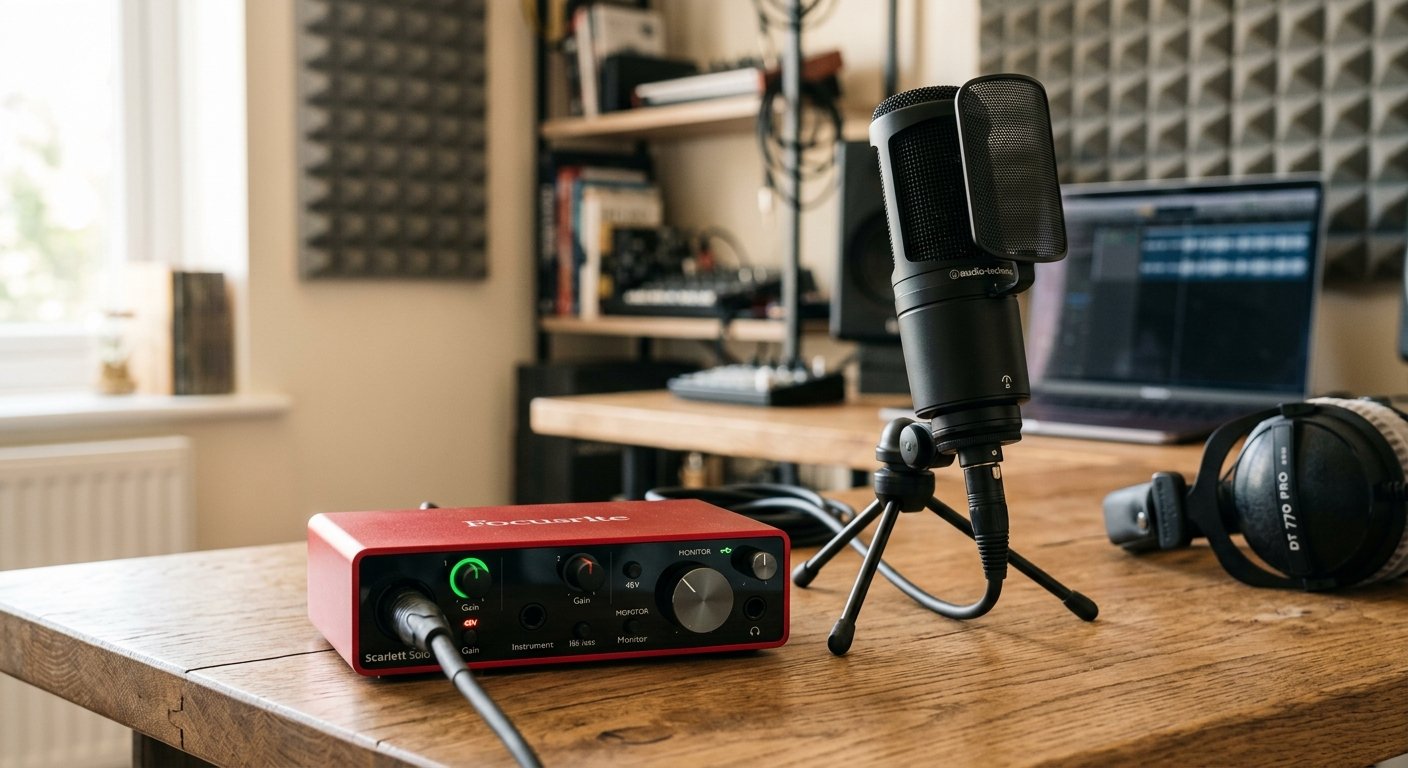
If you’re a solo artist, podcaster, or singer-songwriter recording one microphone and one instrument, the Solo 4th Gen gives you the same preamp gain (69dB), the same Air mode, and the same Auto Gain as the 2i2, for roughly $60 less.
It’s class-compliant on Mac (plug in and record, zero drivers) and works with iPads over USB-C, which makes it the best audio interface for beginners who want the least possible friction between an idea and a recorded take. The single XLR/combo input handles condensers with 48V phantom power and has enough clean gain for dynamic mics, while the front Hi-Z input takes guitar or bass directly.
Who should buy it: first-time home studio builders, podcasters, and anyone asking “what’s the cheapest audio interface that won’t hold me back?” This is it.
Watch out for: you can’t record two mics at once. If you ever plan to track vocals and a miked guitar amp together, spend up on the 2i2.
Focusrite Scarlett Solo 4th Gen
Same 4th Gen preamps and Auto Gain as the 2i2 in a one-mic format, the easiest way to start recording at home.
Check Price on Amazon3. MOTU M2: Best Value Audio Interface Under $200
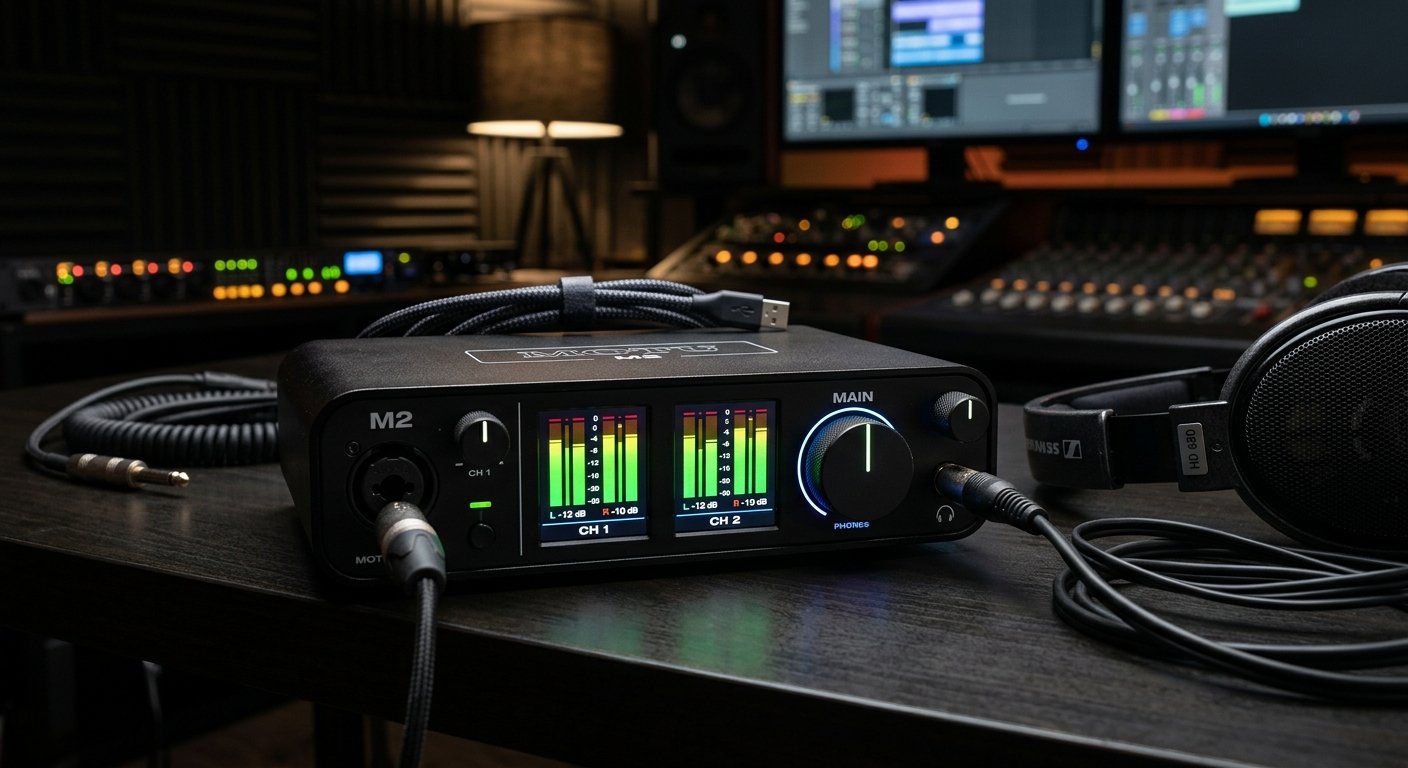
The MOTU M2 is the interface audio nerds recommend when someone asks for the best sound quality under $200. It uses ESS Sabre32 converters, the same DAC family found in far more expensive gear, and the difference is audible on playback: a wider, cleaner top end than anything else at this price. MOTU rates the M2’s outputs at 120dB dynamic range, which you can confirm on MOTU’s official M2 page.
The full-color LCD metering on the front panel is something even $500 interfaces skip, and it makes gain staging genuinely easier. You can see exactly where your level sits instead of guessing from a single LED halo. Loopback support also makes the M2 a favorite for streamers and podcasters who need to route computer audio into a recording.
Who should buy it: producers who prioritize conversion quality and metering over extras, and streamers who need loopback built in.
Watch out for: the preamps are clean but have less maximum gain than the Scarlett 4th Gen, so a very quiet dynamic mic may want a booster.
MOTU M2
ESS Sabre32 converters and full-color LCD metering: audiophile-grade playback and the easiest gain staging in its class.
Check Price on Amazon4. Audient iD4 MkII: Best Preamp Quality Under $200
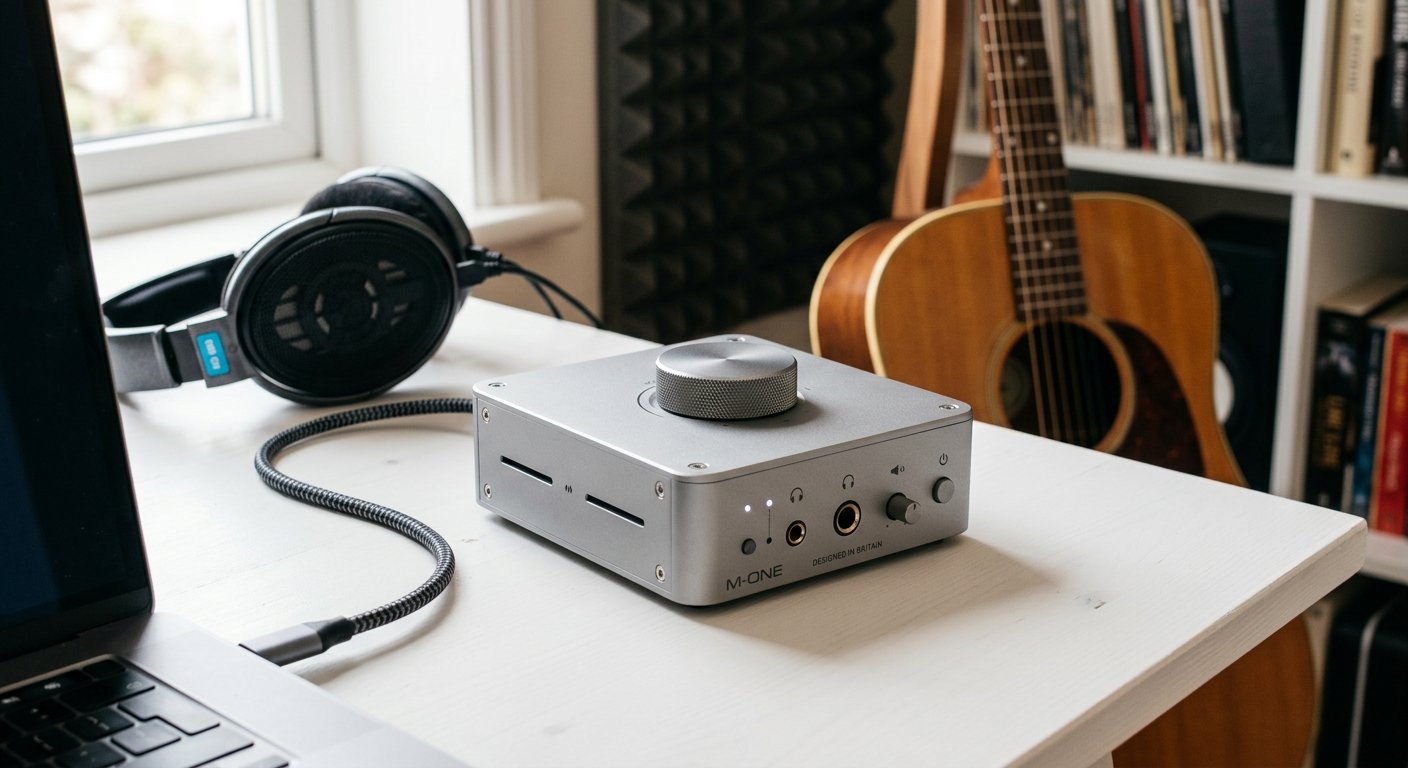
Audient puts the same preamp technology from its ASP8024-HE recording console, a desk that costs as much as a car, into the iD4 MkII. The result is the most musical-sounding mic preamp in this price range: slightly rich, never harsh, flattering on vocals and acoustic instruments.
The all-metal build feels like it will outlive your laptop, and the scroll-wheel monitor control doubles as a virtual scroll for your DAW. For a one-mic home studio focused on capture quality above all else, this is the best audio interface for recording acoustic guitar and vocals in its class.
Who should buy it: singer-songwriters and acoustic musicians who care about preamp character more than input count.
Watch out for: like the Solo, it’s one mic input only, and there’s no MIDI I/O.
Audient iD4 MkII
Console-grade Audient preamp in a bombproof all-metal desktop box: the best-sounding one-mic interface under $200.
Check Price on Amazon5. Universal Audio Volt 276: Best Analog Character
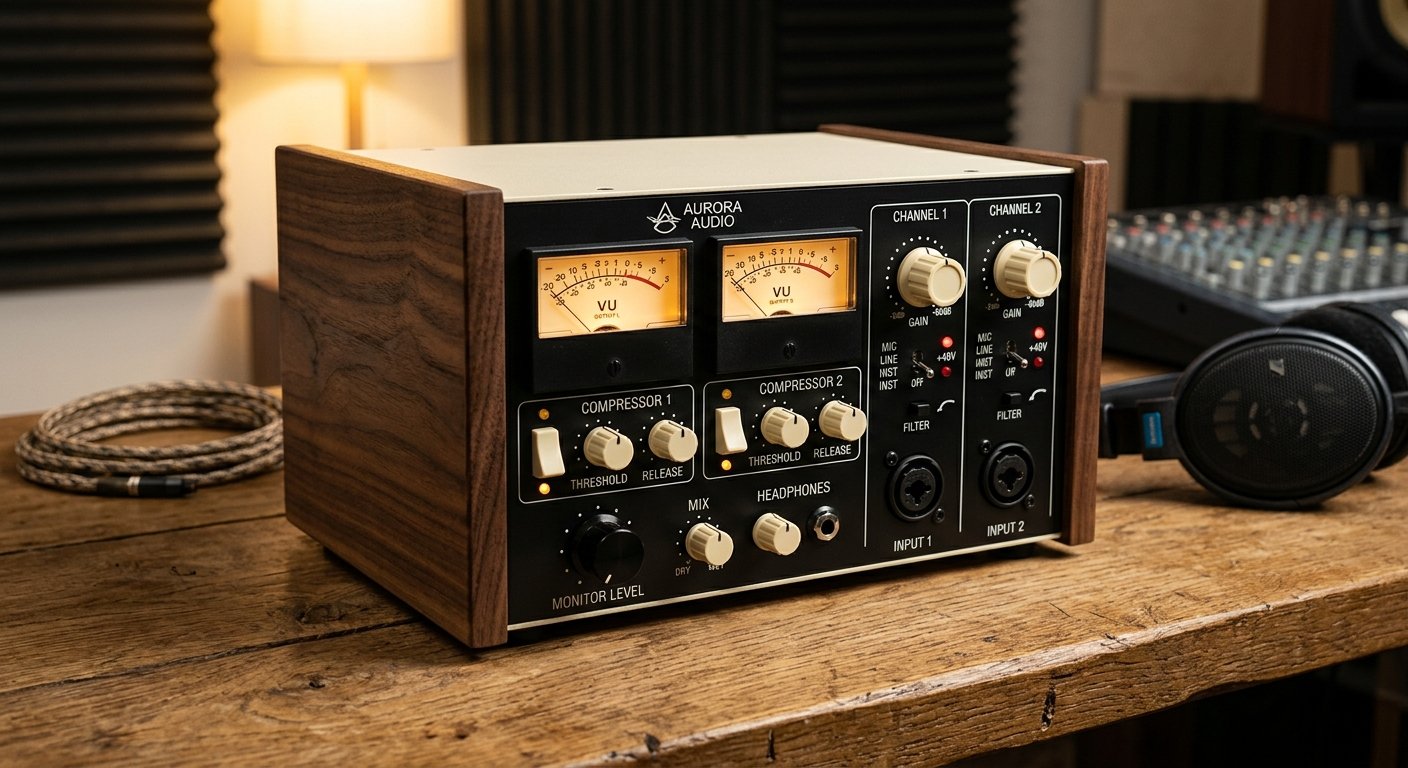
The Volt 276 is what happens when a company famous for vintage studio hardware builds an affordable desktop interface. Its Vintage mode adds genuine tube-style warmth to thin sources, and the built-in 76-style analog compressor, modeled on UA’s legendary 1176, lets you print gentle compression on the way in, exactly how records were made for decades. Universal Audio details the onboard compressor and Vintage preamp on its official Volt 276 page.
In side-by-side tests reviewers consistently note the Volt’s slightly wider stereo image and airier top end versus the Scarlett on acoustic sources. If your recordings tend to sound sterile, this interface adds the character digital setups often lack.
Who should buy it: vocalists and guitarists who want an analog-flavored sound without buying outboard hardware.
Watch out for: the compressor has three presets rather than full manual control, and the software bundle leans toward UA’s Spark subscription.
Universal Audio Volt 276
Vintage tube-style mode plus a built-in 1176-inspired compressor: real analog attitude in a desktop interface.
Check Price on Amazon6. SSL 2+ MkII: Best for Collaborative Sessions
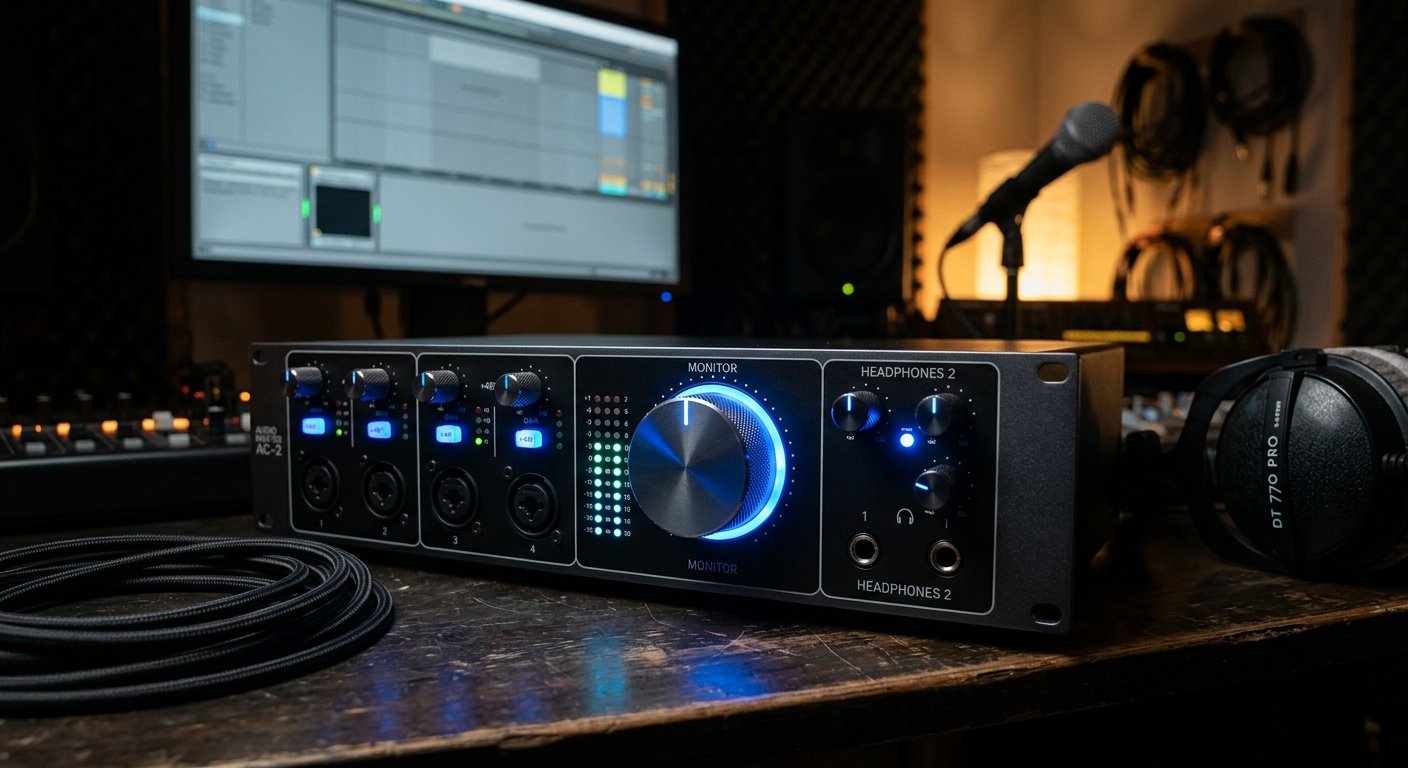
Solid State Logic built the consoles behind thousands of hit records, and the SSL 2+ MkII brings a taste of that to the desktop, including the 4K Legacy mode, which adds the high-frequency sheen and gentle harmonic push associated with SSL’s 4000-series desks.
The killer practical feature is dual independent headphone outputs. If you record with a partner, produce for vocalists, or run co-writing sessions, two people can monitor at different levels without a splitter, something almost nothing else under $250 offers. MIDI I/O rounds out a genuinely complete feature set.
Who should buy it: producers who record other people, duos, and anyone who wants SSL color on a budget.
Watch out for: some plastic in the build compared to the all-metal MOTU and Audient.
SSL 2+ MkII
SSL 4K Legacy color, MIDI I/O, and dual independent headphone outs: built for sessions with two people in the room.
Check Price on Amazon7. Behringer U-Phoria UMC22: Best Audio Interface Under $50
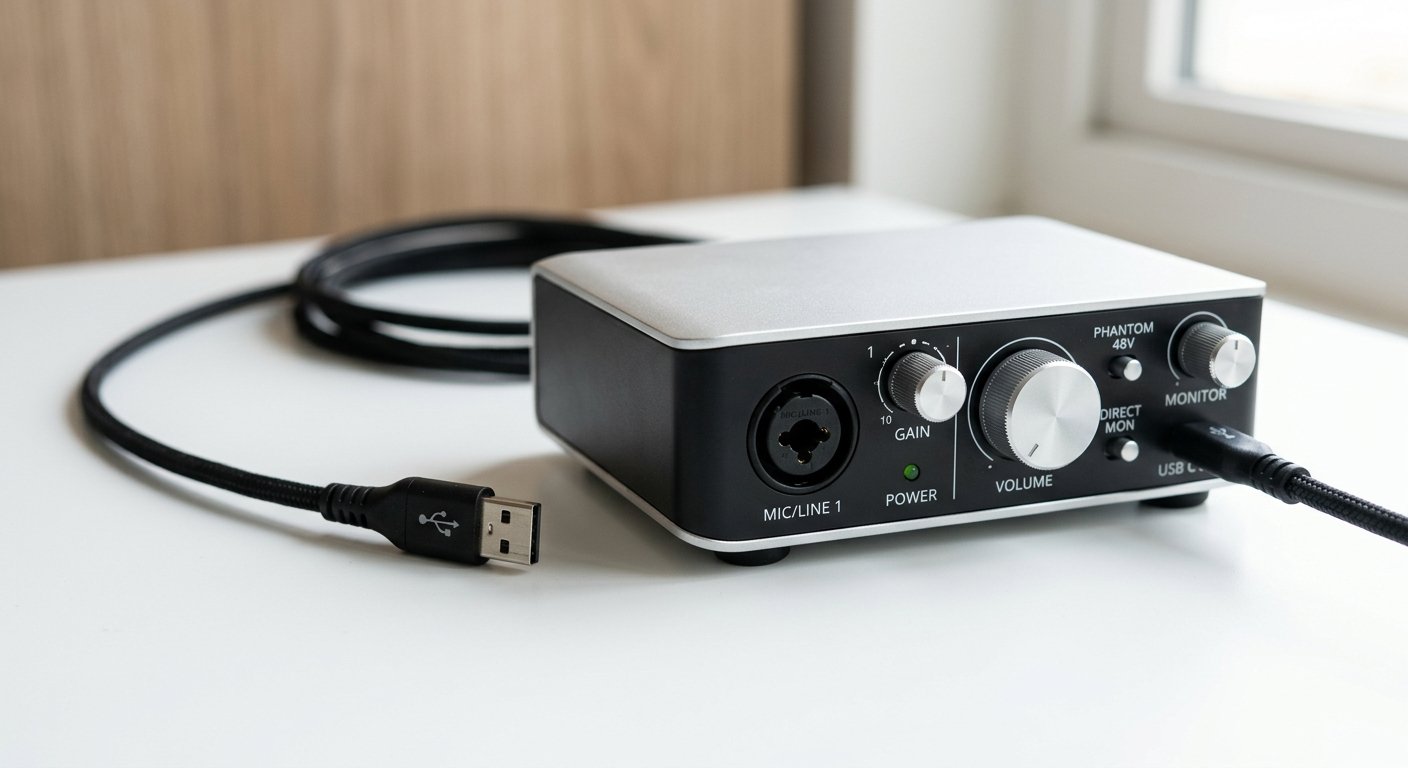
The UMC22 answers a simple question: what’s the cheapest audio interface for home recording that still sounds professional? At around $49, it uses a genuine MIDAS-designed preamp, the same brand found in touring consoles, and delivers recordings that would have required a $300 setup fifteen years ago.
It’s not fancy: 48kHz max sample rate, basic build, minimal software. But for a first-ever home studio, a backup interface, or a kid’s first recording setup, nothing under $50 comes close.
Who should buy it: absolute beginners on the tightest budget, or anyone testing the waters before committing.
Watch out for: no 96/192kHz recording, and driver support on Windows can require patience.
Behringer U-Phoria UMC22
A real MIDAS preamp for under $50: the cheapest way to start recording that doesn’t sound cheap.
Check Price on Amazon8. PreSonus AudioBox GO: Best Portable Budget Interface
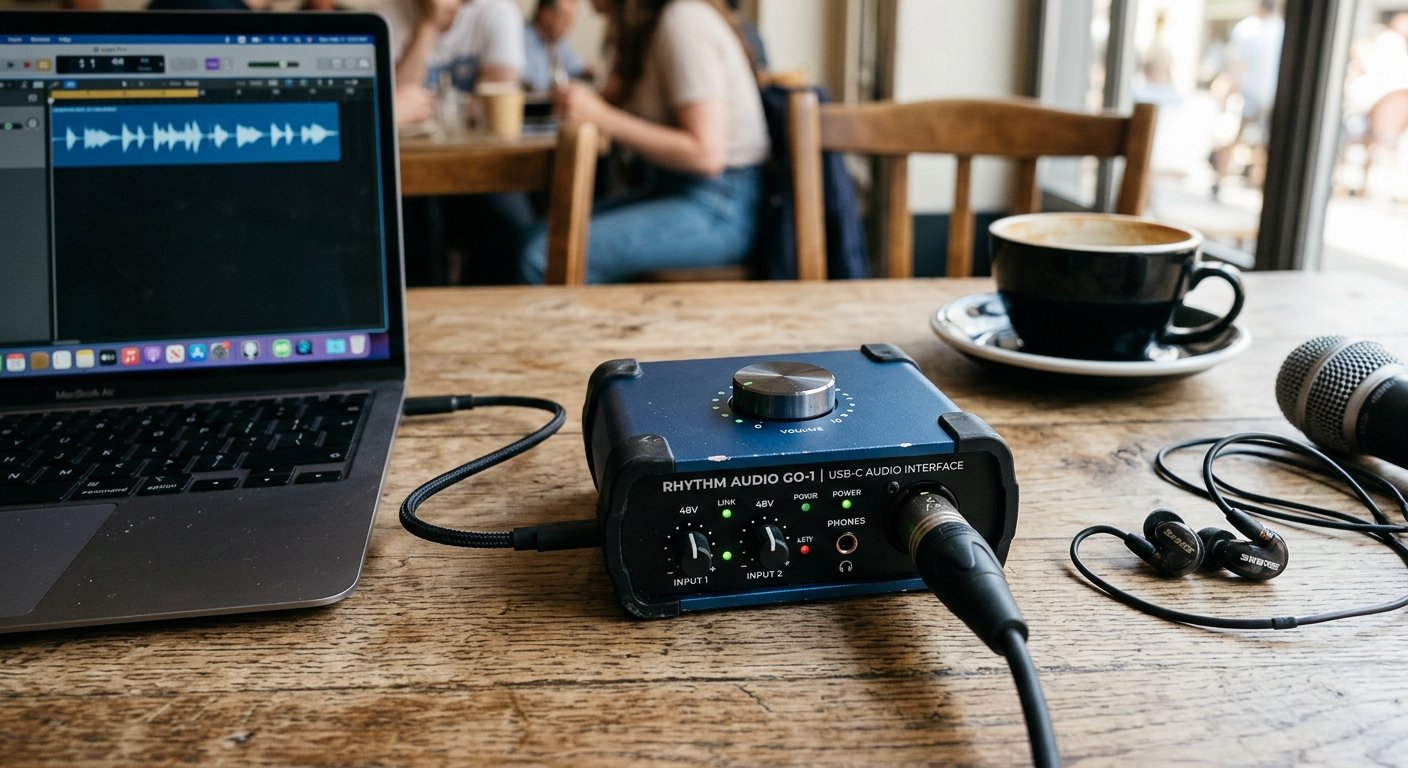
The AudioBox GO is barely bigger than a deck of cards, is fully USB-C bus-powered, and costs about $79, which makes it the best portable audio interface for laptop music production and travel recording. It records at 24-bit/96kHz, includes 48V phantom power, and ships with PreSonus Studio One Prime, a genuinely capable free DAW.
Who should buy it: mobile creators, travelers, and beginners who want a modern USB-C interface under $100.
Watch out for: the plastic build and single mic input limit it to simple sessions.
PreSonus AudioBox GO
Pocket-sized, USB-C powered, 24-bit/96kHz: a legitimate studio front end that fits in a laptop bag.
Check Price on Amazon9. Universal Audio Apollo Twin X: Best Premium Home Studio Interface
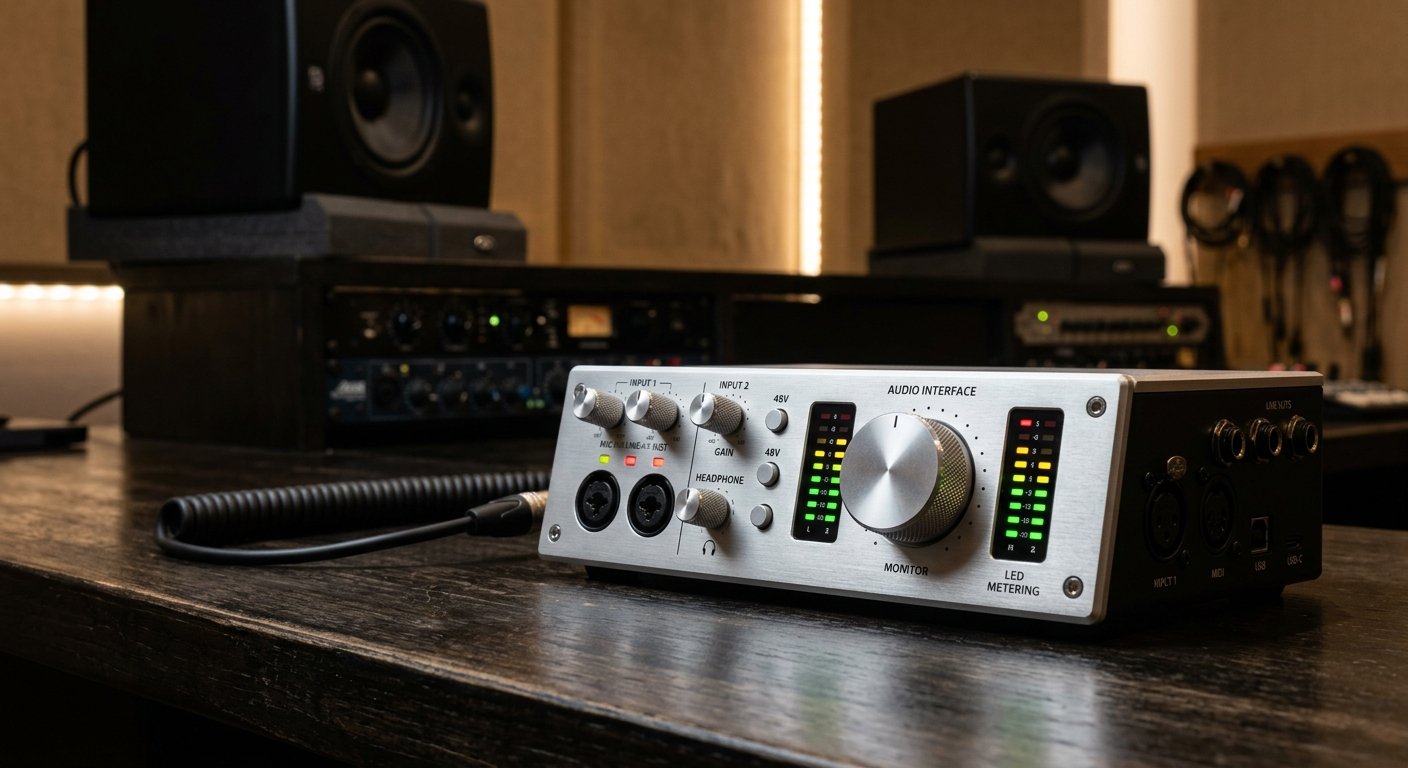
When your mixes start paying bills, the Apollo Twin X is the standard next step. Its elite-grade converters and Unison preamps can model classic Neve and API channel strips at the input stage, and onboard DSP runs UAD plugins (LA-2A compressors, Pultec EQs, Studer tape machines) with near-zero latency while you track.
Who should buy it: serious home producers and mixing engineers ready to invest in a professional front end.
Watch out for: the price of entry (~$799) is just the start. The best UAD plugins cost extra.
Universal Audio Apollo Twin X
Unison preamps, elite conversion, and real-time UAD plugin processing: the professional standard for desktop interfaces.
Check Price on AmazonHow to Choose the Best Audio Interface for Your Home Studio
Every best audio interface for home studio list should end with the same advice: match the interface to your actual workflow, not the spec sheet. Here’s what genuinely matters.
How many inputs do you actually need?
Be honest about your workflow. A solo vocalist needs one mic input. A singer-songwriter tracking vocals and acoustic guitar together needs two. Only buy 4+ inputs if you record drums, a full band, or lots of hardware synths. Extra unused inputs are money that should have gone into a better microphone.
Preamp gain matters more than specs suggest
If you own (or plan to own) a dynamic mic like the Shure SM7B, look for at least 60dB of clean gain. The Scarlett 4th Gen models (69dB) handle it natively; older or cheaper interfaces may need a Cloudlifter-style inline booster, which adds $100+ to your real cost.
Dynamic range and conversion
Dynamic range (measured in dB) is the gap between the noise floor and distortion. Anything above 110dB is solid for home recording; the Scarlett 4th Gen’s 120dB and the MOTU M2’s ESS converters are the standouts under $200 in 2026.
Don’t ignore the software bundle
If you don’t own a DAW yet, bundles have real value. Focusrite’s package (Ableton Live Lite plus Pro Tools Intro+ plus Hitmaker Expansion) is the most complete starter kit; PreSonus includes Studio One Prime; UA pushes its Spark subscription.
USB-C, drivers, and reliability
Every interface in this guide is USB bus-powered, no power brick needed. Mac users get class-compliant plug-and-play on most models; Windows users should stick to brands with strong driver track records (Focusrite, MOTU, Audient lead here). Nothing kills creative momentum like an interface that pops, clicks, or drops out mid-take, and forum threads consistently rank driver stability among the top complaints with cheaper brands.
Latency: what actually matters
Latency is the delay between making a sound and hearing it back through your computer. For recording vocals or guitar while monitoring through your DAW, you want round-trip latency under about 10ms at a 128-sample buffer. Every interface in this list achieves that on a modern computer, but direct monitoring (a hardware knob that blends your input signal straight to your headphones with zero delay) is the practical fix most home recordists actually use. All nine picks here include it.
Setting Up Your Audio Interface: Quick Start
Whichever interface you pick, the first-session setup is nearly identical:
- Connect via USB-C to your computer (all nine models here are bus-powered, no wall adapter).
- Install the control software (Focusrite Control 2, MOTU’s driver package, or your brand’s equivalent). Mac users can often skip this entirely.
- Select the interface in your DAW under audio preferences as both input and output device.
- Plug in your microphone with an XLR cable, enable 48V phantom power for condenser mics (leave it off for dynamics and ribbons).
- Set your gain, or on the Scarlett 4th Gen, press Auto Gain and sing your loudest line. Aim for peaks around -12dB to -6dB.
- Enable direct monitoring if you hear an echo or delay in your headphones while recording.
Total time from unboxing to first recorded take: under 15 minutes with any interface on this list. Once you’re set up, our free music tools, like the BPM tapper and online metronome, are handy companions for your first sessions. If you’re still assembling the rest of your rig, our complete home studio setup guide for beginners walks through every piece in order.
Frequently Asked Questions
What is the best audio interface for home studio use in 2026?
How much should I spend on my first audio interface?
Do I need an audio interface if I only use a USB microphone?
Can the Scarlett 2i2 power a Shure SM7B?
What's the difference between the Scarlett Solo and the 2i2?
Is a more expensive audio interface worth it for a home studio?
Final Verdict: Which Audio Interface Should You Buy?
For most people, the best audio interface for home studio recording in 2026 is simple: buy the Focusrite Scarlett 2i2 4th Gen. It’s the best combination of sound quality, smart features, and long-term value on the market. Recording solo on a budget? The Scarlett Solo 4th Gen gives you the same quality for less. Want the best raw sound under $200? Get the MOTU M2. And if you’re chasing analog character, the UA Volt 276 is the most fun you can have plugging in a microphone at this price.
Whichever you choose, remember: the interface is the foundation, not the finish line. Pair it with a decent microphone and closed-back headphones, and you have everything you need to make records at home. Questions about your setup? Reach out, we read everything.