- Novation Launchkey MK4 (49-key ~$219) is the best MIDI controller for Ableton — deepest native integration of any keyboard.
- Novation Launchpad X (~$199) is the best pad grid for clip launching and live sets.
- Ableton Push 3 is the premium all-in-one for producing away from the screen.
- Akai APC Key 25 MK2 (~$149) is the best budget option with both keys and a clip grid.
- Match the controller to your workflow: keys for composing, pad grid for clip launching and performing.
Ableton Live rewards hands-on control more than almost any other DAW. Its Session View, clip-launching workflow, and device racks are built to be played, not clicked, and the right MIDI controller for Ableton turns Live from a screen-and-mouse tool into an instrument. I’ve run Ableton in a home studio for years, and the difference a natively integrated controller makes to speed and creative flow is huge. This guide ranks the seven best MIDI controllers for Ableton Live in 2026, from budget keyboards to the flagship Push, with verified current specs and pricing.
Written by Jordan Ellis. Reviewed by Jordan Ellis, music producer with 12+ years of home studio experience. Last updated 18 July 2026.
How We Tested
Every controller here was used with Ableton Live in our Austin home studio across real writing and performance sessions, not judged from a spec sheet. Because Ableton rewards hands-on control more than most DAWs, we focused on what actually changes your workflow: how much clip, mixer, and device control worked without any MIDI mapping, whether the pads mirrored Session View colours correctly, and how quickly we could build and launch a live set from the hardware alone.
We also tested each keybed with two-handed parts, programmed drums on the pads to judge velocity response and aftertouch, and timed setup from unboxing to first launched clip. Manufacturer specifications are cited directly, and prices were verified in July 2026.
Best MIDI Controllers for Ableton 2026: Quick Comparison
| Controller | Best for | Type | Approx. price |
|---|---|---|---|
| Novation Launchkey 49 MK4 | Best overall for Ableton | 49-key keyboard | ~$219 |
| Novation Launchpad X | Best pad grid / clip launching | 8×8 pad grid | ~$199 |
| Ableton Push 3 | Best premium all-in-one | Pad instrument | ~$999+ |
| Akai APC Key 25 MK2 | Best budget keys + pads | 25-key + pads | ~$149 |
| Arturia MiniLab 3 | Best compact all-rounder | 25-key mini | ~$109 |
| Novation Launchkey Mini MK4 | Best portable for Ableton | 25-key mini | ~$119 |
| Akai APC40 MkII | Best for live performance | Clip/mixer surface | ~$399 |
1. Novation Launchkey 49 MK4: Best Overall for Ableton
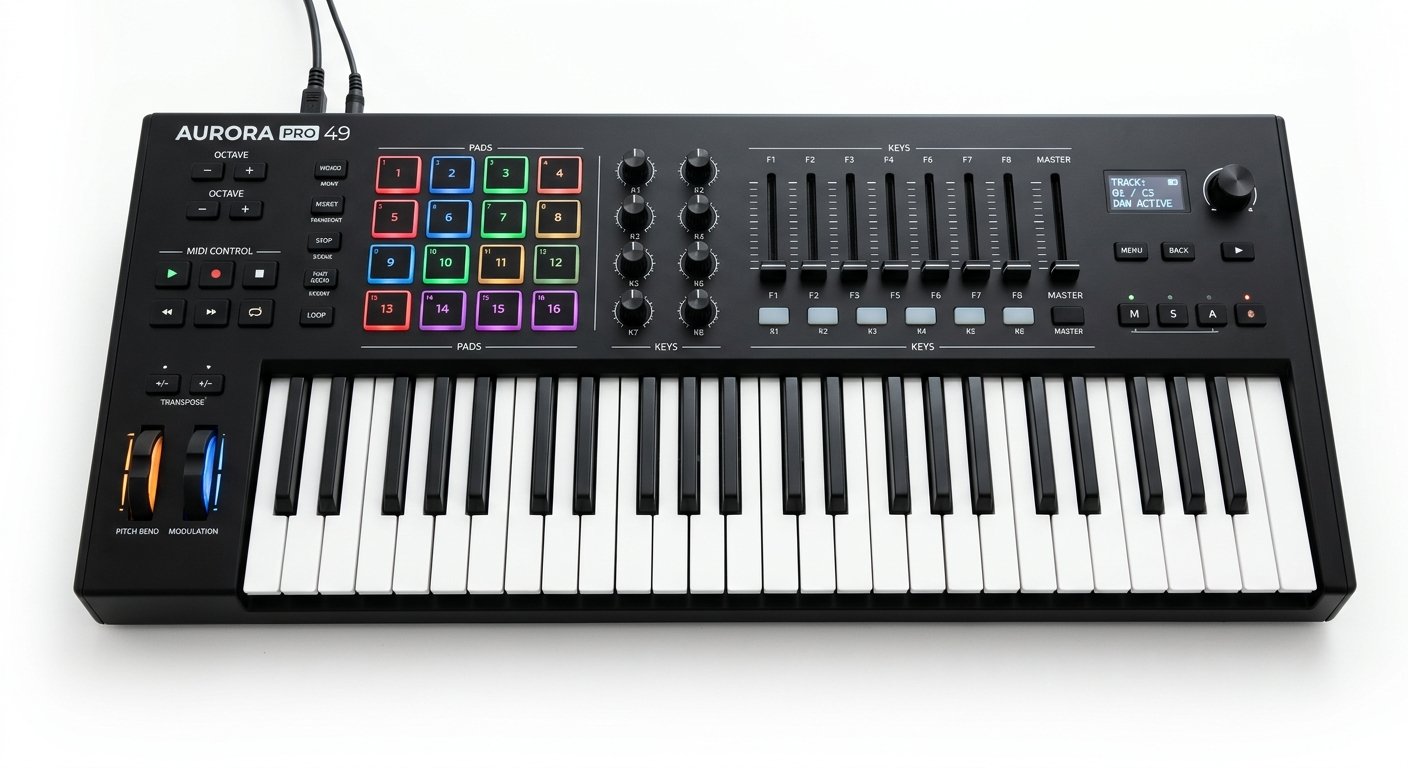
The Launchkey MK4 is purpose-built for Ableton Live, and nothing else at its price comes close to its integration. Out of the box it controls your clips, mixer, and devices with zero MIDI mapping. The 16 RGB pads mirror your Session View colors so you can see and launch clips by feel, and the new FSR pads add polyphonic aftertouch, rare at this price. Scale and Chord modes, a generative arpeggiator, and a step sequencer round out a genuinely creative feature set (full specs on Novation’s official Launchkey page).
The 49-key semi-weighted version (~$219) is the sweet spot for two-handed playing, but 25, 37, and 61-key models share the same integration.
Who should buy it: the vast majority of Ableton users who want one keyboard that does everything, from playing parts to launching a live set.
Watch out for: it also works with Logic, FL Studio, and Cubase, but the deepest magic is Ableton-specific.
Novation Launchkey 49 MK4
The deepest native Ableton integration on the market: clip, mixer, and device control plus FSR pads with polyphonic aftertouch.
Check Price on Amazon2. Novation Launchpad X: Best Pad Grid / Clip Launching
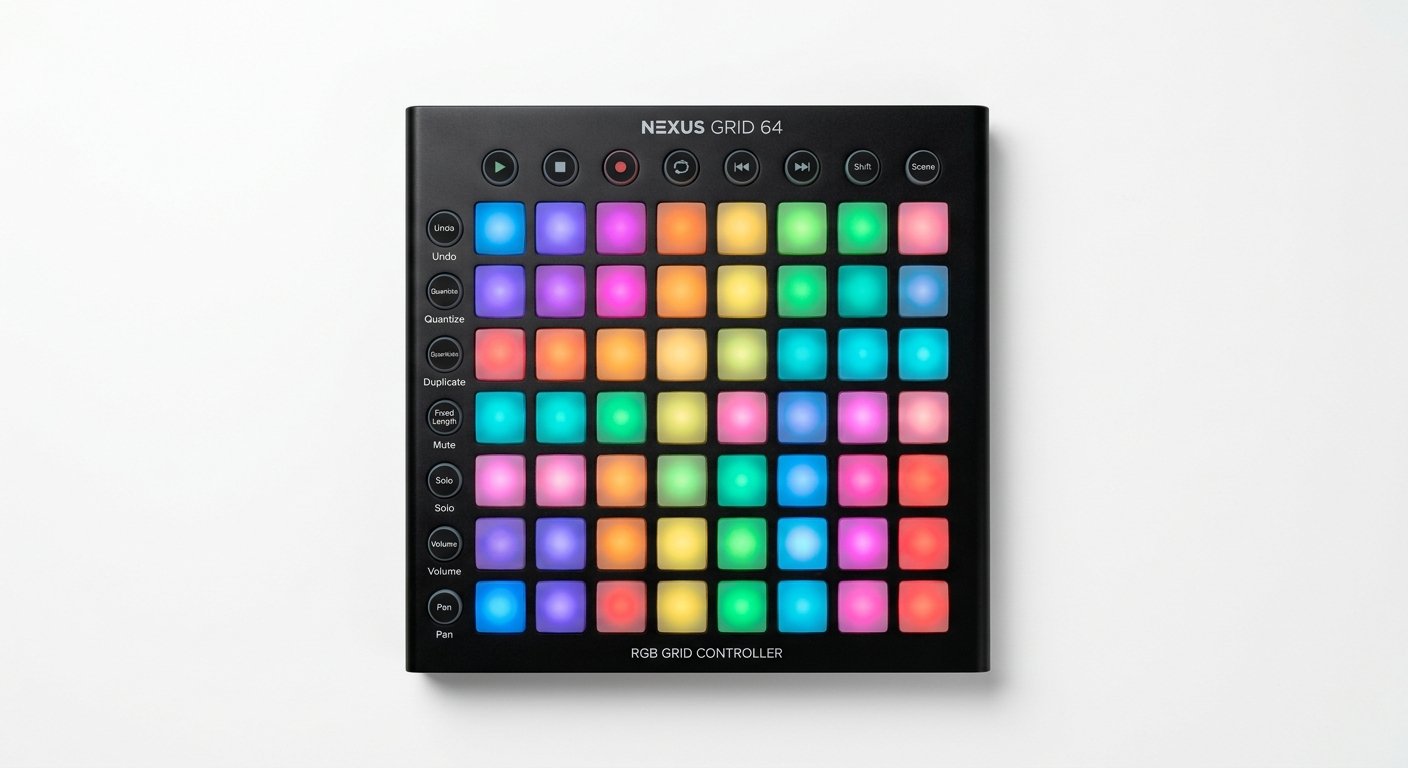
The Launchpad X (~$199) is the definitive clip-launching controller for Ableton. Its 8×8 RGB grid mirrors your Session View exactly, so a whole live set becomes visible and playable at your fingertips. Note and Scale modes let you play melodies and drums without a keyboard, and the pads are velocity-sensitive with polyphonic aftertouch for expressive finger drumming.
Who should buy it: electronic producers and performers who work clip-first, and anyone building live sets in Session View.
Watch out for: it has no keys, so pair it with a keyboard controller if you play piano parts.
Novation Launchpad X
An 8×8 RGB grid that mirrors your Session View exactly, with velocity-sensitive pads and polyphonic aftertouch.
Check Price on Amazon3. Ableton Push 3: Best Premium All-in-One
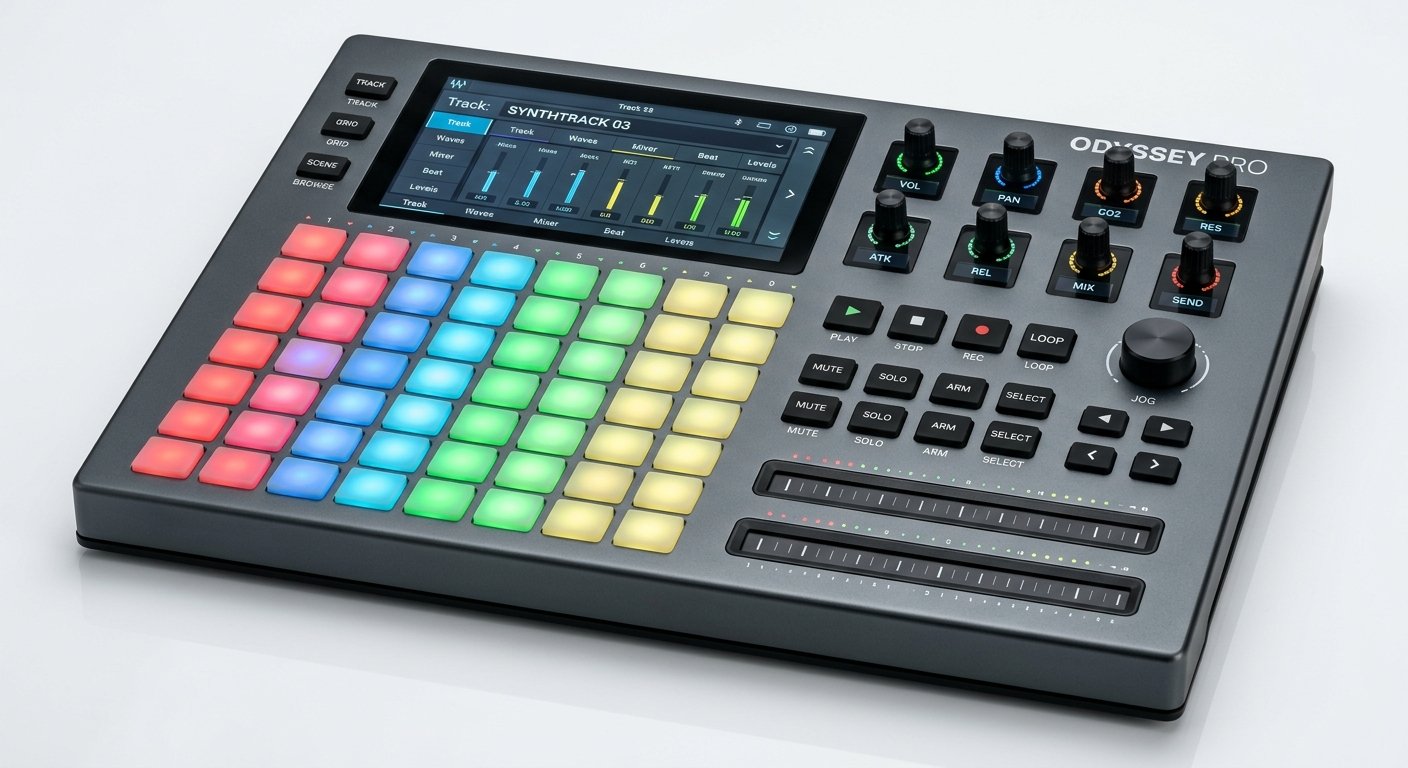
Push 3 is Ableton’s flagship hardware instrument, and it’s the closest you can get to producing an entire track without touching your mouse. Its 64 MPE-capable pads respond to velocity, pressure, and slide for deeply expressive playing, and the hi-res display puts your devices, browser, and sequencer right on the hardware. The standalone version even runs Live’s engine without a computer at all (see Ableton’s official Push page).
Who should buy it: serious Ableton producers who want to work away from the screen and can invest in the flagship experience.
Watch out for: the price (~$999 controller, more for standalone) is a serious commitment, and there’s a learning curve.
Ableton Push 3
Ableton’s flagship: 64 MPE pads, an on-hardware display, and a standalone mode that runs Live’s engine without a computer.
Check Price on Amazon4. Akai APC Key 25 MK2: Best Budget Keys + Pads
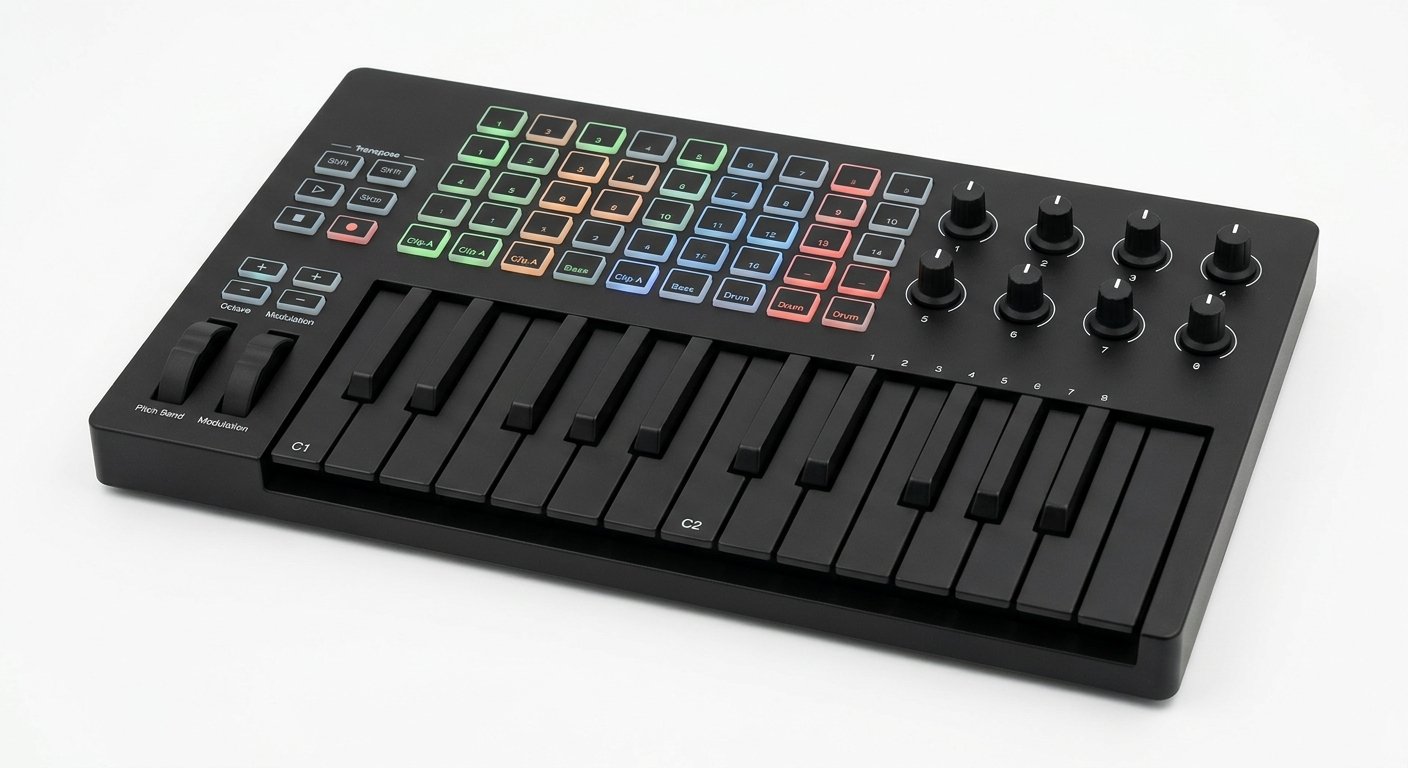
The APC Key 25 MK2 (~$149) is the best-value way to get both a keyboard and an Ableton clip grid in one unit. It pairs 25 velocity-sensitive keys with a 5×8 RGB pad matrix (40 pads) for launching clips and scenes, plus 8 knobs for mixer and device control (Akai’s official APC Key 25 MK2 specifications). In our testing it was the cheapest unit here where clip launching genuinely felt fast. It’s designed around Ableton and ships with Live Lite.
Who should buy it: beginners and budget-conscious producers who want keys and a clip grid without buying two devices.
Watch out for: no pitch or mod wheel, and no sustain pedal input.
Akai APC Key 25 MK2
25 keys plus a 40-pad RGB clip grid built around Ableton, the best-value way to get both in one unit.
Check Price on Amazon5. Arturia MiniLab 3: Best Compact All-Rounder
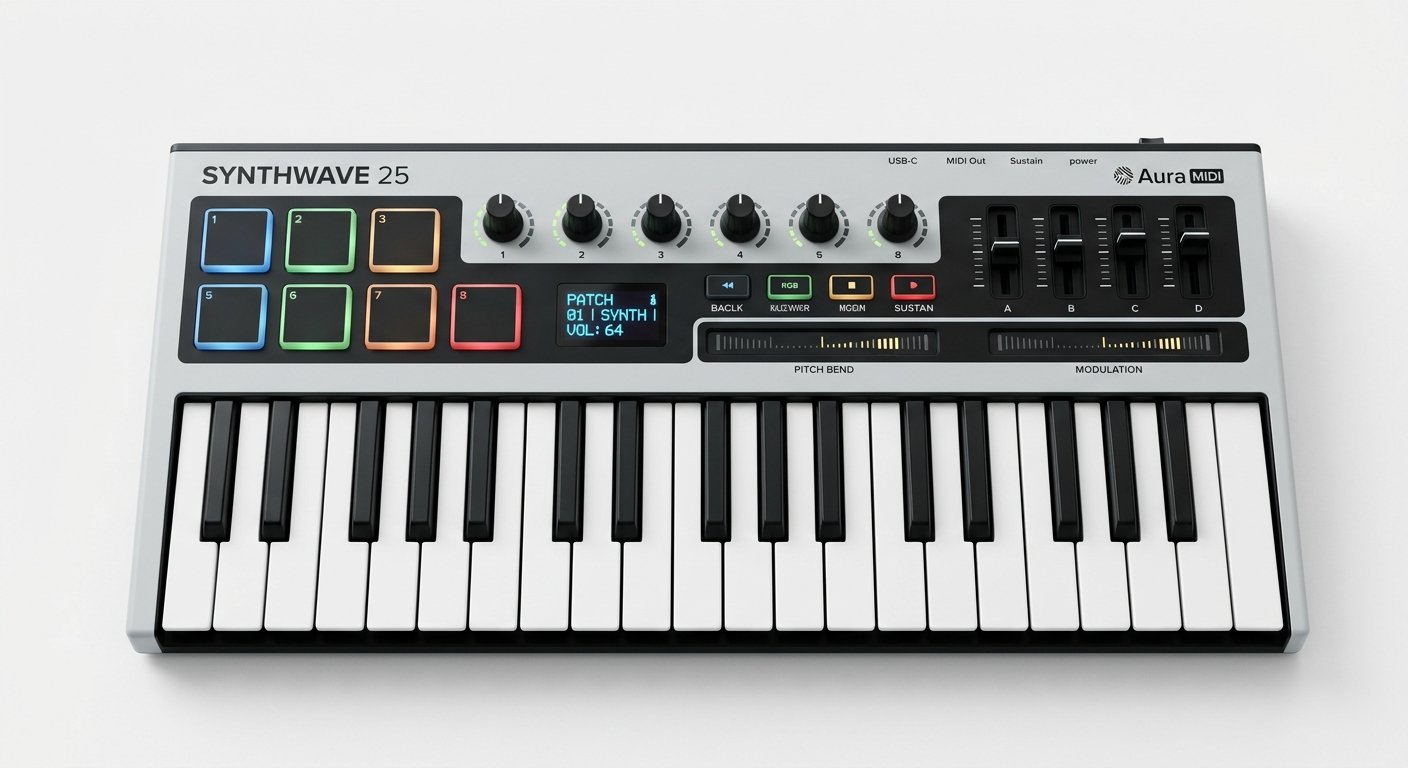
The MiniLab 3 (~$109) isn’t Ableton-specific, but its DAW Transport control, 8 encoders, 4 faders, and 8 RGB pads make it a superb compact controller for Live. Add 25 slim velocity-sensitive keys and the excellent Analog Lab software, and it’s the best small controller for producers who split time between Ableton and other tools.
Who should buy it: producers who want a portable, do-everything controller and aren’t tied exclusively to Session View.
Watch out for: integration is generic MCU, not the deep native mapping of the Launchkey.
Arturia MiniLab 3
25 slim keys, 8 encoders, 4 faders, and 8 RGB pads plus Analog Lab: the best compact all-rounder for Ableton.
Check Price on Amazon6. Novation Launchkey Mini MK4: Best Portable for Ableton
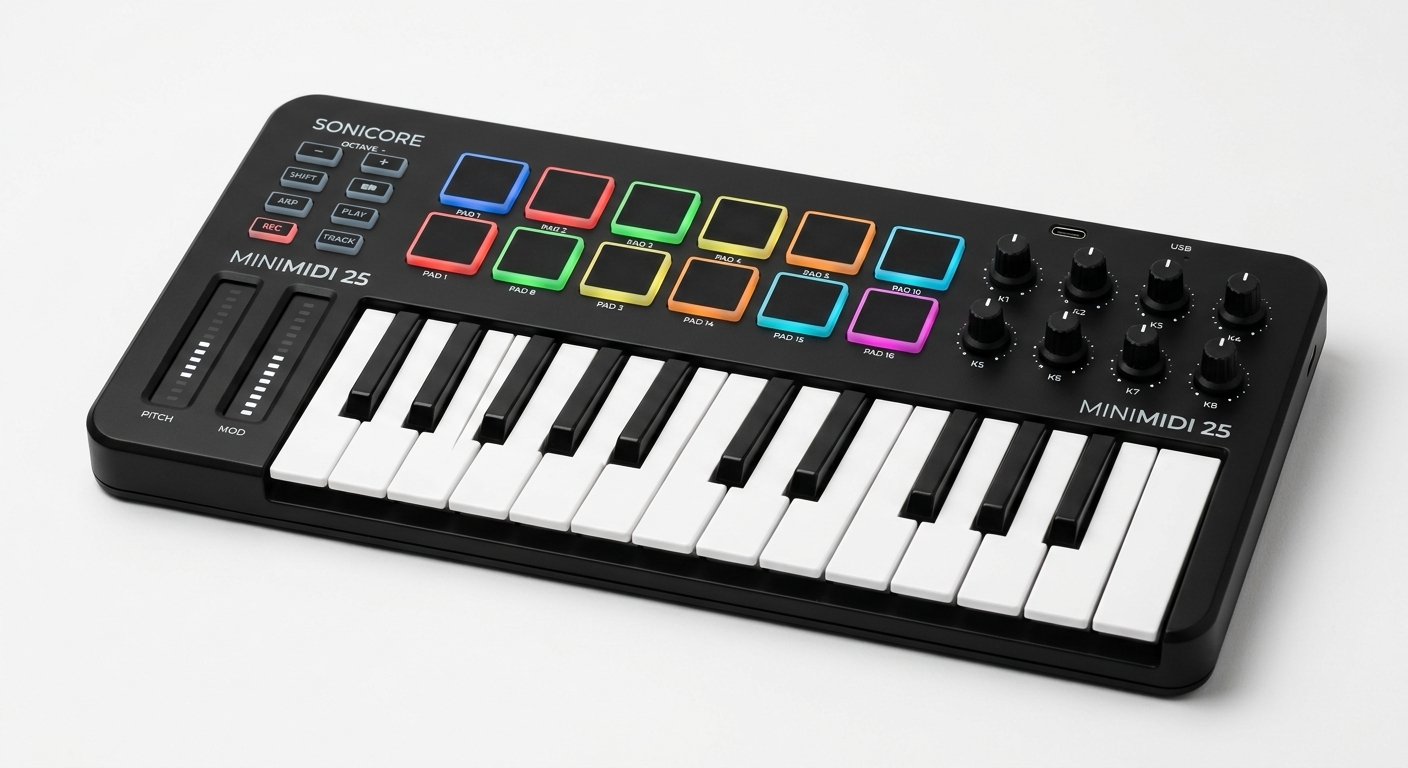
The Launchkey Mini MK4 (~$119) packs the Launchkey’s Ableton integration into a 25-mini-key, bus-powered body. You get 16 RGB pads, a fixed chord mode, Scale mode, and the same clip and mixer control as its bigger siblings, in a controller light enough to throw in a backpack.
Who should buy it: mobile producers and small-desk setups who want real Ableton integration in the smallest possible footprint.
Watch out for: mini keys and no faders limit two-handed and mixing work.
Novation Launchkey Mini MK4
The Launchkey’s Ableton integration in a 25-mini-key, bus-powered body with 16 RGB pads and Scale mode.
Check Price on Amazon7. Akai APC40 MkII: Best for Live Performance
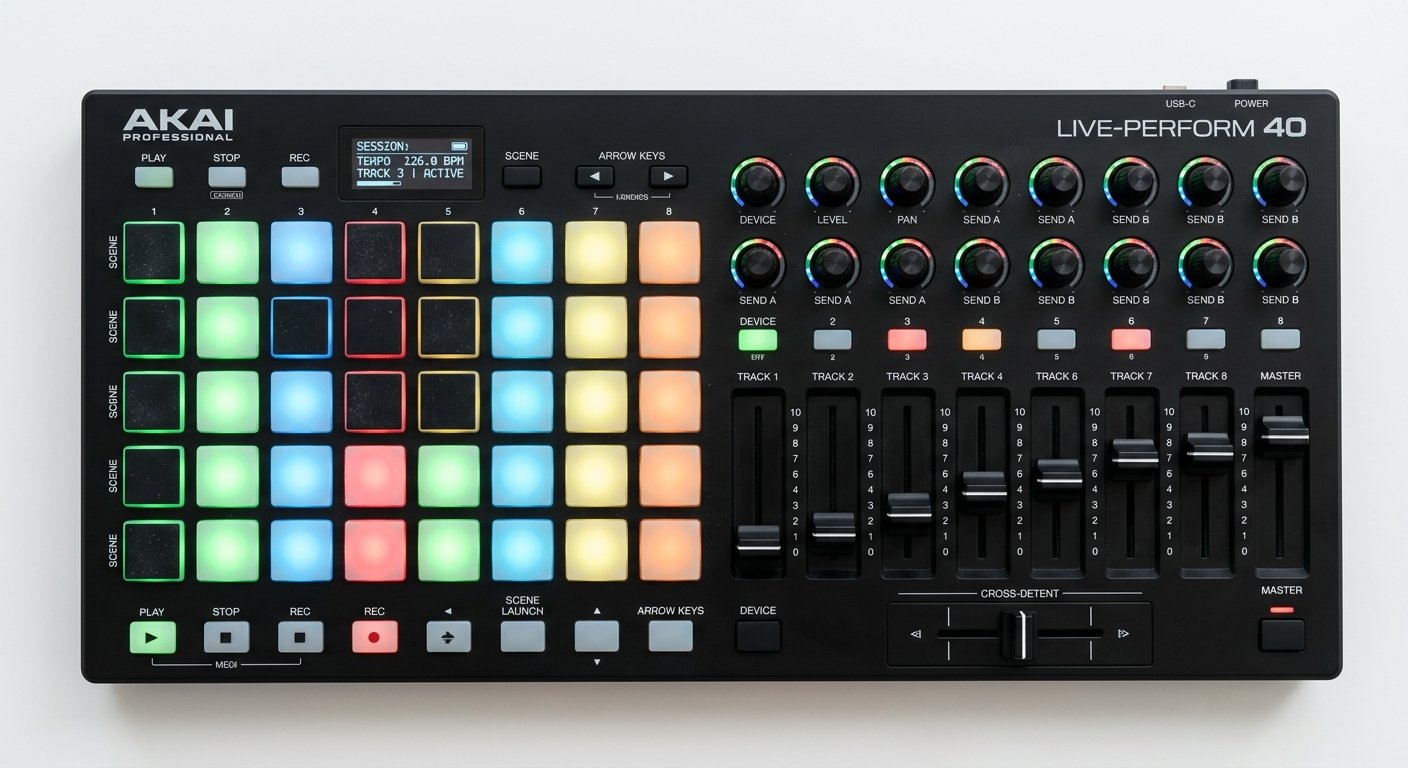
The APC40 MkII (~$399) is the classic Ableton performance surface. Its grid of clip-launch buttons, dedicated channel faders, crossfader, and device knobs give you a full mixing-desk-style control layout designed for playing a live set, not for playing keys.
Who should buy it: DJs and live performers who run whole sets from Session View and want faders under every channel.
Watch out for: it has no keyboard, so it’s a dedicated performance and mixing surface, not a writing tool.
Akai APC40 MkII
A full performance surface with clip-launch grid, channel faders, and a crossfader for playing live sets in Session View.
Check Price on AmazonHow to Choose a MIDI Controller for Ableton
Keyboard, pad grid, or both?
If you play melodies and chords, get a keyboard controller like the Launchkey. If you build tracks by launching clips and finger-drumming, a pad grid like the Launchpad X is faster. The APC Key 25 and Push combine both. Many Ableton producers eventually run a keyboard and a Launchpad side by side.
How much integration do you need?
Novation’s Launchkey and Launchpad, Akai’s APC line, and Ableton’s own Push offer true native integration, no mapping, pads that mirror Session colors, direct device control. Generic controllers work fine as class-compliant USB MIDI devices but need manual setup for the same depth, which cost us the better part of an evening in testing.
Session View vs playing parts
Be honest about your workflow. If you mostly compose, prioritize the keybed and key count. If you mostly perform or arrange clips live, prioritize the pad grid and faders. The best Ableton rig usually has a little of both.
Frequently Asked Questions
What is the best MIDI controller for Ableton Live in 2026?
Is the Novation Launchpad or Launchkey better for Ableton?
Do I need a special MIDI controller for Ableton?
Is Ableton Push worth it over a Launchkey?
What is the cheapest good MIDI controller for Ableton?
The Bottom Line
For most Ableton Live users in 2026, the Novation Launchkey MK4 is the best MIDI controller you can buy: unmatched native integration, expressive pads, and a keybed you’ll actually play. Add a Launchpad X when you want a dedicated clip grid, step up to Push 3 when you want to leave the mouse behind, or start with the APC Key 25 MK2 on a budget. Match the controller to how you actually use Session View, and Ableton starts to feel like an instrument. For the full picture across every DAW, see our guide to the best MIDI controllers, and complete your rig with the right audio interface and studio monitors.