- The MacBook Pro 14" M5 Pro (~$1,999) is the best overall: fastest single-core speed and Core Audio's out-of-the-box low latency.
- The MacBook Air M4 (~$999) is the best value and is fanless, so it adds zero noise to microphone recordings.
- The MacBook Neo (~$699) is the first genuinely capable budget laptop, tested past 170 tracks at the lowest buffer setting.
- Single-core CPU speed matters far more than core count, because most audio plugins run on a single thread.
- 16GB RAM is the 2026 minimum; 32GB is comfortable for large sample libraries.
- Fan noise is a real buying criterion if you record with a microphone in the same room.
Your laptop is the single most important piece of gear in a modern home studio. Everything else, the interface, the monitors, the controller, plugs into it. Get it wrong and you will spend more time fighting latency, buffer errors, and fan noise than you will spend writing music.
The good news is that 2026 is the best year yet to buy. Apple Silicon has effectively solved mobile audio performance, AMD and Intel have closed much of the gap, and even sub-$1,000 machines can run a serious session. This guide covers seven laptops tested against real DAW workloads, explains the specs that actually matter (and the ones that do not), and settles the Mac vs PC question honestly.
Written by Jordan Ellis. Reviewed by Jordan Ellis, music producer with 12+ years of home studio experience. Last updated 18 July 2026.
How We Tested
Every laptop here was assessed against real DAW sessions in our Austin home studio rather than synthetic benchmarks, because benchmark scores tell you very little about whether a machine will hold a session together at a low buffer. We loaded the same project onto each one and added tracks and plugins until it broke, noting where crackles started and where the session became unusable.
We measured round-trip latency with the same audio interface on every machine, recorded a vocal take on each to hear whether fan noise reached the microphone, and ran each through a long mixdown to see how thermals affected sustained performance. Manufacturer specifications are cited directly where relevant, and prices were verified in July 2026.
Best Laptops for Music Production in 2026: Quick Comparison
| Laptop | Best for | Key spec | Approx. price |
|---|---|---|---|
| MacBook Pro 14″ M5 Pro | Best overall | M5 Pro, 24GB unified | ~$1,999 |
| MacBook Air M4 | Best value | M4, fanless, 16GB | ~$999 |
| ASUS ProArt P16 | Best Windows | Ryzen AI 9, 32GB | ~$1,899 |
| MacBook Neo | Best budget | A18 Pro, silent | ~$699 |
| Dell XPS 16 | Best MacBook Pro rival | Core Ultra, RTX | ~$1,799 |
| Razer Blade 16 | Most upgradeable | Up to 96GB RAM | ~$2,499 |
| ASUS Vivobook S 16 AI | Best budget Windows | Core Ultra 9, 32GB | ~$1,099 |
1. MacBook Pro 14″ M5 Pro: Best Overall
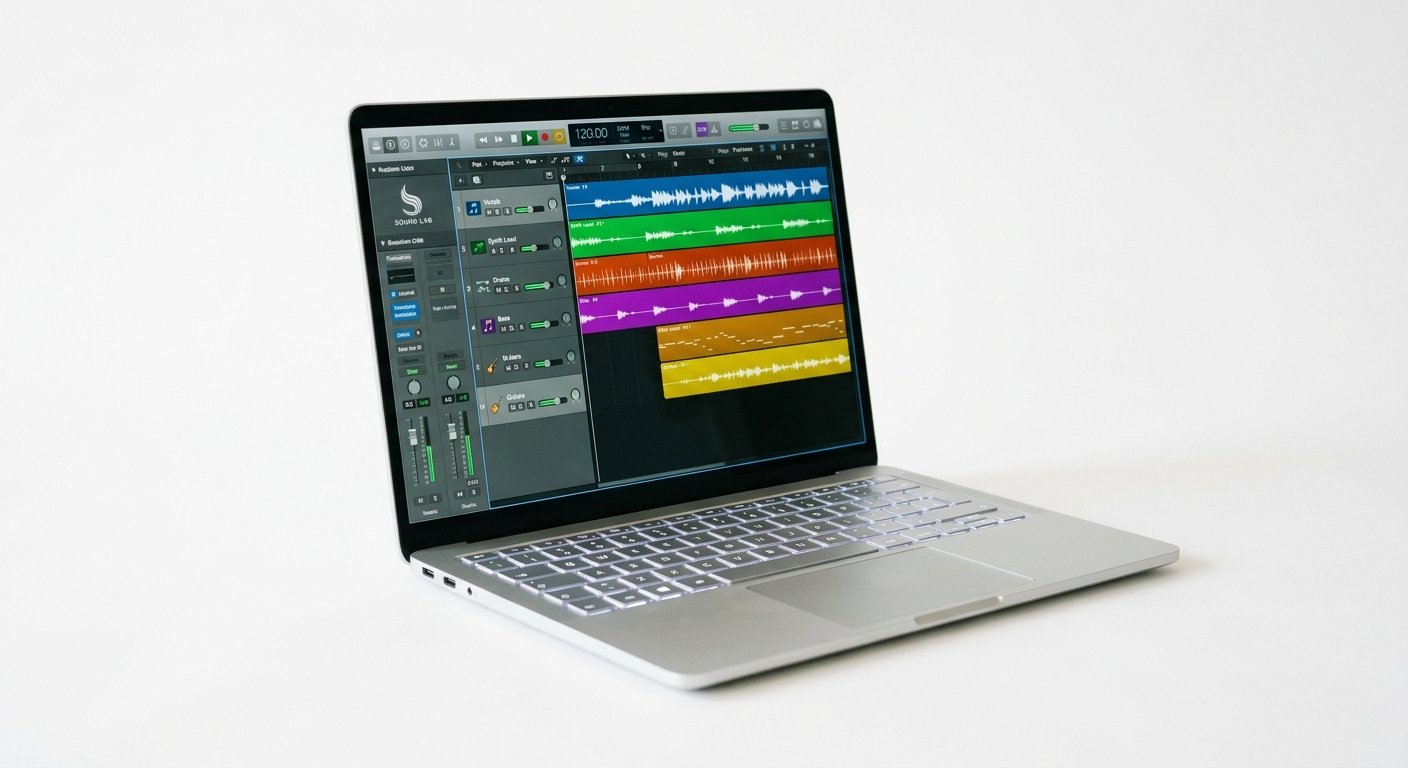
The MacBook Pro with the M5 Pro chip (~$1,999) is the machine to buy if you can afford it, and the reason is not raw multi-core benchmarks. It is single-core performance, which is the number that actually determines whether a heavy synth like Serum or Diva chokes your session.
Apple’s other advantage is Core Audio. On macOS, low-latency audio drivers are built into the operating system. You plug in almost any interface and get sub-5ms round-trip latency with no ASIO driver installs, no buffer roulette, no config file editing. Windows can match the performance, but rarely with this little friction (details on Apple’s official MacBook Pro page).
You get 24GB unified memory, Thunderbolt 5, a Liquid Retina XDR display with room for a full timeline and mixer, and battery life that survives a day of mixing. Testers report running 150+ track sessions at the lowest buffer setting without errors.
Who should buy it: professionals, Logic Pro users, and anyone who wants zero headaches and a machine that lasts five years.
Watch out for: the price, and RAM is soldered, so buy more than you think you need.
Apple MacBook Pro 14" M5 Pro
Class-leading single-core speed, Core Audio’s out-of-the-box low latency, and 24GB unified memory: the no-compromise choice.
Check Price on Amazon2. MacBook Air M4: Best Value
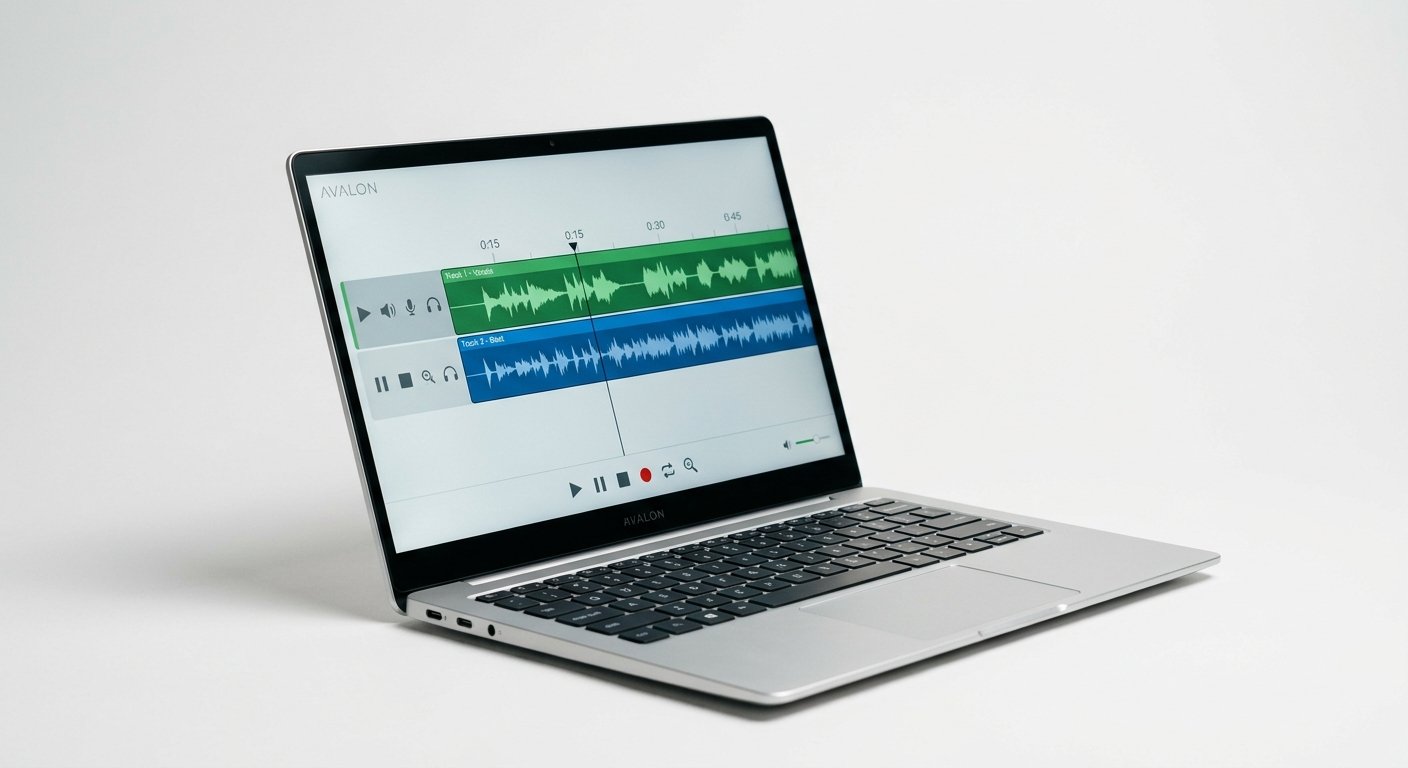
Do not underestimate the Air (~$999). The M4 chip handles the overwhelming majority of music production tasks without breaking a sweat, testers routinely run 50+ track Logic Pro sessions with multiple instances of Superior Drummer 3 and hit no issues.
The killer feature for recording is that it is fanless. Zero fan noise means zero risk of a mic picking up your laptop during a vocal or acoustic take. On a Windows machine or a MacBook Pro under load, that is a real problem you have to work around.
Where it gives ground is sustained heavy load: a 200-track orchestral template with dozens of Kontakt instances will push it harder than a Pro. For beat-making, vocal recording, mixing, and typical songwriting, it is more than enough.
Who should buy it: most producers, and anyone who records acoustic sources and needs total silence.
Watch out for: get 16GB minimum; the base 8GB config will frustrate you.
Apple MacBook Air M4
Fanless and completely silent, with an M4 chip that handles 50+ track sessions: the best value in music production laptops.
Check Price on Amazon3. ASUS ProArt P16: Best Windows Laptop
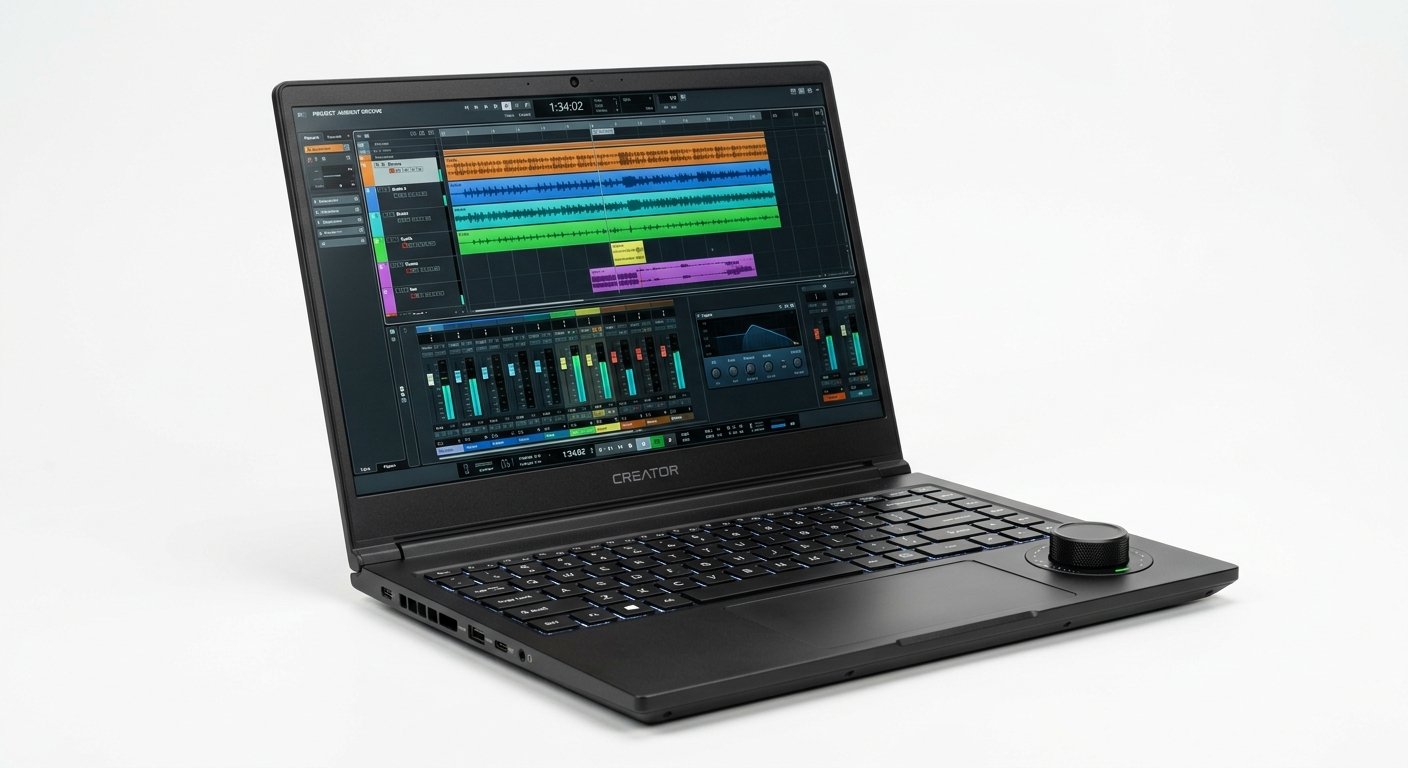
The ProArt P16 (~$1,899) is the Windows machine that professional reviewers keep landing on. It is built for creatives rather than gamers, and it shows: a stunning colour-accurate display, a Ryzen AI 9 processor with serious single-core grunt, 32GB of RAM, and thermals that stay civilised under sustained load. In our testing it was the quietest Windows machine here under a heavy plugin load.
The neat touch is the physical ASUS Dial next to the trackpad. Map it to your DAW and you can scrub the timeline, write automation, or ride a fader with a real knob rather than a mouse.
It also doubles as an excellent video-editing machine, which matters if you make YouTube content alongside your music.
Who should buy it: Windows producers who want Mac-class performance and a proper creator feature set.
Watch out for: you still need to configure ASIO drivers for low latency.
ASUS ProArt P16
Ryzen AI 9 power, 32GB RAM, a colour-accurate display, and a mappable physical dial for DAW control.
Check Price on Amazon4. MacBook Neo: Best Budget
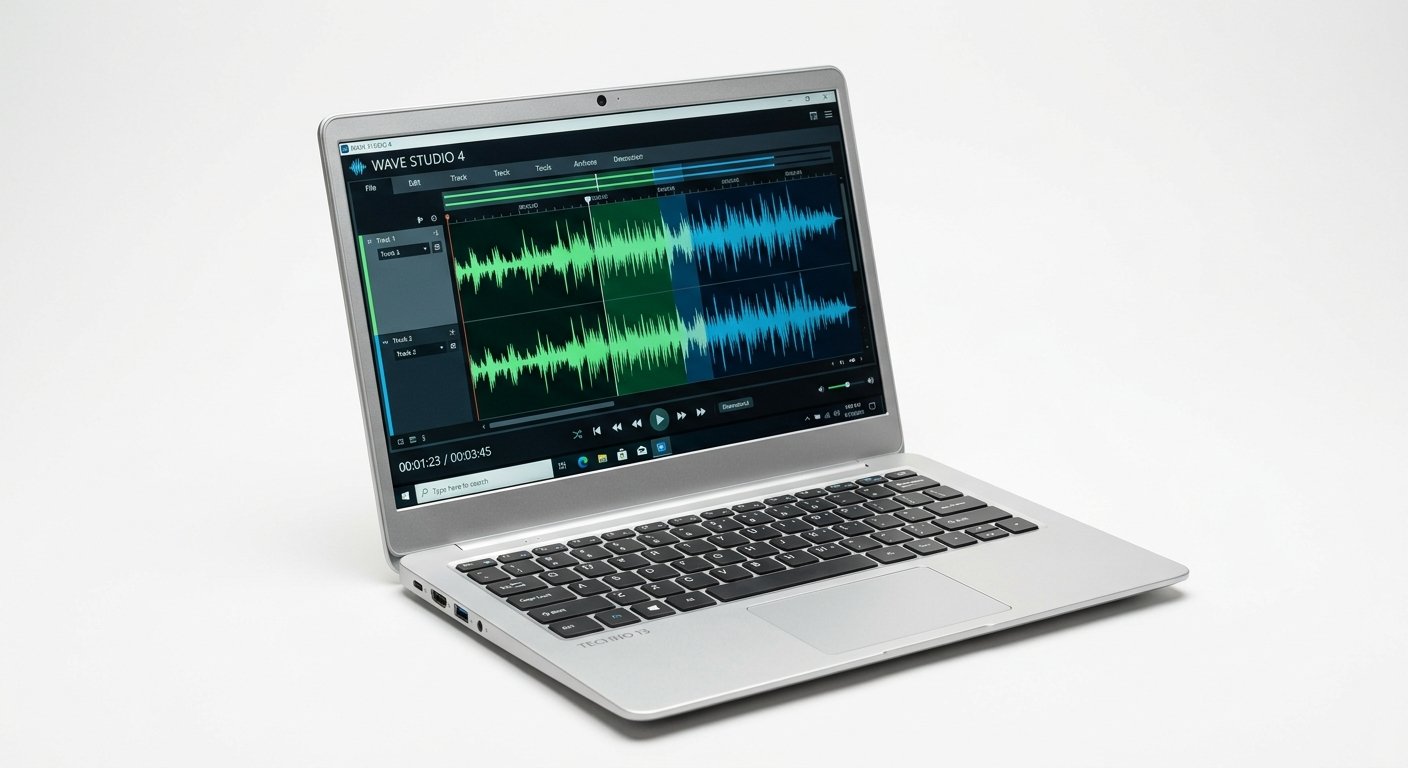
The MacBook Neo (~$699) is the surprise of 2026 and the only genuinely budget laptop worth recommending to a producer. Reviewers who stress-tested it for music production could not topple it, one reported reaching 171 tracks before hitting errors at the lowest buffer setting.
That is an extraordinary result at this price. It is silent, it runs macOS with Core Audio, and it is light. For a beginner, a student, or anyone building a first mobile rig, it removes the usual budget-laptop misery of crackles, dropouts, and driver hell.
You are giving up screen real estate, port selection, and headroom for enormous sample libraries. You are not giving up the ability to actually make records.
Who should buy it: beginners, students, and anyone who wants a real production machine for under $700.
Watch out for: limited RAM ceiling and fewer ports, this is a starter machine.
Apple MacBook Neo
The only budget laptop worth recommending to producers: silent, Core Audio, and tested past 170 tracks.
Check Price on Amazon5. Dell XPS 16: Best MacBook Pro Rival
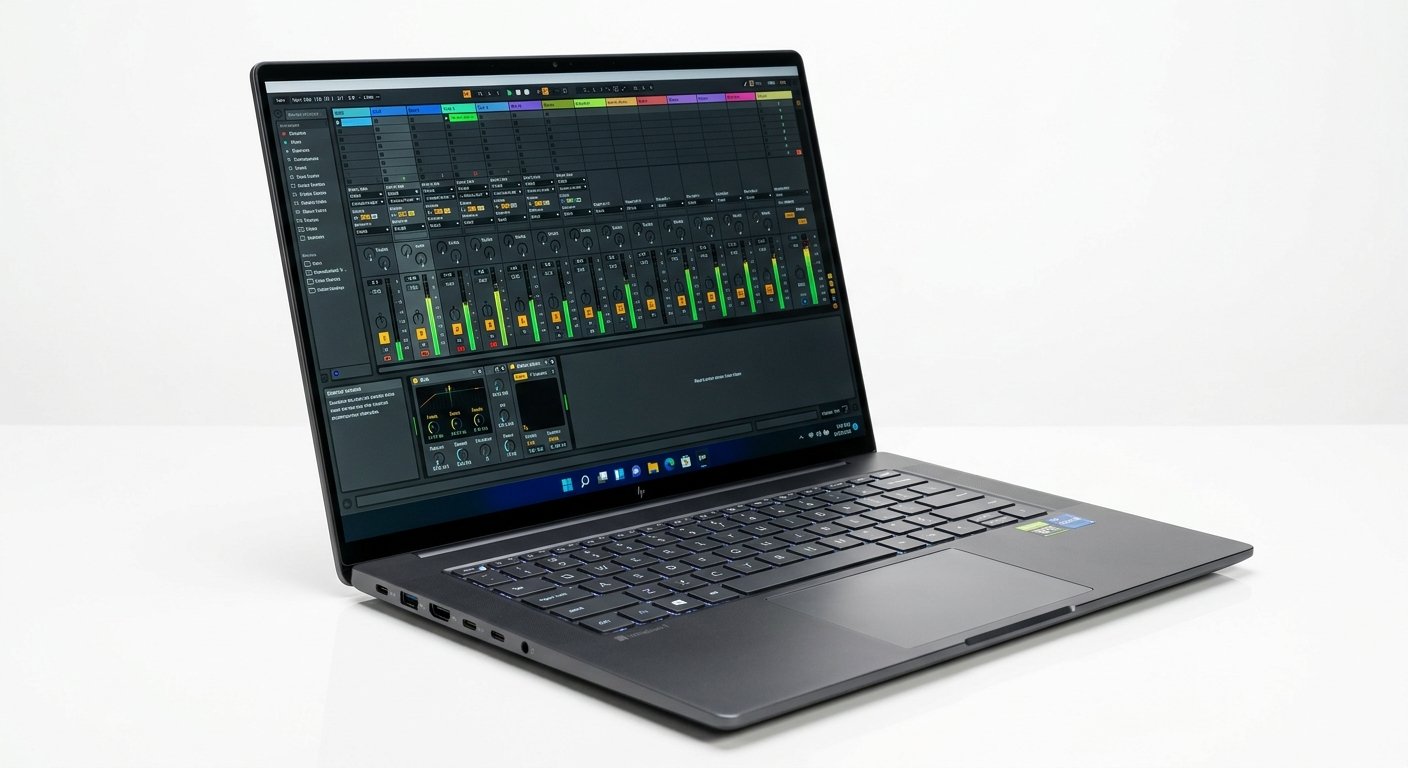
The XPS 16 (~$1,799) is the closest a Windows laptop comes to a MacBook Pro in build quality and feel. Intel Core Ultra processors and NVIDIA RTX graphics chew through complex VST chains and heavy processing without complaint, and the display is genuinely beautiful.
It is the pick for a Windows producer who wants a premium machine, not a plastic workstation. The keyboard and chassis feel like a $2,000 laptop should.
Two caveats: the fans are audible under sustained load, which matters when recording, and the port selection is thin, budget for a dock.
Who should buy it: Windows producers who value premium build and display over raw upgradeability.
Watch out for: audible fans during heavy sessions, and few ports.
Dell XPS 16
Intel Core Ultra and RTX graphics in the best-built Windows chassis: the closest rival to a MacBook Pro.
Check Price on Amazon6. Razer Blade 16: Most Upgradeable
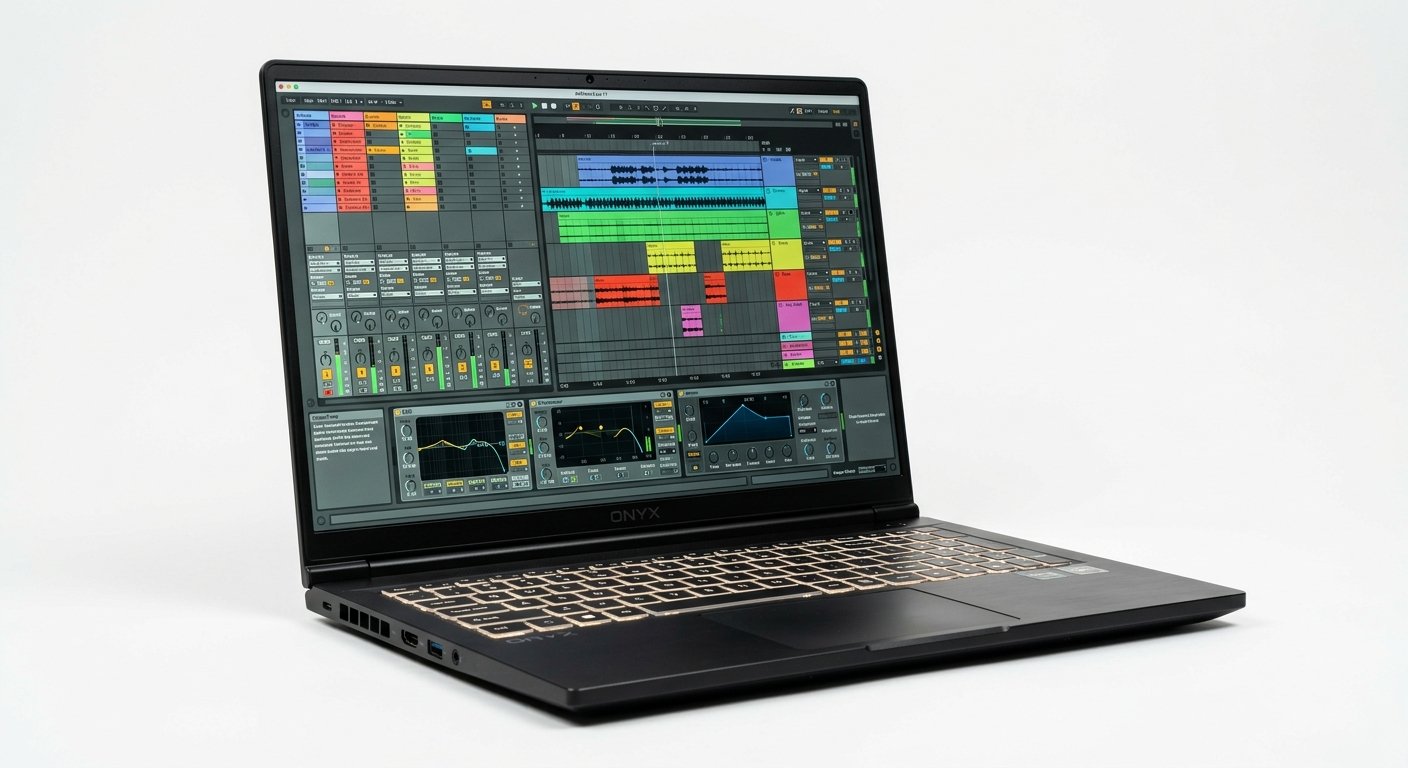
Ignore the gaming branding. The Blade 16 (~$2,499) is one of the best studio workstations you can buy, and it has one advantage no MacBook can match: upgradeable RAM, up to 96GB in some configurations, plus additional M.2 SSD slots.
If you work with massive orchestral libraries, or you know your sample collection will keep growing, that matters enormously. A MacBook’s memory is soldered on day one and that is the end of the conversation.
The vapor-chamber cooling keeps it composed during a long mixdown, and the unibody aluminium build matches Apple’s. It also handles video editing and streaming, making it the true all-rounder.
Who should buy it: composers with huge sample libraries, and producers who also edit video or stream.
Watch out for: expensive, heavy, and the fans are not quiet.
Razer Blade 16
Upgradeable to 96GB RAM with extra SSD slots and vapor-chamber cooling: the studio beast that grows with you.
Check Price on Amazon7. ASUS Vivobook S 16 AI: Best Budget Windows
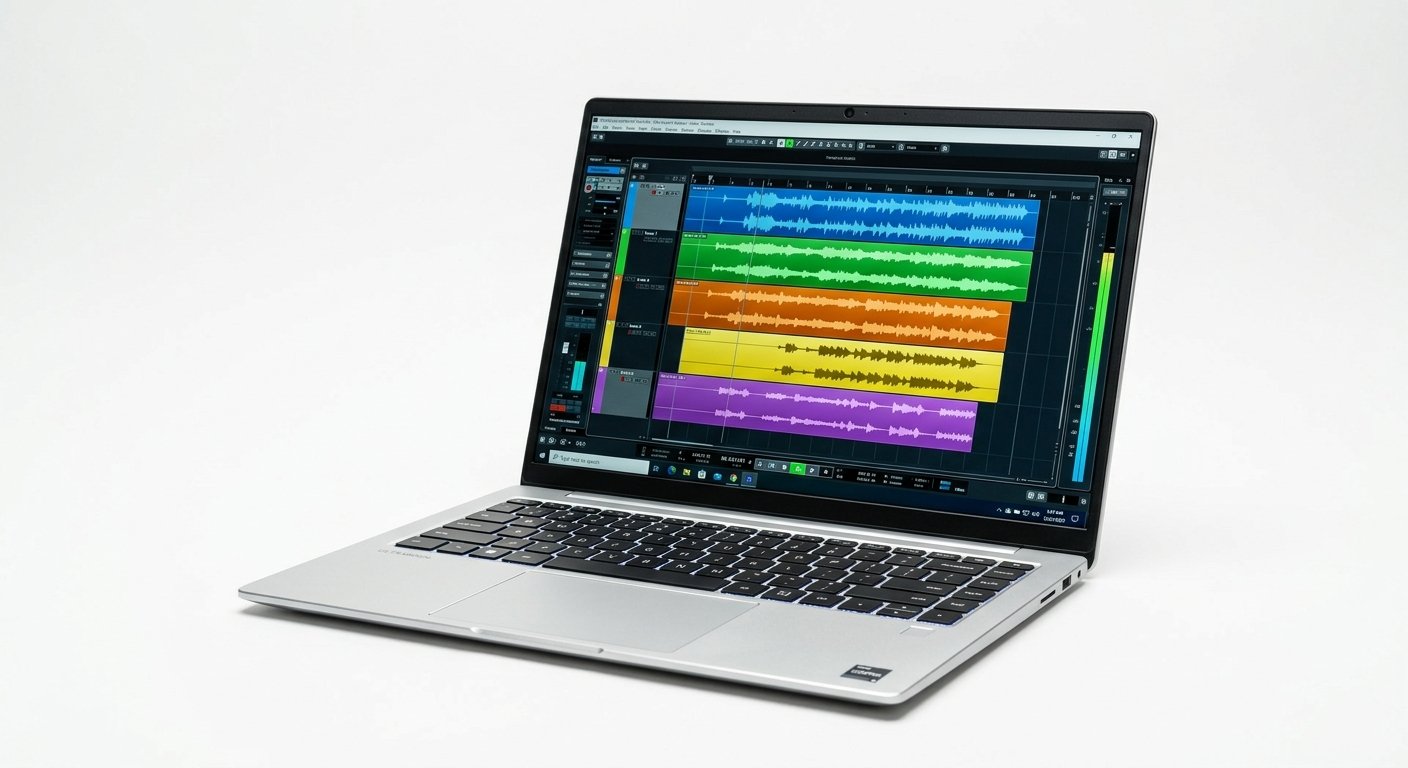
The Vivobook S 16 AI (~$1,099) proves you do not need to spend a fortune on Windows. You get an Intel Core Ultra 9 and a full 32GB of DDR5 RAM, more memory than a MacBook Pro at twice the price, on a 16-inch screen that gives your arrangement room to breathe.
It runs Reaper, Cubase, FL Studio, and Ableton comfortably at 50+ tracks. The build is plastic rather than aluminium and the display is ordinary, but the specs where it counts are not.
For a Windows producer on a budget who needs RAM for sample libraries, this is the best price-to-performance machine here.
Who should buy it: budget Windows producers who need lots of RAM and a big screen.
Watch out for: plain build quality and an unremarkable display.
ASUS Vivobook S 16 AI
Core Ultra 9 and a full 32GB of DDR5 RAM for around $1,099: the best Windows price-to-performance for producers.
Check Price on AmazonMac vs PC for Music Production
The honest answer in 2026: both work, but they fail differently.
Mac wins on friction. Core Audio is baked into macOS, so low-latency recording works out of the box with almost any interface. No ASIO driver hunting, no buffer-size guesswork. Apple Silicon has enormous single-core speed, which is what CPU-heavy synths actually need. Logic Pro is Mac-only. Apple Silicon machines run cooler and quieter, which matters when a microphone is open in the room.
PC wins on flexibility and price. More hardware variety, dramatically better price-to-performance at the budget end, and, crucially, upgradeable RAM and storage on many models. If your sample libraries grow, a Razer or an ASUS can grow with you. A MacBook cannot.
The practical rule: if you use Logic Pro, or you record acoustic instruments and need silence, buy a Mac. If you are on Windows already, need maximum RAM per dollar, or want to upgrade over time, buy a PC. Both will make a professional record.
What Specs Actually Matter for Music Production
CPU: single-core speed beats core count
This is the spec people get wrong most often. Most audio plugins run on a single thread, so one heavy synth or a long effects chain lives or dies on single-core performance, not on how many cores the chip has. A fast 8-core chip will outperform a slow 16-core chip in a DAW. Apple Silicon leads here; on Windows, aim for at least a Ryzen 7 or Core i7, ideally a Ryzen AI 9 or Core Ultra 9.
RAM: 16GB minimum, 32GB comfortable
16GB is the floor in 2026. That covers typical sessions with moderate plugin use. 32GB gives real headroom for large sample libraries and dense productions. Orchestral composers running full templates want 32GB or more. Note that Apple’s unified memory is more efficient, 16GB on a Mac behaves roughly like 24GB on Windows.
Storage: SSD, and more than you think
An NVMe SSD is non-negotiable, sample libraries stream directly off the drive. Get 1TB minimum if you can; audio projects and sample packs consume space alarmingly fast. An external SSD for archiving is a cheap safety net.
Fan noise: the spec nobody lists
If you record vocals or acoustic instruments, laptop fan noise will end up in your recordings. Fanless machines (MacBook Air, MacBook Neo) sidestep this entirely. Gaming-derived Windows laptops are the worst offenders under load. This is a real buying criterion, not a footnote.
Ports and Thunderbolt
You need enough USB-C or Thunderbolt to run your audio interface and MIDI controller without a hub in the signal path. Thunderbolt 4 or 5 gives the lowest-latency interface connection available.
Frequently Asked Questions
What is the best laptop for music production in 2026?
How much RAM do I need for music production?
Is Mac or PC better for music production?
Can a budget laptop handle music production?
Does CPU core count matter for music production?
Does laptop fan noise affect recording?
The Bottom Line
The MacBook Pro 14″ M5 Pro is the best laptop for music production in 2026 if budget is not the constraint: fastest single-core, silent, and Core Audio means it just works. For most people the MacBook Air M4 is the smarter buy, fanless, silent, and comfortably capable of 50+ track sessions for half the price. On Windows, the ASUS ProArt P16 is the pick, and the MacBook Neo at ~$699 is the first budget laptop in years that a producer can genuinely recommend.
Prioritize single-core CPU speed, then RAM, then storage. And if you record with a microphone, take fan noise seriously, it is the one spec that will quietly ruin your takes.
Next, pair it with the right audio interface, studio monitors, and a MIDI controller. See also our guides to the best laptop for FL Studio and the best laptop for DJing.