- 25 keys are best for small desks and beatmaking.
- 49 keys suit two-handed chords and songwriting.
- Pads help with beats and samples but are not essential.
- Standard USB MIDI works in major DAWs.
Quick answer: The best MIDI keyboard for beginners is usually a compact 25-key controller with velocity-sensitive pads and simple DAW controls. Choose 49 keys if you want to learn two-handed chords; choose weighted keys only when piano feel—not production control—is your priority. Reviewed for 2026 by Jordan Ellis, a home-studio producer.
Your first MIDI keyboard should make it easier to finish ideas, not turn your desk into a cockpit. The right choice depends on the music you make, the room you have, and whether you need pads, knobs, or more playing range.
Quick picks: best MIDI keyboards for beginners
| Controller | Best for | Why it works for beginners |
|---|---|---|
| Akai MPK Mini | Small all-round setup | Keys, pads and controls in a compact format. |
| Arturia MiniLab 3 | Hands-on software control | Compact keys, pads and encoders for a desk setup. |
| Novation Launchkey Mini | Ableton-oriented workflow | Clip, pad and transport controls alongside mini keys. |
| M-Audio Oxygen Pro Mini | Feature-rich compact control | Pads, knobs and performance features in a small footprint. |
| Native Instruments Komplete Kontrol M32 | Sound-library users | A clean keyboard-first workflow for instrument browsing. |
| Arturia KeyLab Essential 49 | Learning chords and arrangement | More range without moving to a full-size piano. |
| M-Audio Keystation 49 | Simple key-first playing | A straightforward 49-key option when pads are not essential. |
1. Akai MPK Mini: best compact first controller
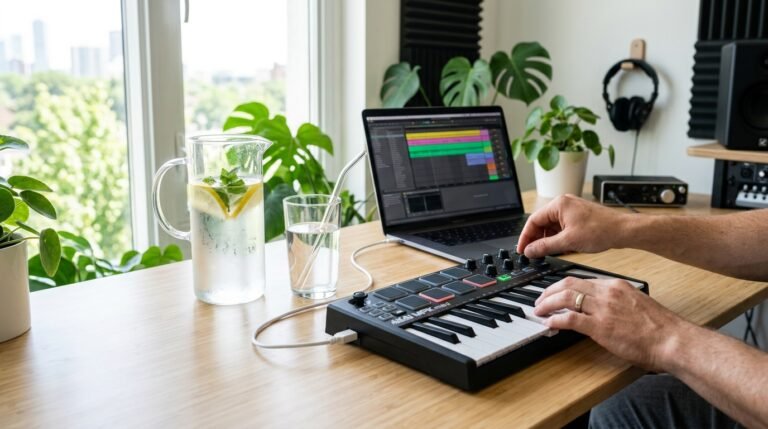
A compact Akai MPK Mini is a practical starting point for a laptop producer because it combines keys, pads and assignable controls. That makes it useful for entering bass lines, tapping drums and adjusting a synth without buying three separate devices. Its small keys are a compromise: they save space, but players with classical-piano habits may prefer a 49-key model.
It suits beginners who make beats, pop, hip-hop or electronic music and want one controller that can do several jobs. For a closer choice between two popular compact options, read our Arturia MiniLab 3 vs Akai MPK Mini comparison.
2. Arturia MiniLab 3: best for a tidy home-studio workflow
The MiniLab 3 is a strong alternative when you want compact keys plus pads and encoders. Its appeal is not a long feature list; it is the ability to keep basic instrument and DAW controls near your hands while you learn. Check Arturia’s current software bundle and compatibility details before buying, because bundled licenses can change.
3. Novation Launchkey Mini: best for Ableton beginners
The Launchkey Mini is particularly compelling if Ableton Live is your main DAW. Its pads and workflow controls help new users move between playing notes, launching clips and building a first arrangement. It still sends standard MIDI, so it can work beyond Ableton, but its strongest value is for a clip-based workflow.
4. M-Audio Oxygen Pro Mini: best when you want more controls
Choose the Oxygen Pro Mini if you want a compact controller with a more performance-oriented set of pads and controls. More controls are useful only when you map them deliberately; beginners should start by mapping volume, filter cutoff and one or two instrument parameters rather than creating a confusing template.
5. Native Instruments Komplete Kontrol M32: best for instrument-library users
The M32 is keyboard-first rather than pad-first. It is a sensible option for people who expect to spend more time playing virtual pianos, strings and synths than finger-drumming. If you use Native Instruments software, check the current integration and system requirements on the manufacturer’s site before committing.
6. Arturia KeyLab Essential 49: best 49-key step up
A 49-key controller is the sweet spot for beginners learning chords, bass and melody at the same time. The KeyLab Essential 49 gives you more musical range than a mini keyboard without demanding the space of an 88-key instrument. It is the better choice for songwriters who keep running out of notes on a 25-key controller.
7. M-Audio Keystation 49: best simple 49-key option
The Keystation 49 is for producers who mostly need keys. It makes sense if you already use a separate pad controller or simply want a clean, uncomplicated way to play software instruments. It is less suited to someone who needs beat pads and deep hands-on DAW control from one device.
What size MIDI keyboard should a beginner buy?
Most beginners should buy 25 keys for compact beatmaking or 49 keys for two-handed chords and melody. A 61-key model makes sense only when piano-led playing is central and your desk can accommodate it.
How many keys should a beginner buy?
25 keys: best for a small desk and beatmaking
Twenty-five keys are enough to program bass lines, melodies and basic chords. Add pads and knobs, and a 25-key controller becomes a capable first production tool. Start with our best 25-key MIDI controller guide if desk space is tight.
49 keys: best for learning real two-handed parts
Forty-nine keys are easier for playing chords with one hand and melodies with the other. It is the best middle ground for songwriters, keyboard learners and producers who work away from a computer keyboard.
61 keys: best for piano-led production
Sixty-one keys give you enough range for fuller arrangements, but they need more space. See our best 61-key MIDI controller guide if you already know compact keys will feel limiting.
Do beginners need pads, DAW integration or weighted keys?
Pads: buy them if you want to finger-drum, trigger samples or sketch beats quickly. DAW integration: helpful mappings save time, but standard MIDI compatibility matters more than a marketing badge. Weighted keys: useful for piano technique; they are not necessary for most electronic-music production.
How to choose for your DAW
For FL Studio, prioritize a controller whose pads and knobs you can map comfortably, then make sure your computer can run the projects you plan to build; our best laptop for FL Studio guide covers that second decision. Ableton producers should value clip-launching pads and clear transport controls. Logic Pro users may prefer a keyboard-first layout. Any modern controller that sends standard MIDI can work in any major DAW after basic mapping.
Common beginner mistakes
- Buying 88 weighted keys for a bedroom desk when 49 keys would get used more.
- Assuming a controller makes sound on its own; it normally controls software instruments.
- Ignoring the included software, operating-system support and connection type.
- Choosing pads when the real goal is learning chords and melody.
- Buying on features alone instead of considering desk space and workflow.
Frequently asked questions
What is the best MIDI keyboard size for a beginner?
Choose 25 keys for compact production and 49 keys for more natural two-handed playing. The best size is the one you can leave connected and use every day.
Do I need drum pads on a MIDI keyboard?
No, but pads make beatmaking and sample triggering faster. They are valuable for electronic and beat-driven music, not mandatory for piano-led work.
Can I use a MIDI keyboard with FL Studio?
Yes. A standard USB MIDI controller works with FL Studio; dedicated templates can make setup faster, but basic note and control data are broadly compatible.
Is a MIDI keyboard the same as a digital piano?
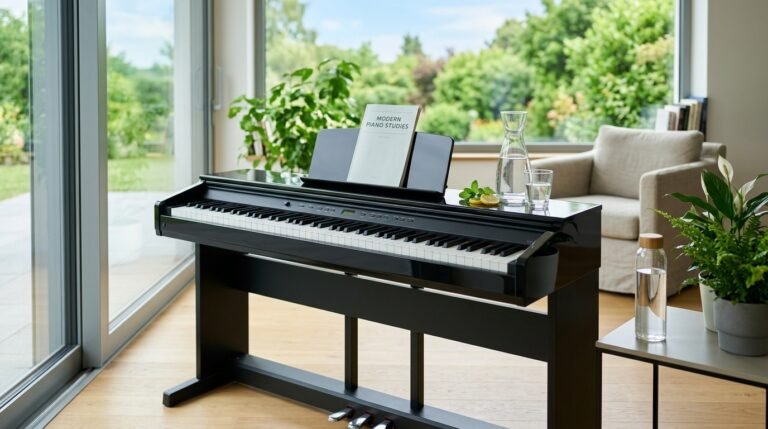
No. A MIDI keyboard is usually built to control software instruments and may not make sound by itself. A digital piano is designed primarily for piano playing and typically includes onboard sounds.
Do I need an audio interface with a MIDI keyboard?
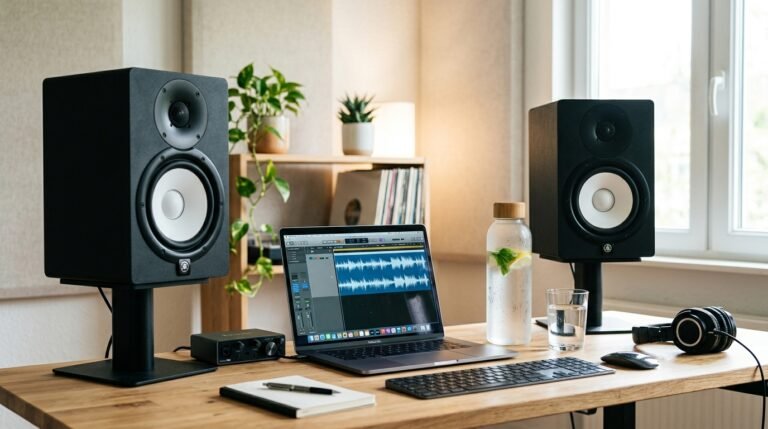
Not for the keyboard itself. USB connects it to your computer. You may want an interface later for microphones, monitors or lower-latency audio monitoring.
Specifications and compatibility
Controller dimensions, bundled software and DAW templates change between revisions. Before purchasing, verify the current specifications and supported software on the official Akai, Arturia, Novation, M-Audio and Native Instruments product pages.
Written and reviewed by Jordan Ellis, a home-studio producer. Specifications and software compatibility were checked against manufacturer resources on 4 August 2026.
The bottom line
For most new producers, a 25-key hybrid controller is the most useful first purchase; a 49-key model is worth it when two-handed playing matters more than portability. Once you know which workflow fits, compare the broader field in our guide to the best MIDI controllers.