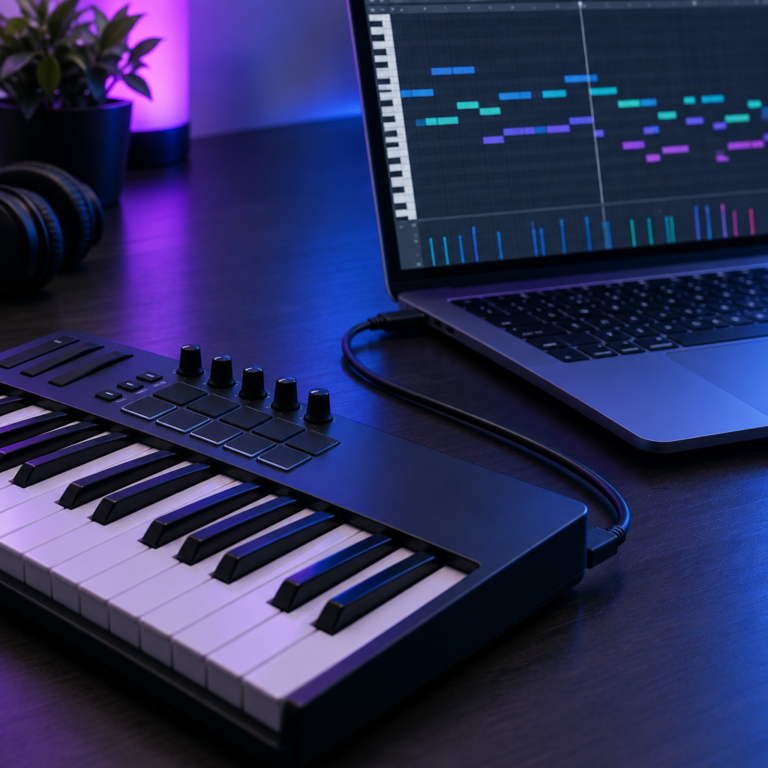
To make a beat, set a tempo, program a drum pattern, add a bass line and some chords, then arrange those loops into a full track. You can do all of it on a laptop with headphones and any DAW, free or paid. This guide walks through each step in the order most producers work.
What you need
- A DAW. GarageBand on a Mac, Waveform Free or LMMS on Windows, or BandLab in a browser cost nothing. FL Studio is a popular paid choice for beats. Not sure? Read the best DAW for beginners.
- Headphones. Any decent pair to start.
- Optional: a small MIDI keyboard. You can draw every note with a mouse instead.
Step 1: Pick a tempo
Tempo is measured in beats per minute (BPM), and each style has a typical range. Our BPM Tapper page lists common ranges by genre. If you are making something like a song you love, tap along with it on the BPM Tapper or drop the file into the Key and BPM Finder, then set your project to the same tempo.
Step 2: Program the drums
Drums are the backbone. Start with a one-bar or two-bar loop in 4/4 time (see time signatures explained).
- Kick: on beat 1, then add a few more hits to create a groove.
- Snare or clap: on beats 2 and 4. This is the backbeat in most popular styles.
- Hi-hats: steady eighth or sixteenth notes to keep the rhythm moving.
- Variation: change a few hi-hats or add a fill at the end of every fourth bar so the loop does not feel stiff.
Lower the velocity of some hi-hats so not every hit is the same loudness. It makes programmed drums feel less robotic. If MIDI and velocity are new to you, read what is MIDI.
Step 3: Add chords or a melody
Pick a key, then choose chords from it. A safe start is a four-chord loop such as Am – F – C – G, which works in A minor. Our guide to common chord progressions has more, and the chord library shows the notes of every chord so you can draw them in the piano roll.
Load a piano, pad or synth plugin on a new track and draw or play the chords. Keep it simple: long chords for a mellow beat, short stabs for energy.
Step 4: Add the bass
The bass usually plays the root note of each chord: A under Am, F under F, and so on. Then lock its rhythm to the kick drum so they hit together. In hip hop and trap, an 808 often does the job of both the bass and part of the kick.
Step 5: Arrange it into a track
A loop is not a song yet. Copy it along the timeline and take parts in and out to make sections:
- Intro: chords only, or drums without the kick.
- Verse: everything, but a little sparse.
- Hook or chorus: the fullest section.
- Break: drop the drums for a few bars, then bring them back.
Our guide to song structure shows common layouts for hip hop, pop and electronic music.
Step 6: A quick mix
- Set the volume of each track so the kick and snare are clear and nothing is buried.
- Use EQ to clear low end out of chords and hi-hats, so the kick and bass have room. See what is EQ.
- Add a little reverb to the snare or chords. Time it to the tempo with the Delay Calculator.
- Keep the master meter below the top, so the export does not clip.
For the bigger picture, read mixing vs mastering.
Step 7: Export
Export (sometimes called bounce or render) the beat as a WAV file for the best quality, and an MP3 if you want a smaller file to share. 24-bit WAV at your project’s sample rate is a good default; see sample rate and bit depth.
Tips that save beginners time
- Finish beats, even rough ones. You learn more from ten finished beats than from one perfect loop.
- Study songs you like. Drag a reference track into your DAW and copy its drum pattern by ear.
- Use the built-in sounds first. Every DAW comes with enough drums and instruments to start.
- Name your beats. Stuck? The Song Title Generator gives ideas by mood.
- Know the alternative. If you would rather buy a beat or hire a producer, our guide to what a music producer costs explains beat leases, exclusive rights and custom production.
Frequently asked questions
Can I make beats for free?
Yes. GarageBand, Waveform Free, LMMS and BandLab all cost nothing. See our free DAW guide.
Do I need to know music theory to make beats?
No, but a little helps. Knowing how to pick chords from one key makes your melodies and bass lines fit together. The chord library shows the chords of every key.
What should I make first, drums or melody?
Either works. Many beatmakers start with drums to set the groove, while others start with a chord loop or sample to set the mood.
How long does it take to make a beat?
A simple loop can take minutes. A finished, arranged and mixed beat often takes a few hours or more, especially while you are learning.
Keep practising in time with the free online metronome. When your beat is finished, see how to put your music on Spotify and estimate streaming earnings with the Royalty Calculator.