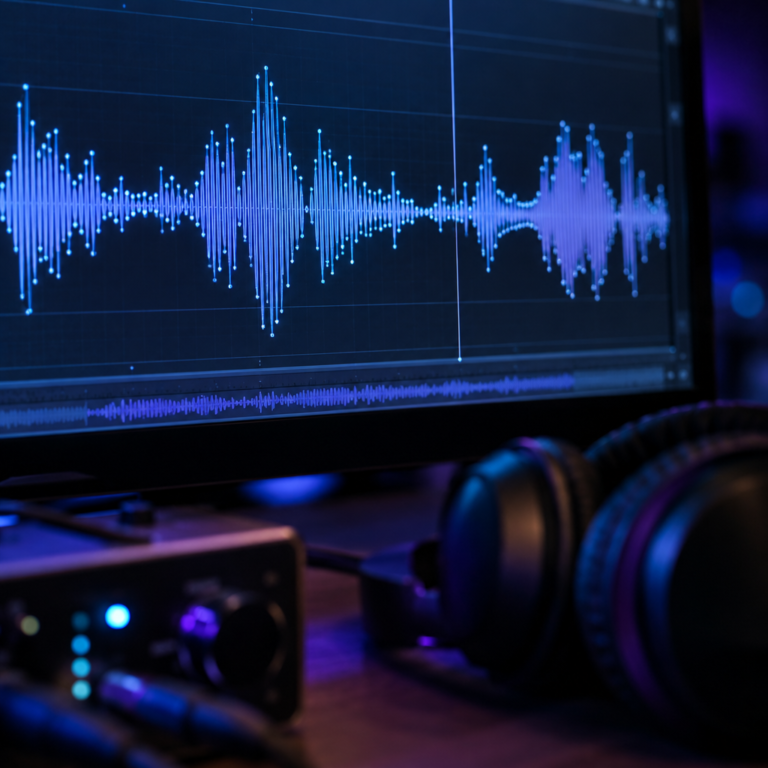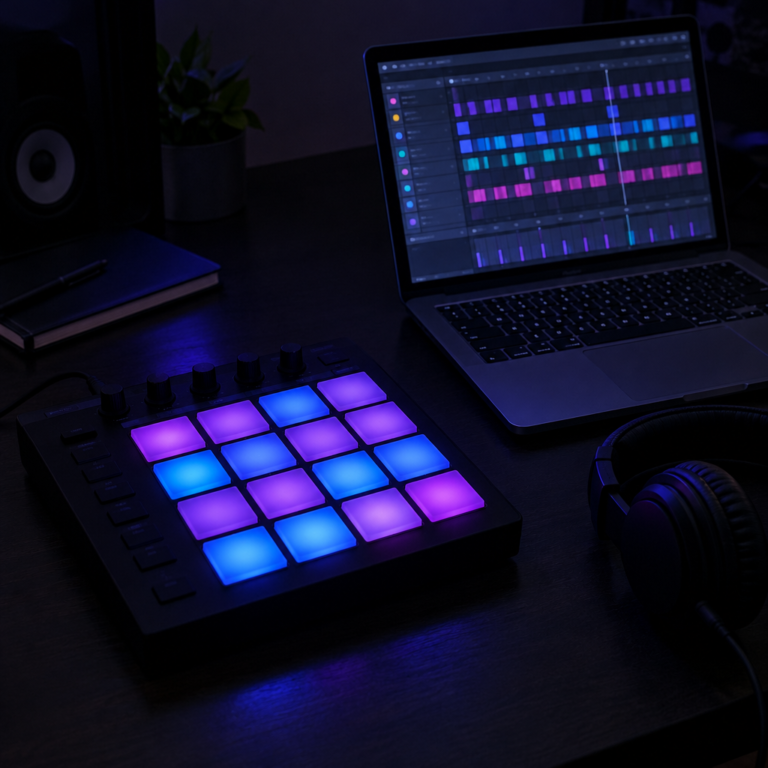
Mixing is balancing all the separate tracks of a song into one stereo file. Mastering is the final polish on that stereo file so it sounds good and consistent on every speaker and service. Mixing works on the parts. Mastering works on the whole.
Side by side
| Mixing | Mastering | |
|---|---|---|
| Works on | Every separate track: vocals, drums, bass, synths | The finished stereo mix |
| Main goal | Every part is clear and sits well together | The song sounds finished, at the right loudness, everywhere |
| Main tools | Volume, panning, EQ, compression, reverb, delay, automation | Gentle EQ, compression, limiting, loudness metering |
| Can fix | A vocal that is too quiet, a muddy guitar, a harsh hi-hat | Overall tone and loudness. It cannot fix one buried instrument. |
| Order | First | Last, after the mix is done |
What happens in mixing
- Levels. Set the volume of every track. This step does more than any plugin.
- Panning. Place sounds left, right or centre so they do not crowd each other. Kick, bass and lead vocal usually stay in the centre.
- EQ. Carve space so instruments do not mask each other. See what is EQ.
- Compression. Even out levels so parts sit steadily. See compression explained.
- Space. Add reverb and delay for depth. Time them to the song’s tempo with our Delay Calculator.
- Automation. Change levels and effects over time, such as lifting the vocal in the chorus.
What happens in mastering
- Tonal balance. Small EQ moves so the whole song is not too bright, dark or boomy compared with similar music.
- Dynamics. Gentle compression to glue the mix together.
- Loudness. A limiter raises the overall level without letting peaks go over the top.
- Consistency. On an album or EP, every song is matched so none jumps out as louder or duller.
- Delivery. Export at the right format for where it is going.
How loud should a master be?
Streaming services turn songs up or down so they all play at a similar loudness. Spotify says on its loudness normalization page that it adjusts tracks to −14 LUFS by default. Premium listeners can also choose a Loud setting at −11 LUFS or a Quiet setting at −19 LUFS. Spotify also recommends keeping masters below −1 dB true peak to avoid extra distortion when the file is encoded.
LUFS is a unit of perceived loudness over time. The practical point: pushing a master far louder than the service’s target does not make it play louder on that service. It only gets turned down, and it may sound more squashed than a quieter master.
Can you master your own music?
Yes, and many home producers do. The main risk is that you have heard the mix so many times you can no longer judge it fresh. A few habits help:
- Take a break of a day or more between finishing the mix and mastering it.
- Compare with a few professionally released songs in the same style, at matched loudness.
- Listen on several systems: headphones, laptop speakers, a phone and a car.
- Leave headroom in the mix, with the loudest peaks a few dB below 0, so the mastering stage has room to work.
Mix first, master later
Mastering cannot rescue a poor mix. If the vocal is buried, fix it in the mix. A good rule: if a problem affects one instrument, it is a mixing problem. If it affects the whole song, it can be handled in mastering.
Frequently asked questions
What is the difference between mixing and mastering?
Mixing balances the individual tracks of a song into a stereo file. Mastering finishes that stereo file, setting its overall tone and loudness so it sounds right on every system and service.
Which comes first, mixing or mastering?
Mixing. Mastering is the last step, done on the finished mix.
How loud should I master for Spotify?
Spotify normalizes to −14 LUFS by default and recommends keeping peaks below −1 dB true peak. Mastering much louder than that does not make your song play louder there.
Do I need to pay for mastering?
No. You can master yourself with your DAW’s built-in tools. Many artists pay a mastering engineer for a fresh, experienced pair of ears. Our guide to recording studio costs lists typical prices for mixing and mastering per song.
Ready to release? See how to put your music on Spotify, and estimate earnings with our Streaming Royalty Calculator. Still choosing software? See the best DAW for beginners.