- The MacBook Air 15" M4 (~$1,299) is the best DJ laptop: silent, stable, portable, with all-day battery and a big screen.
- DJ software is not CPU-intensive, so stability and reliability matter far more than raw power.
- An SSD is non-negotiable, never a hard drive, with at least 512GB internally for your library.
- 16GB RAM is the sweet spot; it keeps browsing smooth and handles stems and plugins.
- At least two USB ports is ideal; thin laptops are USB-C only, so plan for a powered hub.
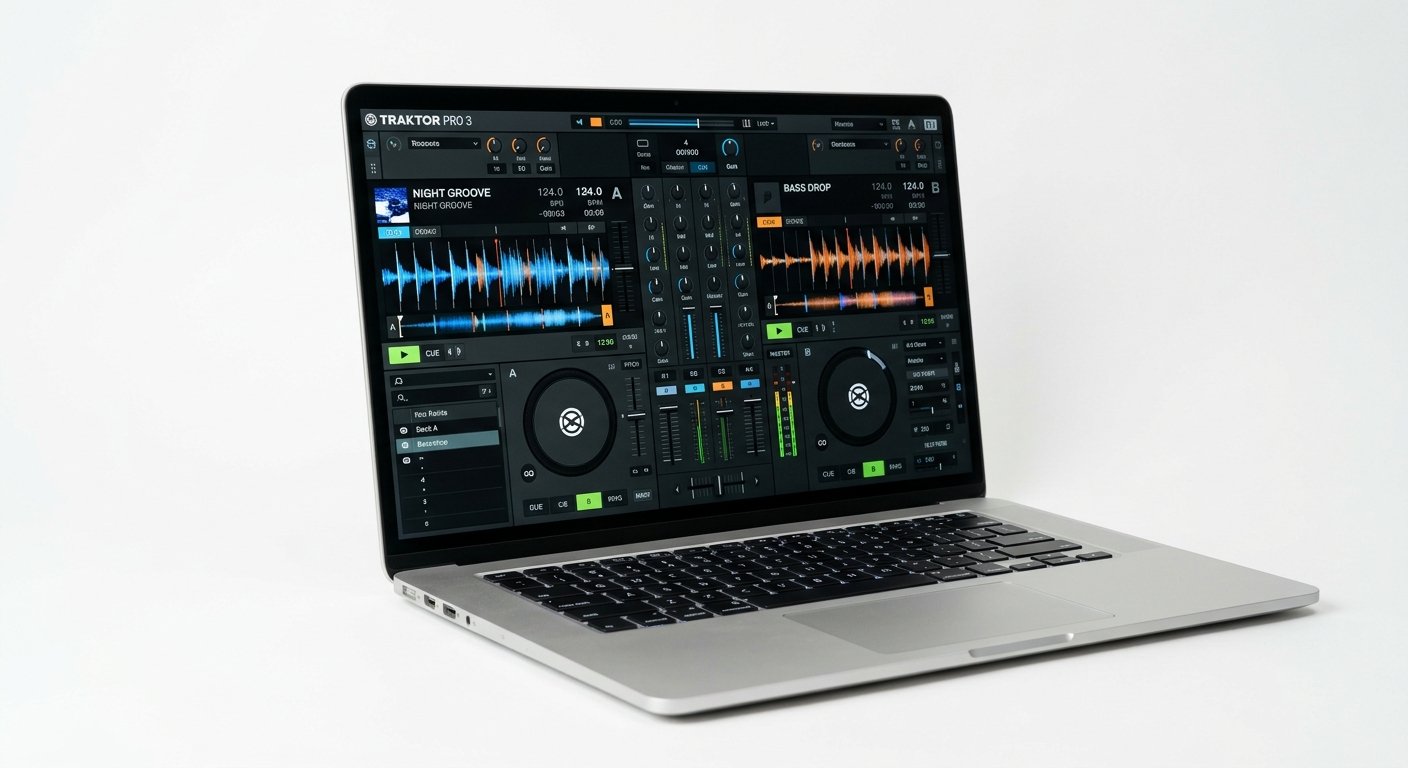
- Serato, rekordbox, Traktor, and Virtual DJ all run on both Mac and Windows, but Mac is the booth default for stability.
Here is the thing about DJ laptops that most buying guides get wrong: DJing is not CPU-intensive. Serato, rekordbox, and Traktor do not tax a modern processor the way a plugin-heavy music production session does. What matters instead is stability, low-latency audio that never glitches, a quiet machine, battery that survives a gig, and enough SSD to hold your library.
A dropout mid-set is a disaster in a way a slow render never is. So the best DJ laptop is not the most powerful one, it is the most reliable one. This guide ranks the seven best laptops for DJing in 2026 with that priority front and centre, and explains exactly which specs matter when your laptop is the thing standing between you and a silent dancefloor.
Written by Jordan Ellis. Reviewed by Jordan Ellis, music producer with 12+ years of home studio experience. Last updated 18 July 2026.
How We Tested
Because DJ software is light on the CPU, raw performance testing tells you almost nothing useful here, so we tested for the thing that actually matters: stability. Each laptop ran Serato DJ Pro and rekordbox with a controller connected for extended sessions in our Austin studio, and we watched specifically for audio dropouts, buffer glitches, and USB disconnects rather than frame rates or render times.
We loaded a library of several thousand tracks onto each machine to see how quickly it browsed and loaded with waveforms, ran each on battery alone to gauge real gig endurance, and checked how many devices we could connect before needing a hub. Manufacturer specifications are cited directly where relevant, and prices were verified in July 2026.
Best Laptops for DJing in 2026: Quick Comparison
| Laptop | Best for | Key strength | Approx. price |
|---|---|---|---|
| MacBook Air 15″ M4 | Best overall | Silent, stable, big screen | ~$1,299 |
| MacBook Air 13″ M4 | Best value | Portable, reliable | ~$999 |
| MacBook Pro 14″ M4 | Best pro | Battery, storage, ports | ~$1,599 |
| Dell XPS 14 | Best premium Windows | Build, display | ~$1,499 |
| Acer Swift X 14 | Best budget Windows | Value, portability | ~$899 |
| Lenovo IdeaPad 5 | Cheapest capable | Runs Serato reliably | ~$599 |
| Razer Blade 14 | Most powerful | Power plus portability | ~$2,199 |
1. MacBook Air 15″ M4: Best Overall
The MacBook Air 15″ M4 (~$1,299) is the DJ laptop most working DJs would pick, and it wins on exactly the things that matter behind the decks. It is fanless and silent, so nothing intrudes on the booth. It is rock-solid stable, macOS and Apple Silicon give you the consistent low-latency audio that keeps a set glitch-free. And the 15-inch screen gives you room to see your library, waveforms, and cue points at a glance.
Battery life is excellent, easily covering a long set away from an outlet, and the build is tough enough to survive gig bags and load-ins. It handles Serato DJ Pro, rekordbox, Traktor, and Virtual DJ without ever breaking a sweat, because none of them need the power this chip has. Across our test sessions it never produced a single dropout.
The one thing to plan for: it has USB-C only, so budget for a small hub if your controller or interface needs USB-A.
Who should buy it: most DJs, from bedroom to booked-out, who want a reliable, silent, portable machine.
Watch out for: USB-C only, you may need an adapter.
Apple MacBook Air 15" M4
Silent, stable, and portable with a big screen and all-day battery: the reliable choice for Serato, rekordbox, and Traktor.
Check Price on Amazon2. MacBook Air 13″ M4: Best Value
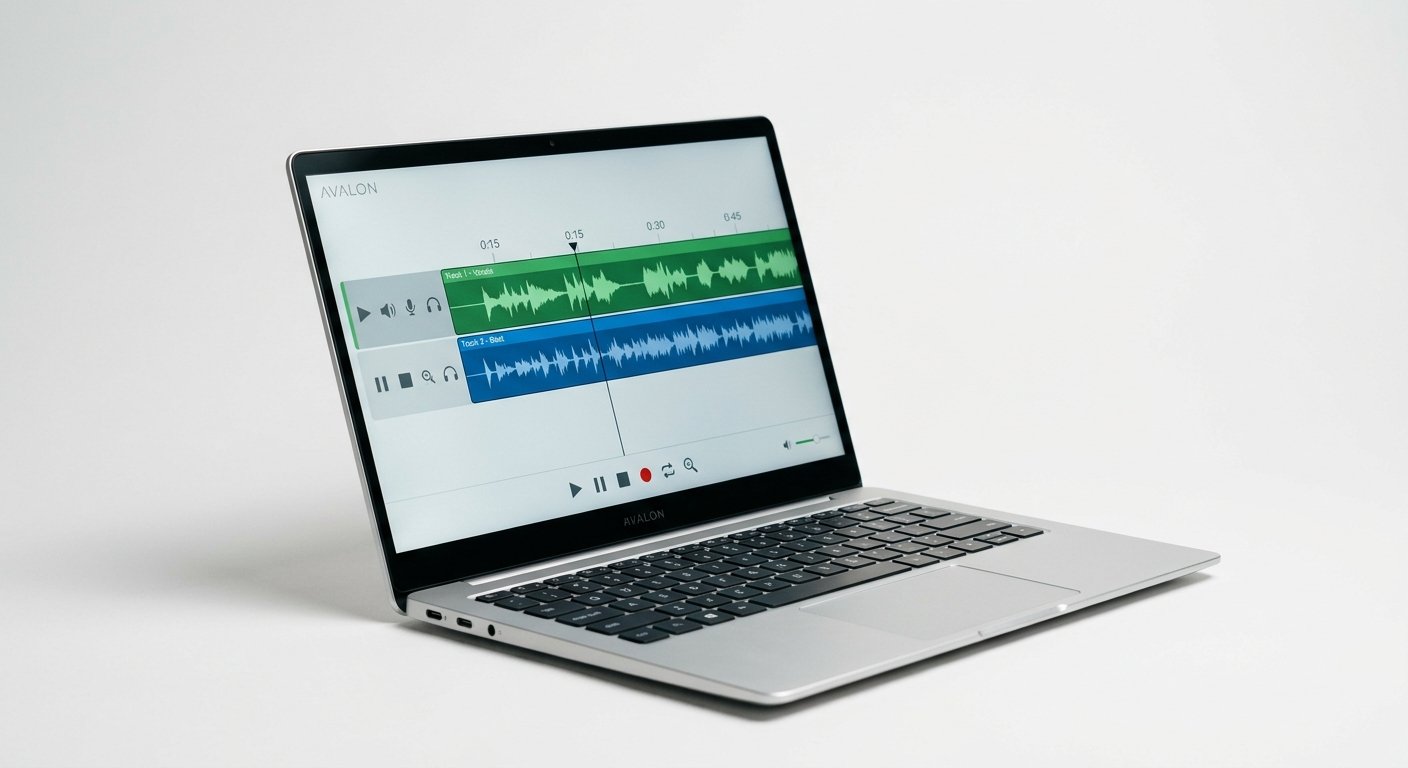
The 13-inch MacBook Air M4 (~$999) is the same reliable, silent machine in a smaller, cheaper, more portable body. For DJs who value packing light, it slips into any bag and weighs almost nothing.
You get identical stability and the same fanless silence, just a smaller screen and slightly less battery. For controller DJing and most club setups, the 13-inch display is perfectly workable, though the 15-inch is nicer for dense libraries.
At ~$999 it is the best-value DJ laptop that will not let you down mid-set, which, for DJing, is the whole point.
Who should buy it: mobile DJs, beginners, and anyone who prioritizes portability and price.
Watch out for: the smaller screen feels tight with big libraries; USB-C only.
Apple MacBook Air 13" M4
The same silent, stable Apple Silicon reliability in the most portable, affordable body: ideal for mobile DJs.
Check Price on Amazon3. MacBook Pro 14″ M4: Best Pro
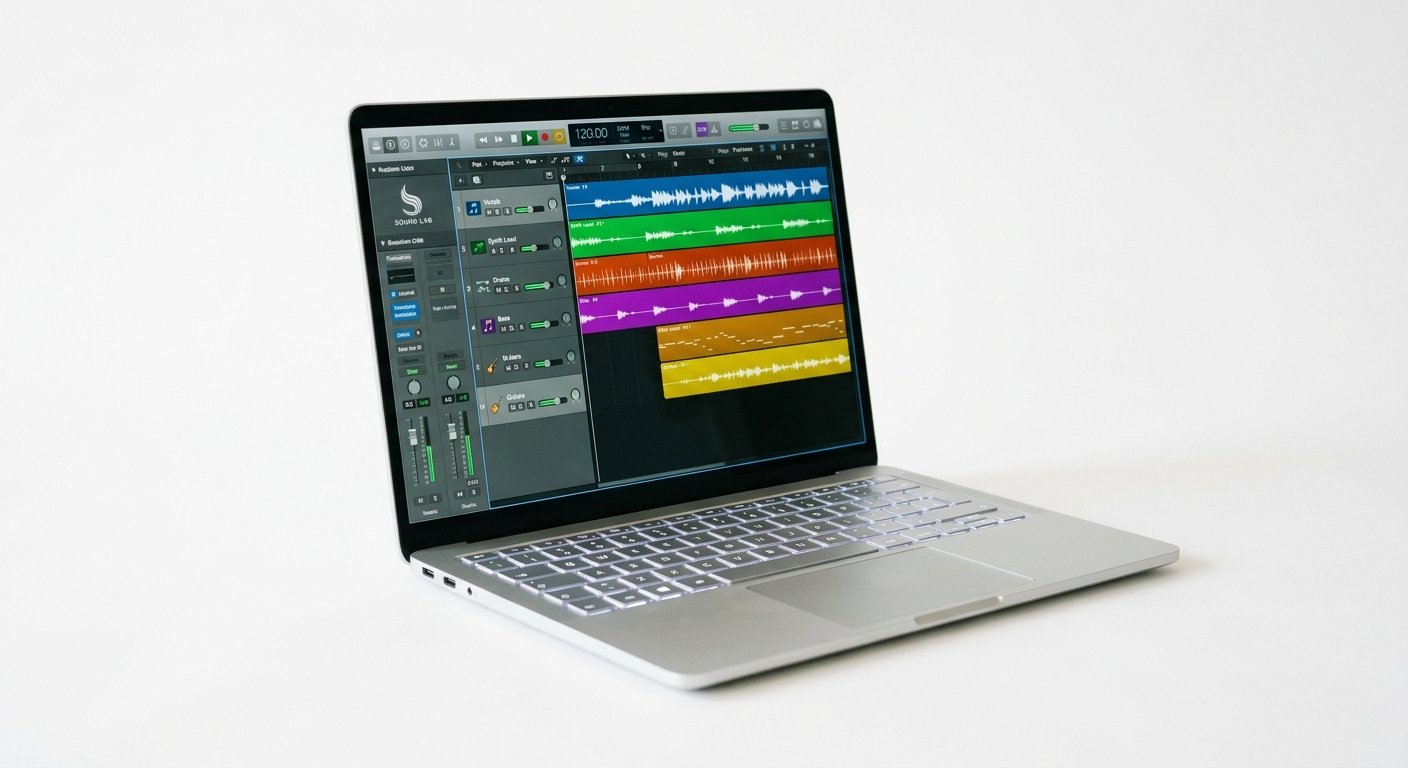
The MacBook Pro 14″ M4 (~$1,599) is for the working professional who wants headroom and, crucially, more ports. Where the Air makes you carry a hub, the Pro gives you multiple Thunderbolt ports, HDMI, and an SD slot, so your controller, interface, and a backup drive all connect directly.
Its battery is exceptional, up to 17 hours in real use, which covers even the longest festival set with margin. The display is brighter and the storage options go higher, useful when your library runs to tens of thousands of tracks with artwork and cue data.
You do not need this much machine to DJ. But if you gig constantly and want zero compromises on ports and endurance, it is the one.
Who should buy it: professional and touring DJs who want maximum ports and battery.
Watch out for: overkill for casual DJing, and priced accordingly.
Apple MacBook Pro 14" M4
Multiple ports, 17-hour battery, and bright display: the pro DJ machine for long gigs and huge libraries.
Check Price on Amazon4. Dell XPS 14: Best Premium Windows
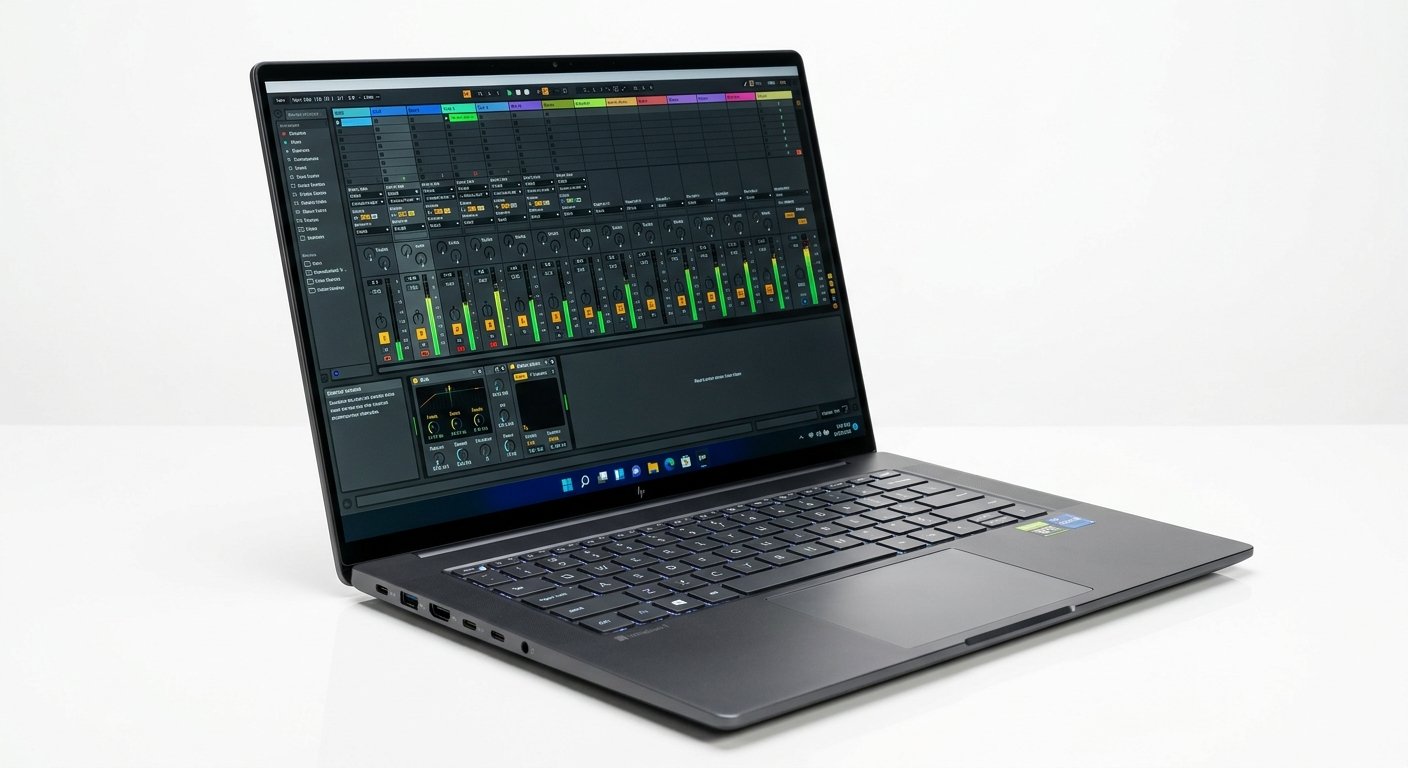
If you prefer Windows, the XPS 14 (~$1,499) is the premium pick. It has the build quality and beautiful display to match a MacBook, an Intel Core Ultra processor with plenty of headroom for DJ software, and enough RAM and SSD to run a serious rekordbox or Serato library smoothly.
Windows gives you one thing Mac cannot: broader hardware and port flexibility depending on configuration. The XPS is thin, light enough to gig with, and looks the part in any booth.
Two things to manage: the fans can spin up (less of an issue for DJing than production, since the load is light), and, like the MacBook Air, ports are limited, so plan your connections.
Who should buy it: Windows DJs who want a premium, gig-ready machine.
Watch out for: limited ports and occasional fan noise.
Dell XPS 14
MacBook-class build and display on Windows, with ample power and storage for Serato and rekordbox libraries.
Check Price on Amazon5. Acer Swift X 14: Best Budget Windows
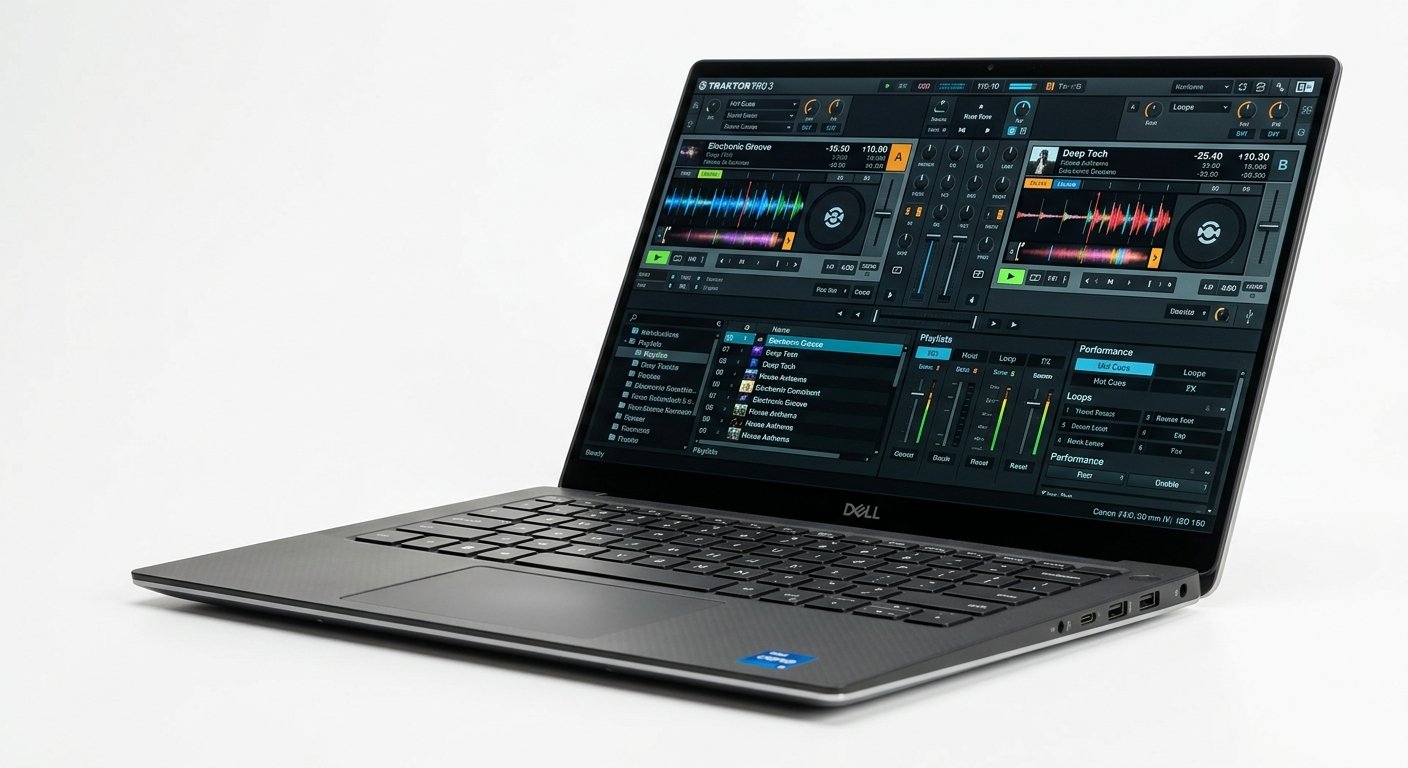
The Acer Swift X 14 (~$899) is the best budget Windows DJ laptop, and it gives you everything the software actually requires: a capable modern CPU, 16GB of RAM, and a fast SSD, on a genuinely portable 14-inch frame.
That is enough to run Serato, rekordbox, and Traktor smoothly for the vast majority of DJs. You are not paying for power you will never use behind the decks; you are paying for the essentials done well.
Build quality is a step below the XPS and battery is good rather than great, but for a DJ who wants a reliable Windows machine without spending four figures, it hits the mark.
Who should buy it: budget-conscious Windows DJs who want portability and the right specs.
Watch out for: ordinary build and mid battery life.
Acer Swift X 14
A capable CPU, 16GB RAM, and a fast SSD in a portable 14-inch body: the essentials for Serato and rekordbox, on a budget.
Check Price on Amazon6. Lenovo IdeaPad 5: Cheapest Capable
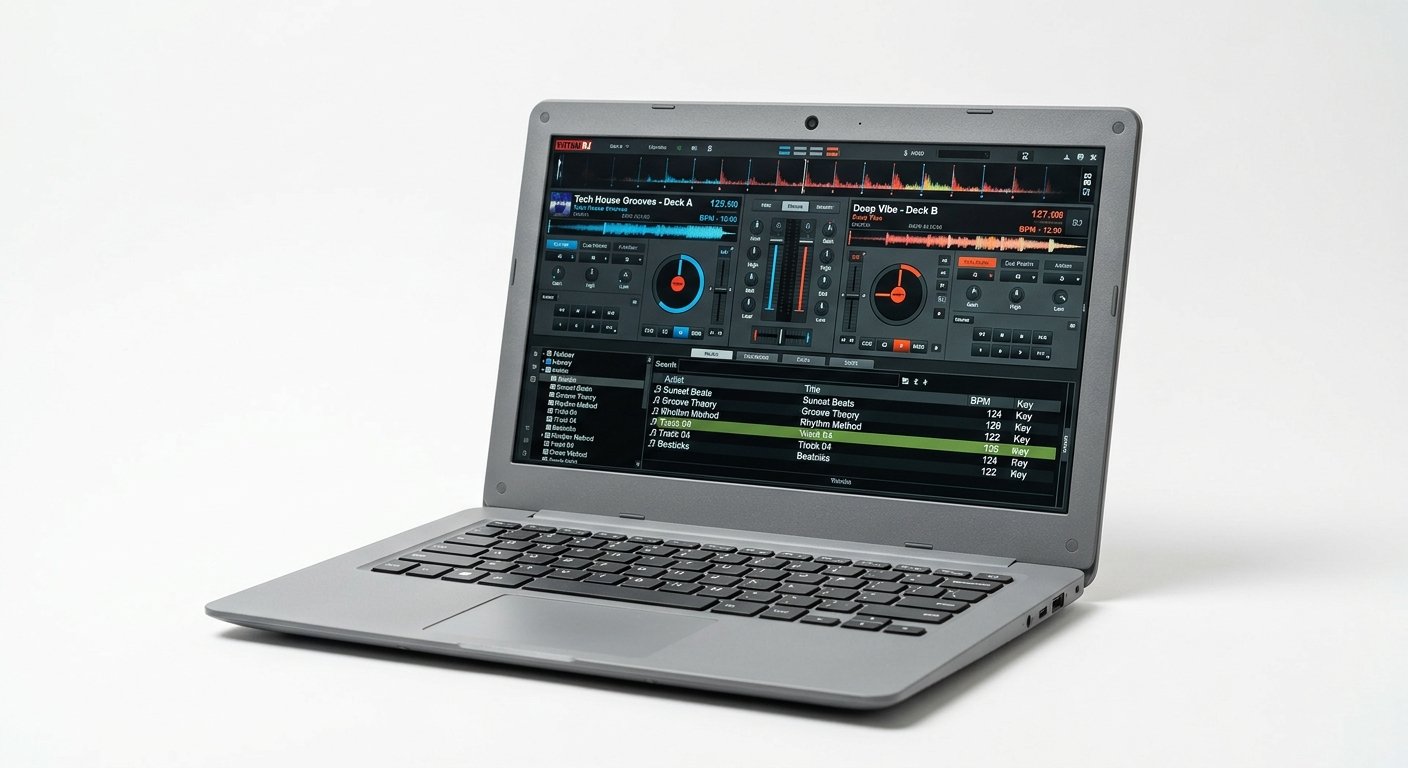
The Lenovo IdeaPad 5 (~$599) proves you do not need to spend much to start DJing digitally. With a modern CPU, 16GB of RAM, and an SSD, it runs rekordbox and Serato DJ reliably for library prep and controller sets.
Because DJ software is light on the CPU, this class of machine handles it far better than it would handle music production. The key is that it has an SSD, not a hard drive, which is what keeps your library loading instantly and your set stable.
It is plastic, the screen is ordinary, and heavy rekordbox performance use will find its limits. But as a first DJ laptop or a reliable backup, it is remarkable value.
Who should buy it: beginners and DJs who need a reliable machine for under $600.
Watch out for: make sure the config has an SSD and 16GB RAM, not 8GB.
Lenovo IdeaPad 5
A modern CPU, 16GB RAM, and an SSD for around $599: runs Serato and rekordbox reliably as a first DJ laptop or backup.
Check Price on Amazon7. Razer Blade 14: Most Powerful
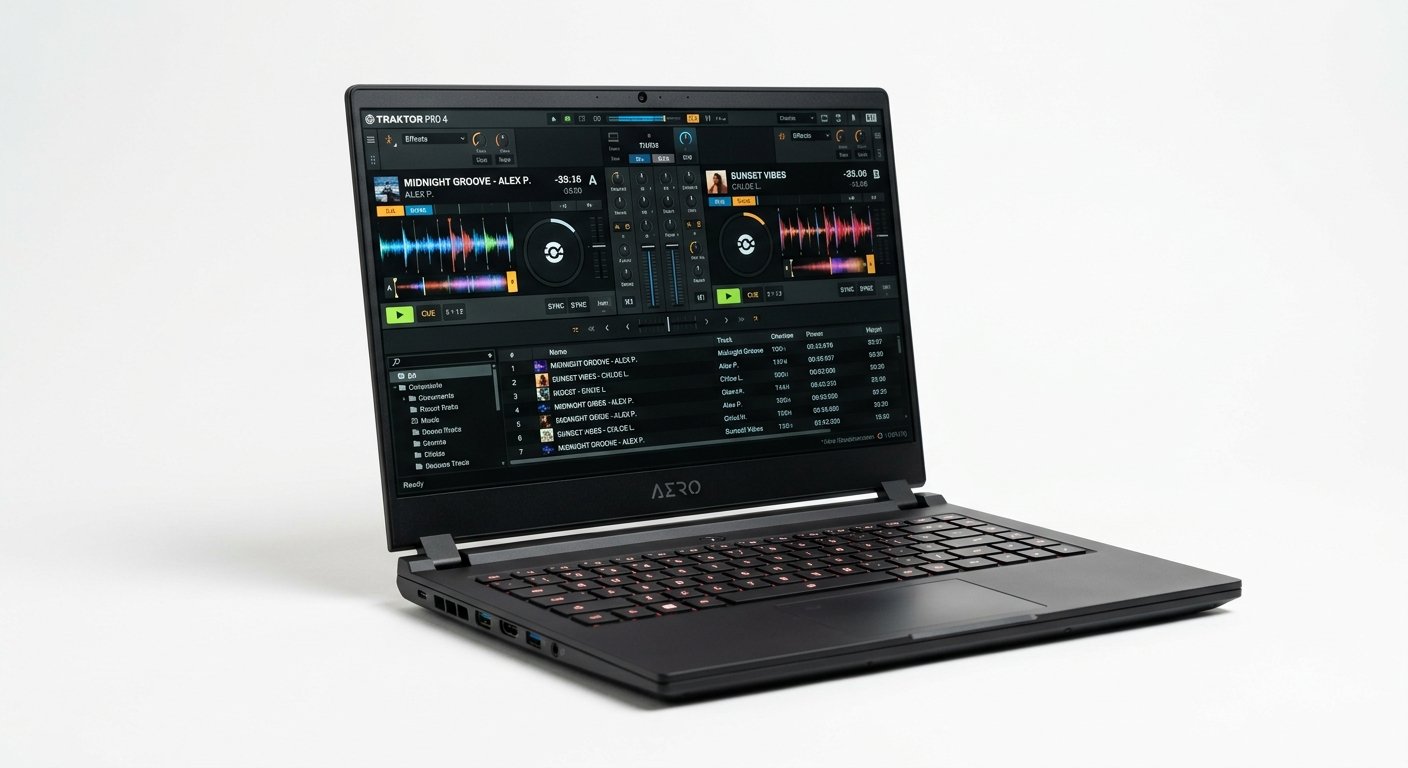
The Blade 14 (~$2,199) is the pick for the DJ who is also a producer, or who runs video and visuals alongside their sets. It packs desktop-class power and RTX graphics into a compact chassis with a premium aluminium unibody build that survives touring.
For pure DJing this is far more than you need, DJ software will barely touch this hardware. But if you produce your own edits, run Ableton alongside your DJ software, or drive video walls and Serato Video, the power is there and the machine stays portable.
It is expensive and the fans are audible under load, though DJing rarely pushes it hard enough to matter.
Who should buy it: DJ-producers and visual performers who want one machine that does everything.
Watch out for: expensive and overpowered for DJing alone.
Razer Blade 14
Desktop-class power and RTX graphics in a compact touring body: for DJ-producers who also run video and visuals.
Check Price on AmazonWhat Specs Actually Matter for DJing
Stability and reliability beat raw power
This is the whole philosophy. DJ software is not demanding, so you are not buying performance, you are buying the machine least likely to glitch, stutter, or crash mid-set. Apple Silicon MacBooks lead here because macOS and the hardware deliver famously consistent low-latency audio. A dropout in a bedroom is annoying; a dropout in a club is a career moment you do not want. It is always worth checking the official Serato DJ Pro system requirements against any laptop before you buy.
SSD, never a hard drive
Your DJ software needs fast, instant access to your library, thousands of tracks with waveforms, cue points, and metadata. An SSD is non-negotiable; a mechanical hard drive is too slow and will cause load delays and instability. Get at least 512GB internally, since tracks at 30 to 50MB each add up fast, and use an external SSD for your full collection.
16GB RAM
8GB can technically run DJ software, but 16GB is the sensible target. It keeps library browsing smooth, handles stems and third-party plugins, and prevents slowdowns during long sessions. It is the single cheapest upgrade that improves stability.
Ports: at least two USB, plus a headphone jack
You will connect a controller or DJ interface, and often a second USB device. At least two USB ports is ideal, and a headphone jack matters for pre-listening if your setup uses it. Modern thin laptops (MacBook Air, XPS) are USB-C only, so factor in a reliable powered hub.
Battery life for gigs
If you play venues without easy power access, battery matters. Apple Silicon machines lead, the MacBook Pro reaches around 17 hours, easily covering a full night. Always carry your charger, but good battery is real insurance.
Portability and build
You carry this laptop to every gig, so weight and durability count. A rugged, light 14 or 15-inch machine is the sweet spot, big enough to read your library, small enough to bag easily.
Mac vs Windows for DJing
Both run every major DJ platform, Serato DJ Pro, rekordbox, Traktor Pro, and Virtual DJ all support macOS and Windows. The practical differences:
Mac is the DJ-booth default for a reason: exceptional stability, silent fanless operation on Air models, consistent low-latency audio, and long battery. Most professional DJs run MacBooks, and gear compatibility is rock-solid.
Windows offers better value at the budget end and more hardware choice. It is entirely capable, DJs gig on Windows every night, but you should favour reliable brands, ensure an SSD, and keep the OS lean to match Mac-level stability.
The honest rule: if budget allows and you gig seriously, a MacBook Air is the safest choice. If you are on a budget or already on Windows, a well-specced Windows laptop with an SSD and 16GB RAM will do the job.
Frequently Asked Questions
What is the best laptop for DJing in 2026?
Do you need a powerful laptop for DJing?
How much RAM and storage do I need for DJing?
Is a Mac or Windows laptop better for DJing?
Can a cheap laptop run Serato or rekordbox?
How many USB ports does a DJ laptop need?
The Bottom Line
The MacBook Air 15″ M4 is the best laptop for DJing in 2026: silent, stable, portable, and more than powerful enough for any DJ software. Because DJing rewards reliability over raw power, it is the machine least likely to let you down when it matters. The MacBook Air 13″ M4 is the best value, the Dell XPS 14 is the premium Windows pick, and the Lenovo IdeaPad 5 proves you can start DJing reliably for under $600.
Prioritize stability, an SSD, 16GB of RAM, and enough ports, in that order. Chase raw power only if you also produce or run visuals.
Next, see our guides to the best laptops for music production, the best laptop for FL Studio, and the best DJ headphones to complete your rig.