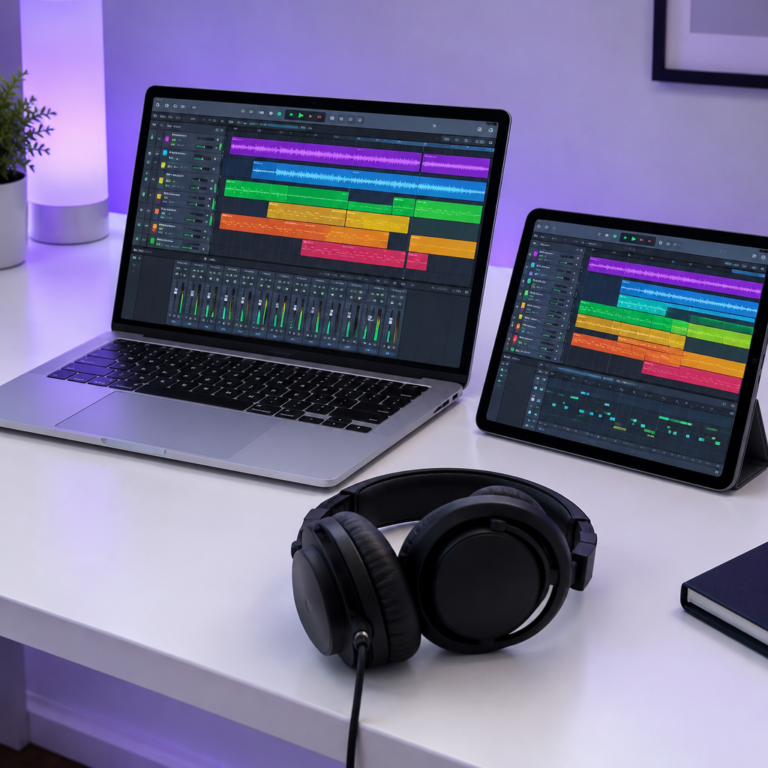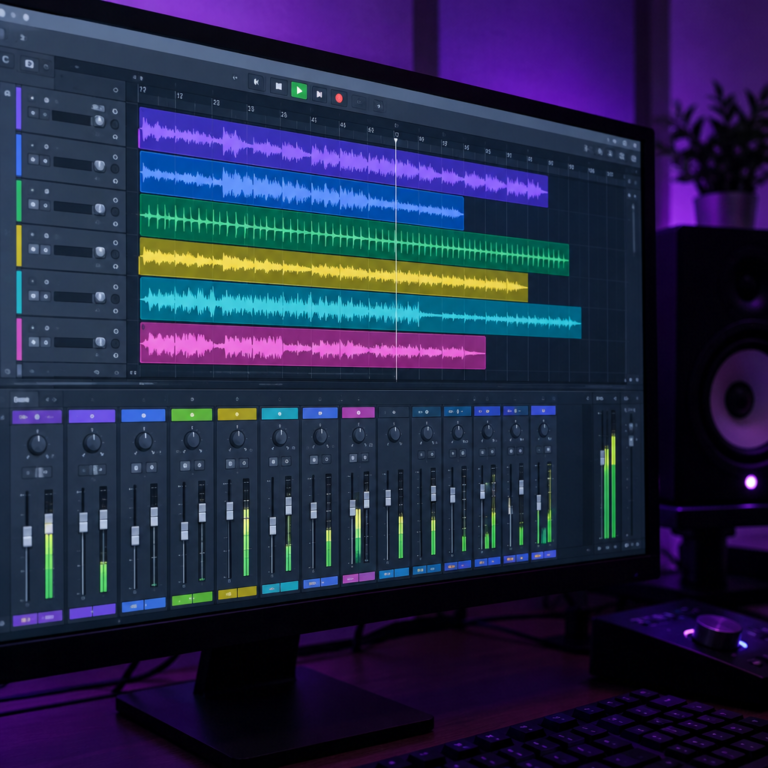
A VST plugin is a small piece of software that adds an instrument or an effect to your DAW. A synth, a sampled piano, a reverb or a compressor can all be VST plugins. You load them on a track inside your DAW, and they work as if they were part of it.
VST stands for Virtual Studio Technology. Steinberg, the company behind Cubase, introduced the first version in 1996. VST2 followed three years later and added virtual instruments, and VST3 arrived in 2008. Today VST is the most widely supported plugin format on Windows.
Two kinds of plugins: instruments and effects
| Type | What it does | Examples |
|---|---|---|
| Instrument (VSTi) | Turns MIDI notes into sound | Synths, sampled pianos, drum machines, orchestral libraries |
| Effect | Changes sound that is already there | EQ, compressor, reverb, delay, distortion |
An instrument sits at the start of a track and needs MIDI to play it. If MIDI is new to you, read what is MIDI. An effect sits after the sound, on an audio track or after an instrument, and shapes it.
Plugin formats: VST, AU and AAX
VST is not the only format. Which one you need depends on your DAW and computer.
| Format | Made by | Used by |
|---|---|---|
| VST / VST3 | Steinberg | Most DAWs on Windows and Mac, such as Cubase, FL Studio, Ableton Live, REAPER and Waveform |
| AU (Audio Units) | Apple | Mac only. Logic Pro and GarageBand use AU |
| AAX | Avid | Pro Tools |
Most commercial plugins ship in several formats in one installer, so you rarely need to choose. The main thing to remember: Logic Pro and GarageBand load AU plugins, not VST.
VST2 vs VST3
VST3 is the current version. It handles things like sidechain inputs more cleanly and lets a plugin use processing power only while it is receiving sound. Some older plugins only exist as VST2. Most current DAWs load both, but some new plugins and DAWs support VST3 only, so pick VST3 when you have the choice.
How to install a VST plugin
- Download it from the maker’s own website. Avoid “free download” sites that repackage paid plugins. Those files are a common way to spread malware.
- Run the installer and note where it puts the files. On Windows, VST3 plugins usually go in
C:\Program Files\Common Files\VST3. On a Mac, they go in/Library/Audio/Plug-Ins/VST3, and AU plugins in/Library/Audio/Plug-Ins/Components. - Rescan plugins in your DAW. Most DAWs have a plugin manager with a “rescan” button.
- Load it on a track: instruments on a MIDI or instrument track, effects in an effect slot.
Do you need to buy plugins?
Not to start. Every major DAW comes with its own instruments and effects, and many good plugins are free. Learn the built-in EQ and compressor first. If you want to know what those do, see our guides to EQ and compression.
Some DAWs limit plugins on their cheapest tiers. For example, Tracktion says Waveform Free loads VST, VST3 and AU plugins, which many free DAWs do not. Our free DAW guide covers the others.
Why plugins slow your computer down
Every plugin uses processing power, and heavy ones like large sample libraries also use memory. If your project starts crackling:
- Raise the audio buffer size in your DAW’s audio settings.
- Freeze or bounce finished instrument tracks to audio.
- Put one reverb on a send track and route several tracks to it, instead of a separate reverb on every track.
Frequently asked questions
What does VST stand for?
Virtual Studio Technology. It is a plugin format Steinberg introduced in 1996 so that instruments and effects from different makers can run inside any DAW that supports it.
What is the difference between VST and VSTi?
VSTi means a VST instrument, a plugin that makes sound from MIDI notes. A plain VST is often used to mean an effect, which changes sound that already exists.
Can I use VST plugins in Logic Pro?
Not directly. Logic Pro and GarageBand use Apple’s AU format. Most plugin makers include an AU version in the same installer.
Are free VST plugins safe?
Free plugins from the maker’s own site are generally fine. The risk comes from sites offering paid plugins for free, which often bundle malware.
Choosing a DAW to load plugins in? Read the best DAW for beginners. To time delay and reverb plugins to your song, use our free Delay Calculator.