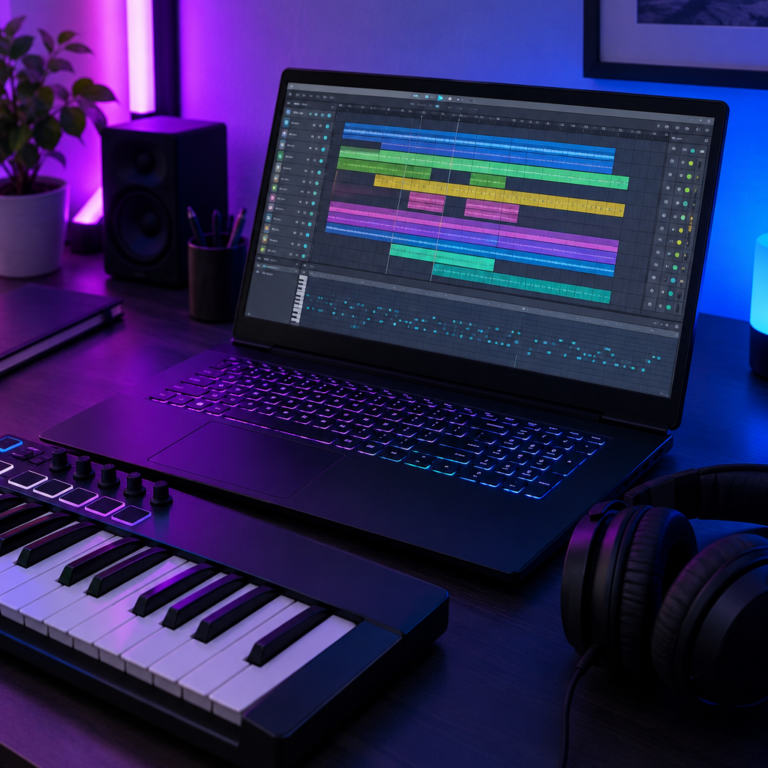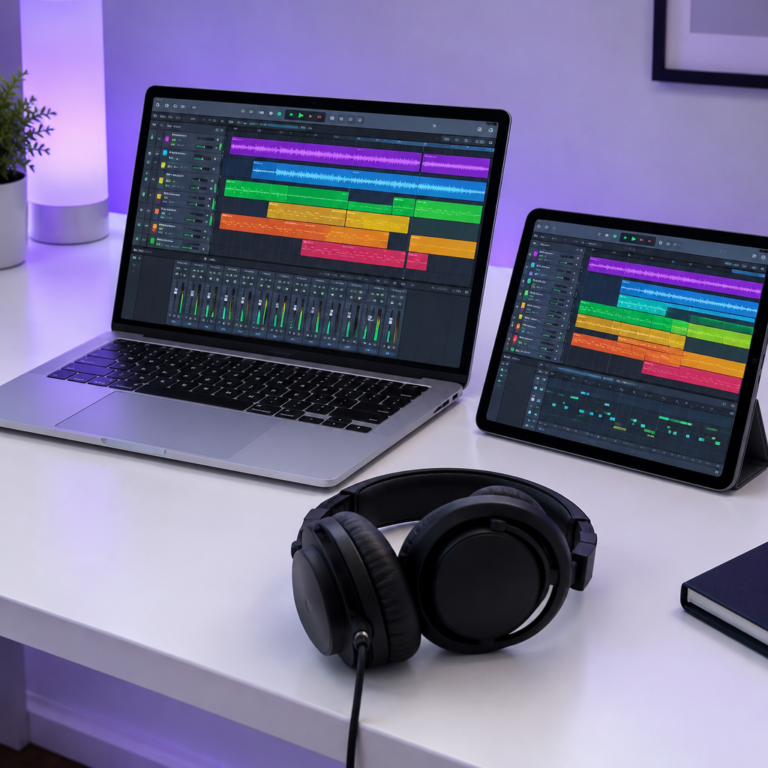
A DAW, or digital audio workstation, is the software you use to make music on a computer. It is where you record vocals and instruments, program beats, arrange a song, edit mistakes, add effects and mix everything into a finished track. FL Studio, Ableton Live, Logic Pro, GarageBand and REAPER are all DAWs.
What a DAW actually does
Every DAW looks different, but they all do the same five jobs:
- Record. Capture a voice or instrument through a microphone or an audio interface.
- Program. Write notes and drum patterns with MIDI, using a piano roll or a step sequencer, and play them through virtual instruments.
- Arrange. Lay out intros, verses and choruses along a timeline.
- Edit. Cut, move, copy and fix recordings, tighten timing and tune notes.
- Mix. Balance the volume of each part, pan sounds left and right, and add effects like EQ, compression, reverb and delay. Then export the song as a WAV or MP3.
The parts you will see in any DAW
| Part | What it is for |
|---|---|
| Timeline or arrangement view | Shows your song from left to right, one track per row. |
| Tracks | Each instrument, vocal or sample usually gets its own track. |
| Piano roll | A grid for drawing MIDI notes: pitch up and down, time left to right. |
| Mixer | A channel per track with a volume fader, pan control and effect slots. |
| Transport | Play, stop, record, loop, and the tempo (BPM) of the project. |
| Browser | Where you find samples, instruments, effects and saved presets. |
Audio vs MIDI
Two kinds of material live in a DAW. Audio is recorded sound: a vocal take, a guitar part, a drum loop. MIDI is a set of instructions, like “play C4 for one beat at this volume”, which a virtual instrument turns into sound. You can change every MIDI note after you write it, which is why most beats start as MIDI.
Popular DAWs and what they cost
| DAW | Runs on | Price |
|---|---|---|
| GarageBand | Mac, iPhone, iPad | Free |
| BandLab | Web browser, phone | Free |
| REAPER | Windows, Mac, Linux | $60 personal licence, 60-day free evaluation |
| FL Studio | Windows, Mac | $99 to $449, free lifetime updates (editions compared) |
| Logic Pro | Mac, iPad | $199.99 one-time on Mac |
| Ableton Live | Windows, Mac | Several editions, see Ableton’s site |
Prices for FL Studio, REAPER and Logic Pro come from Image-Line, REAPER and Apple.
What you need to run a DAW
- A computer. Most current laptops are enough to start. More memory and a faster processor let you run more tracks and effects at once.
- Headphones or speakers. Any decent pair works to begin with.
- An audio interface (only if you record). A small box that connects microphones and instruments to the computer with better sound and less delay than the built-in sound card.
- A MIDI keyboard (optional). Lets you play notes in instead of drawing them with a mouse.
You can make a full track with nothing but a laptop and headphones.
How to choose your first DAW
- On a Mac and spending nothing: start with GarageBand. Projects open in Logic Pro if you move up later.
- On Windows and spending nothing: Waveform Free or LMMS. Our free DAW guide compares them.
- Want to try without installing anything: BandLab runs in the browser.
- Making beats and hip hop: FL Studio is built around a fast pattern and piano roll workflow.
- Making electronic music or performing live: Ableton Live is designed around clips and live performance.
- Tight budget and you like to customise: REAPER is inexpensive and very flexible.
Most DAWs have a free trial. Spend a week making one short song in each, then keep the one you reached for most. The skills carry over: once you understand tracks, MIDI and a mixer in one DAW, learning another is quick.
Frequently asked questions
What does DAW stand for?
DAW stands for digital audio workstation. It means the software, and sometimes the whole computer setup, used to record, edit and mix music.
Is there a free DAW?
Yes. GarageBand is free on Apple devices, and BandLab is free in a web browser. REAPER has a 60-day evaluation with full features. See our full comparison of free DAWs.
What is the easiest DAW for beginners?
GarageBand is usually the easiest place to start on a Mac. On Windows, many beginners start with FL Studio’s trial or BandLab in the browser, since GarageBand is not available on Windows.
Do I need an audio interface to use a DAW?
No. You only need one to record microphones or instruments with good quality. For beats made with samples and MIDI, the computer’s own sound output is enough.
Ready to start? Set your project tempo with the BPM Tapper, keep time with the online metronome, and find the notes for your chords in the chord library.