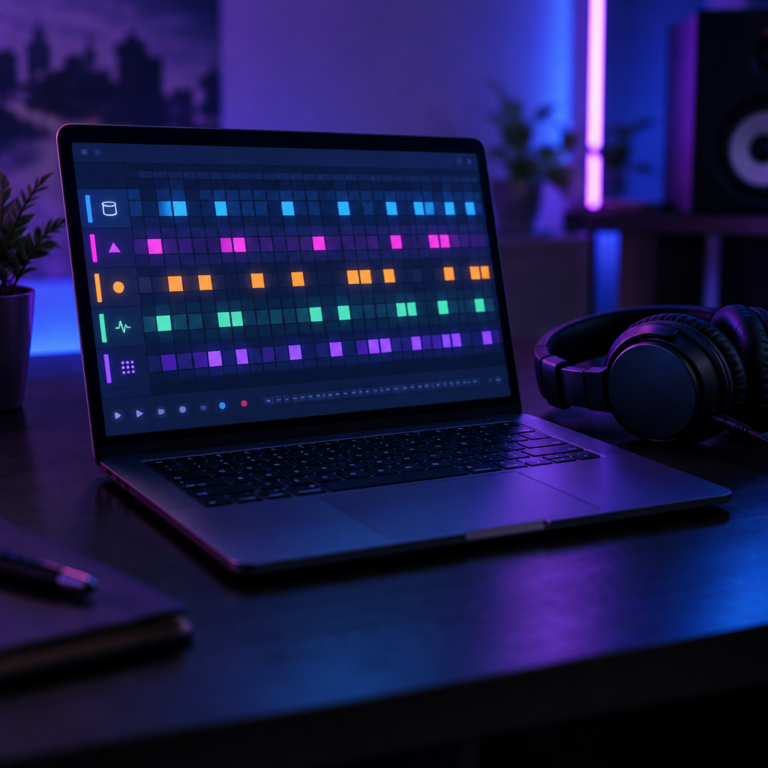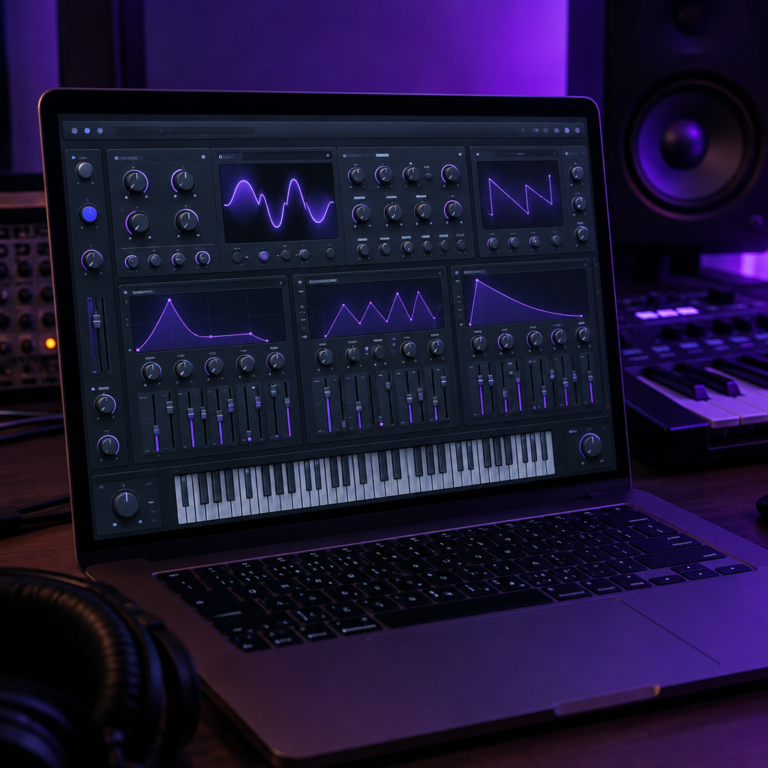
No, there is no GarageBand for Windows. Apple only makes GarageBand for Mac, iPhone and iPad, and the only official download is through Apple’s App Store. On a Windows PC, the closest free alternatives are Waveform Free, BandLab and LMMS.
Why you cannot get GarageBand on a PC
Apple sells GarageBand through the Mac App Store, where it is free but requires macOS 15.6 or later. Apple’s GarageBand page covers Mac, iPhone and iPad, and there is no Windows version.
Be careful with “GarageBand for PC” downloads
Search results and video tutorials sometimes offer a “GarageBand for Windows” installer. Since Apple does not make one, those files come from somebody else. At best they are a different program with a borrowed name. At worst they carry malware. Download music software only from the maker’s own website.
Running macOS inside a virtual machine on Windows is also not a good route. Apple’s licence only allows macOS on Apple hardware, and audio in a virtual machine tends to lag and crackle.
Free GarageBand alternatives for Windows
| Program | Price | Closest to GarageBand because |
|---|---|---|
| Waveform Free | Free | Full DAW: records audio, multitrack, loads plugins |
| BandLab | Free | Simple, beginner-friendly, runs in the browser and on phones |
| LMMS | Free | Piano roll and built-in instruments for beat making |
| Audacity | Free | Recording and editing audio |
Waveform Free
Waveform Free by Tracktion runs on 64-bit Windows 10 and 11. Tracktion calls it a “completely unlimited free DAW”. It records multiple tracks and loads VST and VST3 plugins, so it covers everything GarageBand does and more. It looks busier than GarageBand at first, but the basics are quick to learn.
BandLab
BandLab feels the most like GarageBand: loops, virtual instruments and a simple layout. It runs in a web browser on Windows, so you do not install anything, and it is a free app on the App Store and Android if you want to keep working on your phone.
LMMS
LMMS is free and open source, and runs on Windows, Mac and Linux. It is built for programming beats and melodies rather than recording, so it suits hip hop and electronic music.
Audacity
Audacity is a free audio editor and recorder for Windows. Use it to record a vocal or a podcast. It has no instruments or loops, so it is not a full replacement for GarageBand.
If you are ready to pay
FL Studio and REAPER both run on Windows. FL Studio costs $99 to $449 with free lifetime updates (editions compared). REAPER gives you 60 days free with full features, then costs $60 for a personal licence (reaper.fm).
Frequently asked questions
Can I download GarageBand on Windows 10 or 11?
No. GarageBand only runs on Mac, iPhone and iPad. Any “GarageBand for Windows” download comes from someone other than Apple and should be avoided.
What is the closest thing to GarageBand on Windows?
BandLab is the closest in look and feel, and it runs in your browser for free. For a full desktop DAW, Waveform Free is the strongest free option.
Can I open GarageBand projects on Windows?
Not directly. Export each track from GarageBand as an audio file on a Mac, then import those files into a Windows DAW and line them up at the start.
For a wider comparison, see our guide to free DAWs, or read what a DAW is if you are just starting. Our free online metronome, BPM Tapper and chord library also work in any browser on Windows.