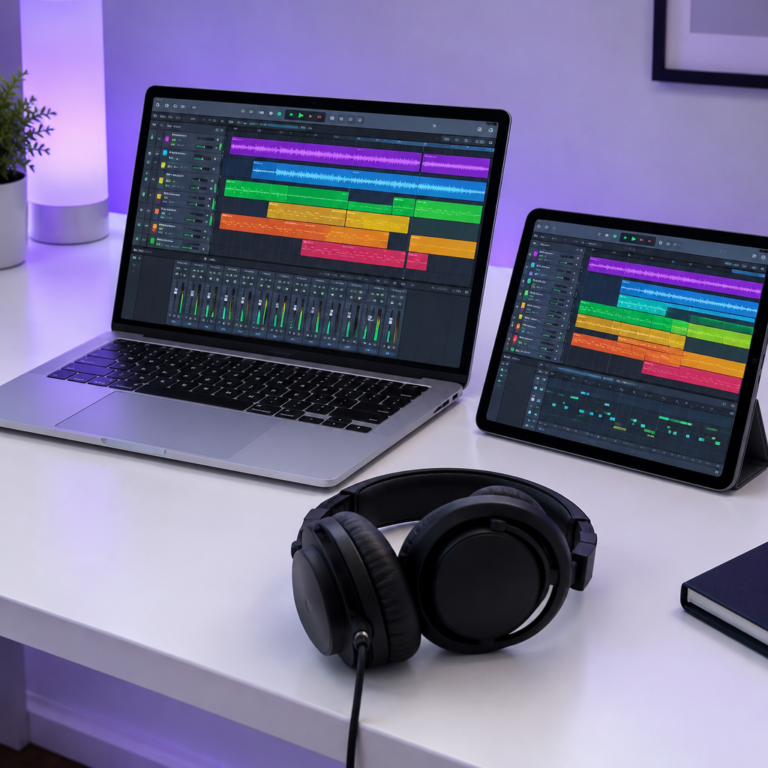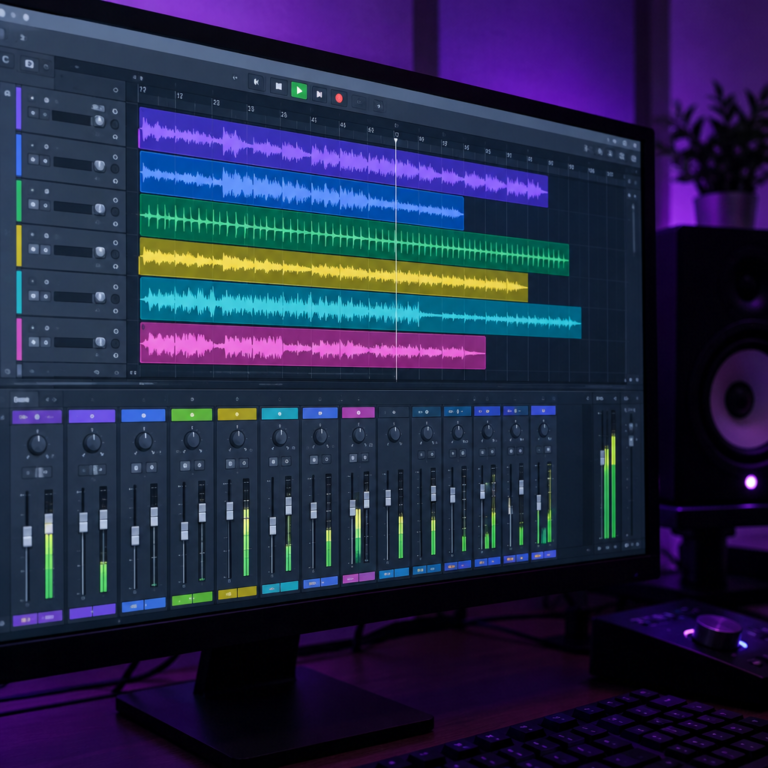
Is REAPER free? Not permanently: REAPER is free to evaluate for 60 days with every feature unlocked, and after that Cockos asks you to buy a license, which costs $60 for most home users and $225 for larger businesses. If you have seen people say REAPER is “basically free”, this is where that comes from. Here is what the trial includes, what happens on day 61, and whether the $60 is worth paying.
Is REAPER free?
REAPER is paid software with a generous trial. Its download page offers “a free, fully functional 60-day evaluation”, with no registration or personal details needed. There is only one version of REAPER, so the trial is the full program, not a cut-down edition. Our view: treat it as a two-month free test, then pay if you keep using it.
Is REAPER permanently free?
No. The 60 days are an evaluation period, and the purchase page says to download and evaluate REAPER before buying a license. Nothing on Cockos’s own pages describes REAPER as free to keep using.
Is REAPER still free after 60 days?
REAPER does not lock you out after 60 days. Users in threads such as this one on r/Reaper report that it keeps opening after the trial, with a reminder screen asking you to buy a license. That does not make it free: the evaluation is for 60 days, and if you keep using it after that, you are expected to pay. We would pay the $60. It is cheaper than almost every other paid DAW, and it funds a small company that has kept updating REAPER for years.
How much does REAPER cost?
| License | Price | Who it is for |
|---|---|---|
| Discounted license | $60 | Personal use, or individuals and businesses earning under $20,000 a year, or schools and non-profits |
| Commercial license | $225 | Businesses earning more than $20,000 a year |
From REAPER’s purchase page. Prices exclude VAT and local taxes.
Both licenses are the same program. The price only depends on how you use it. A few details from the purchase page that are easy to miss:
- Updates are included for a long time. A new license includes free upgrades through REAPER version 8.99. The current version is 7.84, released on 28 October 2026.
- One license covers all your computers. You can install the same key on several machines, as long as you only use REAPER on one at a time.
- Sales are final. That is why the 60-day trial matters: use it properly before you buy.
Do you qualify for the $60 license?
Most home producers do. You can use the discounted license if any of these is true:
- You are an individual and REAPER is only for your personal use.
- You use REAPER commercially, alone or as a business, and your yearly gross revenue is under $20,000.
- You are a school or a non-profit organization.
If none of those fits, the commercial license at $225 applies.
What REAPER costs compared with other DAWs
We put REAPER’s price next to the other DAWs we have priced on this site, using each maker’s own page:
| DAW | Price (USD) | Runs on |
|---|---|---|
| REAPER | $60 (discounted) or $225, paid once | Windows, macOS, Linux |
| FL Studio | $99 to $449 depending on edition | Windows, macOS |
| Logic Pro | $199.99 once on Mac, or $12.99 a month in Apple Creator Studio | Mac with Apple silicon; iPad through the subscription |
| GarageBand | Free | Mac, iPhone, iPad |
Details are in our guides to FL Studio prices, Logic Pro prices and GarageBand alternatives for Windows. REAPER is the cheapest paid option here and the only one that runs on Linux. Its Windows download is about 17 MB, small enough to run on an older laptop.
Which is better, Audacity or REAPER?
For editing and cleaning up recordings, Audacity is free and does the job. For making music, we would pick REAPER. Audacity is built around recording and editing audio, while REAPER is a full DAW: it records and edits audio too, but it also handles MIDI, virtual instruments, automation and mixing with buses and effects on every track. If you only need to trim a podcast or a voice memo, start with Audacity. If you want to write and mix songs, REAPER’s 60-day trial is the better use of your time.
Is REAPER good for beginners?
REAPER is powerful but plain out of the box, and it expects you to learn where things are. The free user guide helps. If you want something that feels ready to make beats from the first minute, look at our best DAW for beginners guide, or try a free DAW first. If you like tools you can shape to your own way of working, REAPER rewards the effort.
How to get the most from the 60-day trial
- Use it on a real song. Record, edit and mix one full track, not just a test beat.
- Test your plugins. Load the VST instruments and effects you already own; see what a VST plugin is.
- Test your audio interface. Check recording latency with your own setup; see what an audio interface does.
- Keep time with a click. Set the tempo first; our online metronome and BPM Tapper help before you open a project.
- Decide before day 60. If it fits how you work, buy the license. If not, you have lost nothing.
Sources
- REAPER, Purchase a license: prices, discounted license rules, updates through 8.99, multiple computers.
- REAPER, Download: 60-day evaluation, current version, supported systems, download size.
- r/Reaper discussion: user reports of what happens after day 60.